How to Register a Domain With Cloudflare: What to Check Before You Pay
Register a domain with Cloudflare after checking nameserver requirements, availability, renewal settings, and contact information.

- domains
- guide
To register a domain with Cloudflare, use the official registration instructions and open the linked Register domains page. Search for the exact name, choose a term, enter contact and payment details, and review the agreement before purchase. Cloudflare documents the workflow.
Check the nameserver requirement first. Cloudflare Registrar domains must use Cloudflare nameservers. Cloudflare says customers cannot switch to another DNS provider’s nameservers while using the registrar. The registration guide states that restriction.
The nameserver requirement affects the buying decision
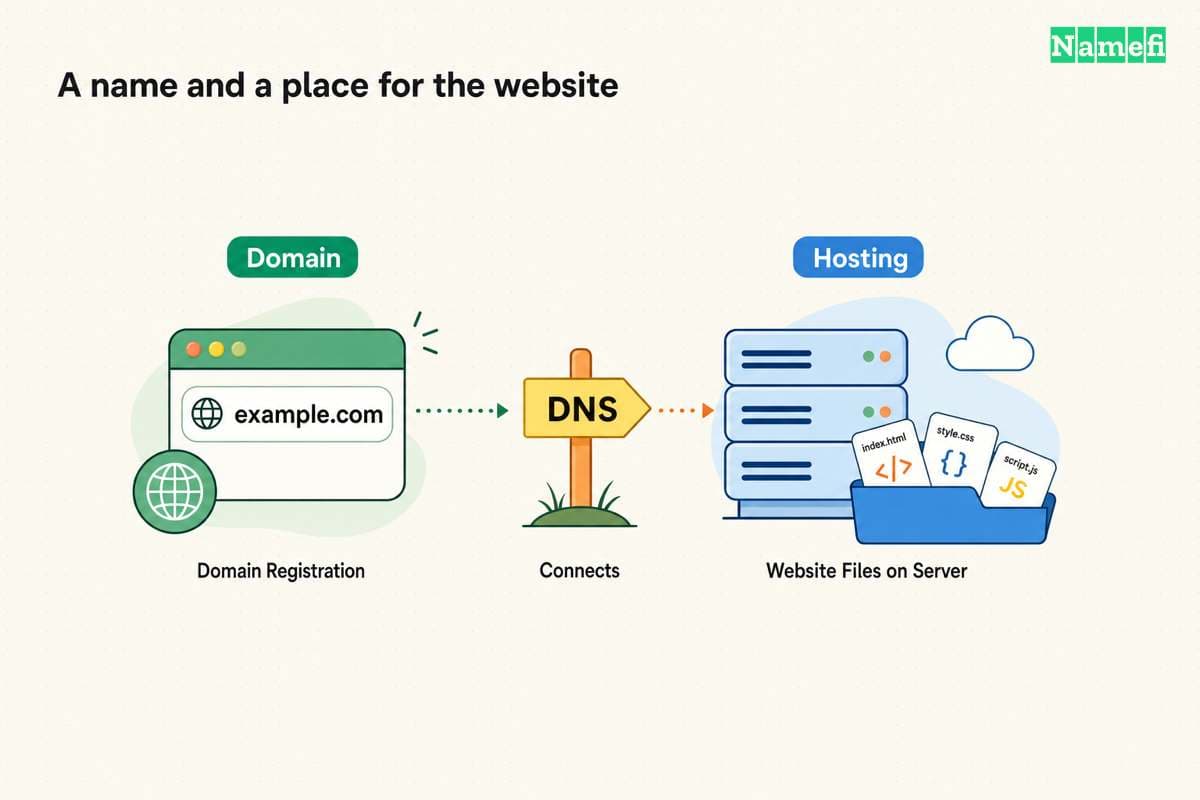
A website host and a DNS provider perform different jobs. A host that accepts ordinary DNS records can fit an arrangement where Cloudflare manages the authoritative zone. A service that requires control through another provider’s nameservers needs closer review.
Do not assume that a host’s default onboarding instructions create a mandatory nameserver requirement. Ask whether the host supports connecting through records at the current DNS provider. Then compare the documented answer with Cloudflare’s registrar restriction.
Cloudflare’s FAQ says that using different nameservers requires moving the domain to another registrar. The FAQ also distinguishes a delegated subdomain from changing the registered domain’s nameservers. Cloudflare explains the alternatives.
As practical guidance, resolve the hosting connection method before buying. A registration can be a poor operational fit even when the displayed charge looks attractive.
The domain versus hosting guide explains those separate services. The Shopify domain guide applies the distinction to a store.
The exact domain and extension need confirmation
Search for the full intended name. Read every character and confirm the extension. A similar suggestion is a different registration, even when the suggestion looks suitable at first glance.
Cloudflare warns that a search result can rarely display a domain that is unavailable. The service performs a definitive availability check after selecting Purchase. The registration instructions explain that check.
The same guide states that Cloudflare Registrar does not currently support internationalized domain names. Cloudflare lists the registration prerequisites. Confirm support before planning a name that uses non-ASCII characters.
For a name already registered elsewhere, distinguish registration from transfer. A transfer moves an existing registration between registrars. A new registration acquires an available name. Follow the appropriate official workflow rather than treating a failed availability search as a transfer request.
As buying advice, compare several plausible names before checkout. Avoid paying for a typo simply because a suggested result appears prominently.
The checkout shows the term and current charge
Cloudflare’s instructions let the customer choose the registration term. The displayed price and expiration date change with that selection. Cloudflare also distinguishes the Renew On date from the expiration date. The guide describes the term controls.
Review these fields before paying:
| Field | Review question |
|---|---|
| Domain | Does every character match the intended name? |
| Term | How many registration years does the purchase include? |
| Charge | Which currency and total does checkout display? |
| Renewal | When will the service attempt renewal? |
| Contact | Can the responsible person receive verification? |
| Agreement | Which registration and service terms apply? |
Cloudflare says Registrar sells at registry and ICANN list cost without a markup. The FAQ also states that completed registration, renewal, and transfer fees are non-refundable. Cloudflare explains the pricing and refund boundary.
“At cost” does not mean a free domain. Use the actual checkout total for the selected name and term. This guide supplies no price table because the purchase decision needs the current checkout.
Contact verification remains part of registration
Cloudflare requires a verified account email and accurate contact information. The registration guide warns that an unverified registrant email can result in a hold and parking nameservers. Cloudflare explains verification requirements.
Enter the real required details. Do not confuse public-data redaction with permission to submit false contact information. The guide says Cloudflare redacts personal information when the registry permits redaction.
As operating advice, choose a reachable recovery address. Avoid making the new domain’s only mailbox the sole path to recover the same domain account. Record the organization’s account owner and backup access process.
Read the confirmation email and complete required verification. Then open the domain management page and confirm the registration appears in the intended account.
Registration does not finish the website setup
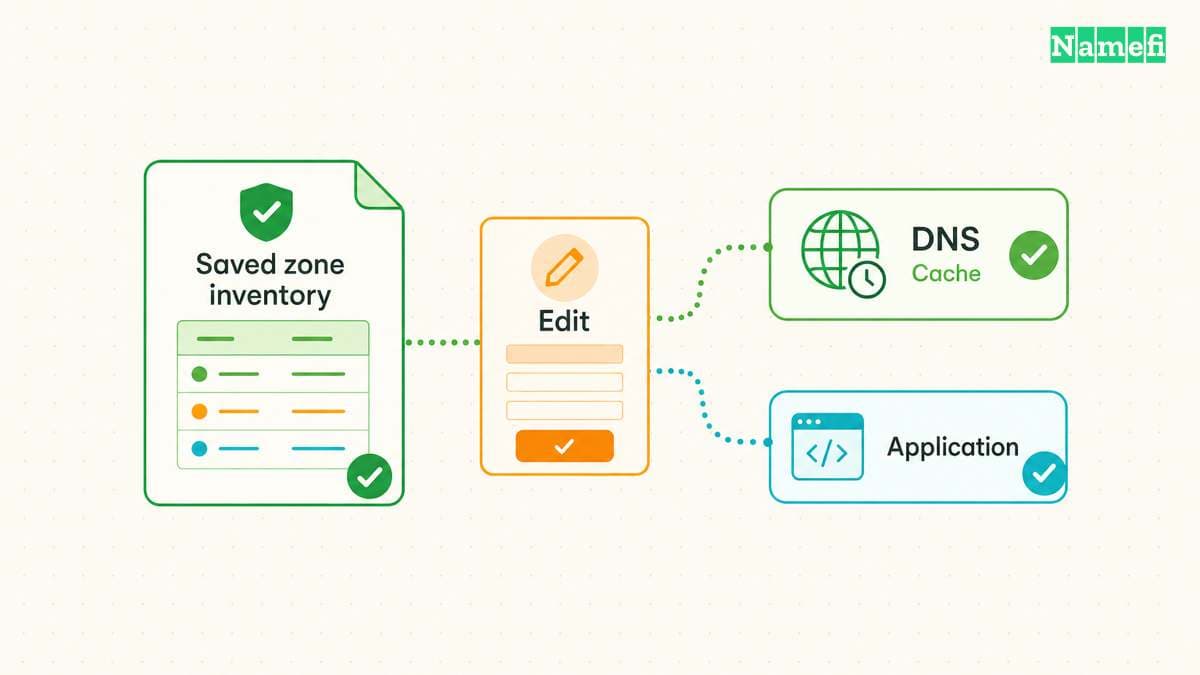
After registration, configure the DNS records required by the actual hosting service. Preserve a written list of the expected website and email records. Do not add unrelated records from a generic template.
Cloudflare turns auto-renewal on by default for new registrations, according to the registration guide. The provider documents that default. Review the setting and payment method deliberately rather than assuming a later renewal will succeed.
As practical guidance, test the public website, HTTPS, and email separately after configuration. The domain appearing in the account proves a different step from a working application.
The buying decision should end with three clear answers: Cloudflare’s DNS requirement fits the deployment, checkout identifies the intended purchase, and an accountable person owns verification and renewal. Complete the purchase only after those answers are clear.
Sources and further reading
Cloudflare explains new registration
Cloudflare explains new registration. Supporting passage: “a definitive availability check will be performed” Checked 2026-10-30.
Cloudflare requires its nameservers
Cloudflare requires its nameservers. Supporting passage: “You will not be able to change to another DNS provider's nameservers while using Cloudflare Registrar.” Checked 2026-10-30.
Cloudflare explains nameserver alternatives
Cloudflare explains nameserver alternatives. Supporting passage: “If you still need to use different nameservers, you will have to move your domain to another Registrar .” Checked 2026-10-30.
Cloudflare explains fees and refunds
Cloudflare explains fees and refunds. Supporting passage: “No. Cloudflare Registrar sells domains at cost: you pay the registry and ICANN list price with no markup. Because that money is passed straight to the registry the moment a registration, renewal, or transfer completes, those fees are non-refundable.” Checked 2026-10-30.
About the author(s)
Fenwei Bian is a software developer in her thirties who spends her working hours in pull requests and her weekends with her hands in soil or sawdust. Years of open source on GitHub taught her that names are interfaces: a good one is clear, honest about what it does, and kind to whoever has to use it next.
She gardens because it rewards patience and punishes wishful thinking, and she does woodwork because a joint either fits or it doesn't. Both habits show up in how she writes about naming — measure twice, check the source, and don't sand over a rough spot and hope no one notices.
For Namefi she writes about how domain markets actually move, the practical trade-offs of tokenizing and flipping names, and picking a domain you'll still be glad you own in twenty years.