A DNS Cache Flush Refreshes Local Answers on Windows, macOS, and Linux
Clear the right DNS cache, compare results, and distinguish local stale answers from upstream caching, missing records, and browser problems.

- dns
- networking
- troubleshooting
- guide
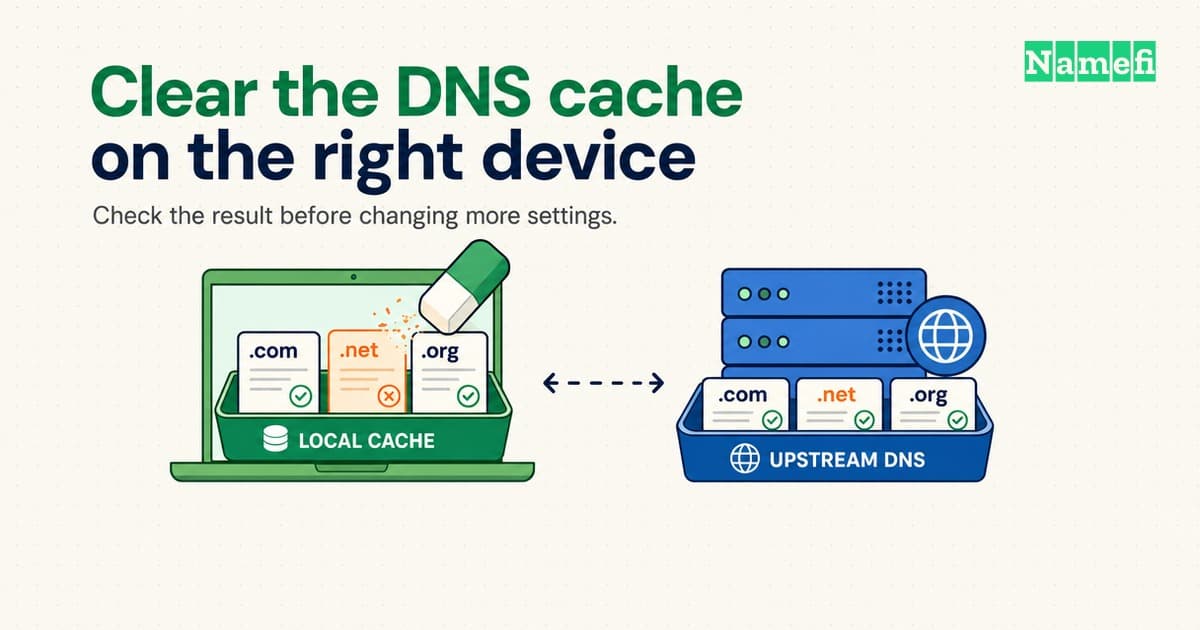
On Windows, ipconfig /flushdns clears the local DNS client resolver cache.
On Linux with systemd-resolved, resolvectl flush-caches clears that service's local caches.
macOS requires guidance appropriate to the installed version.
A local flush does not edit the domain's published records or clear every upstream resolver.
Use a flush when evidence points to a cached answer on the affected device. Record the failing hostname and error before changing the cache. An error that survives a flush needs a comparison, rather than another round of resets. The specific-server lookup guide explains those comparisons.
Windows clears its client cache with ipconfig
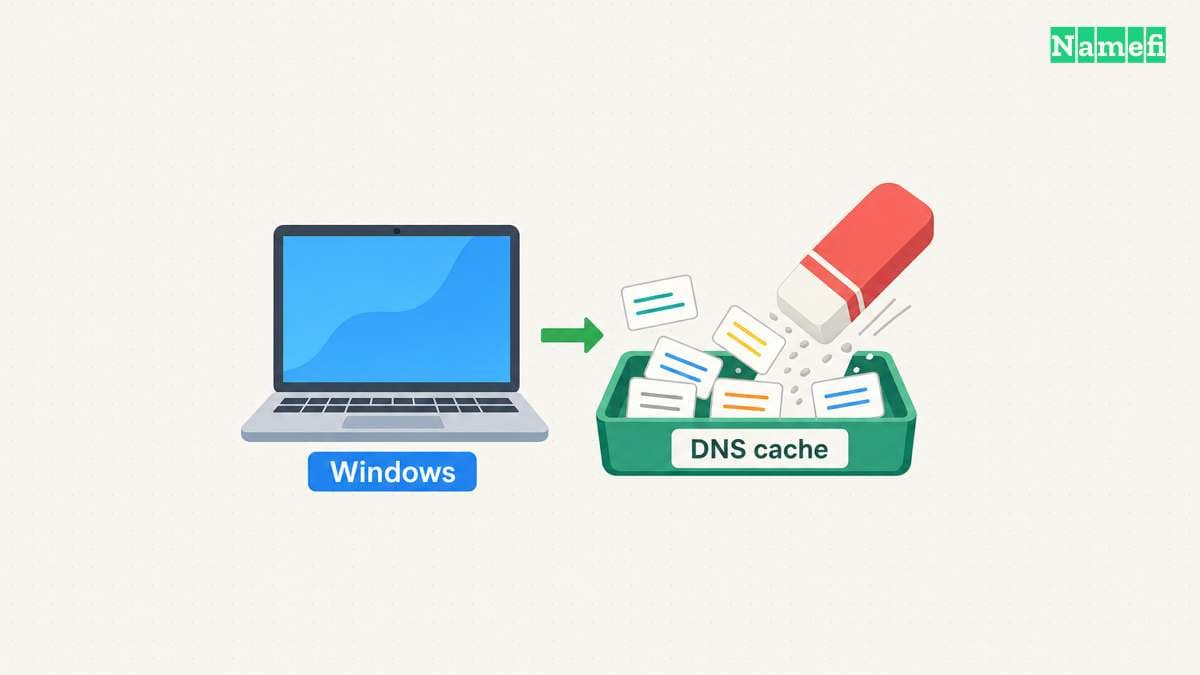
Open Command Prompt with administrator privileges on a device that you manage. Run:
ipconfig /flushdns
Microsoft documents the command for Windows 10 and Windows 11. The command discards dynamically added entries, including cached negative answers. Microsoft's ipconfig reference defines the cache operation. The command does not publish a new address for a website.
Before flushing, this optional command displays the client cache:
ipconfig /displaydns
Cache output can contain hostnames from browsing or internal services. Review saved output before sharing a support report. Microsoft notes that the displayed cache includes entries from the local Hosts file. A flush does not replace the need to inspect an incorrect Hosts entry.
Retry the original application after the flush. Record whether the original error changed. Successful command execution confirms the requested cache operation, rather than successful website loading.
Do not add unrelated ipconfig commands to the procedure.
/release discards DHCP address configuration, while /renew renews a DHCP lease.
/registerdns requests dynamic registration of the computer's names and addresses.
Microsoft documents those separate operations.
None is a synonym for flushing the client cache.
macOS and Linux require the correct local resolver procedure
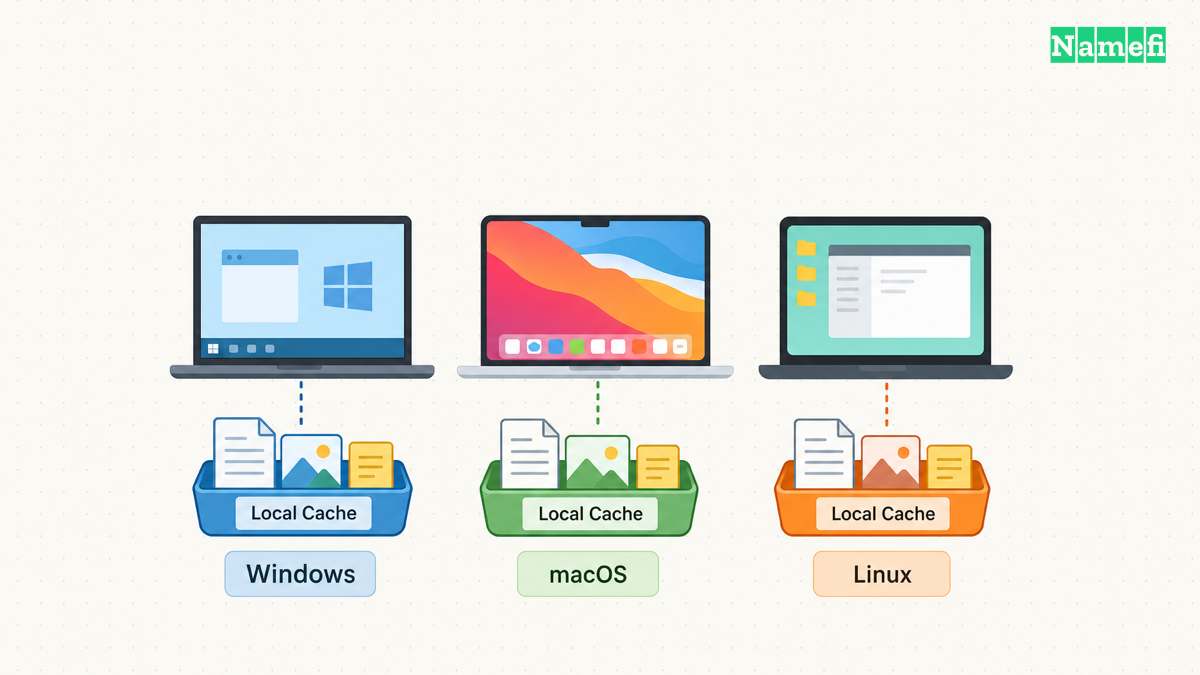
On a Mac, identify the macOS version before copying a Terminal command. Apple's DNS cache reset article describes different commands for different OS X releases. Apple marks the article as archived and no longer updated. The archived article also describes restarting the Mac to refresh cached information. Save work before restarting a personal Mac.
For historical context, Apple documents this command for OS X 10.10.4 and later in that archived article:
sudo killall -HUP mDNSResponder
Treat the archived version range as historical documentation, rather than a current compatibility guarantee for every macOS release. Check the installed version's documentation or your administrator's procedure before using a privileged command. An unfamiliar command can affect a shared machine beyond the browser under investigation.
On Linux, first identify the active resolver. For a system that uses systemd-resolved, run:
resolvectl status
resolvectl statistics
sudo resolvectl flush-caches
status shows global and per-link DNS settings.
statistics shows resolver statistics.
flush-caches clears the DNS resource-record caches maintained locally by systemd-resolved.
The systemd resolvectl manual documents each operation.
A missing resolvectl command does not prove that the machine has no DNS cache.
Another service or application can maintain cached data.
Identify that service and follow the installed service's documentation.
Avoid restarting network services merely because a command intended for another distribution did not work.
A comparison identifies the cache that still matters
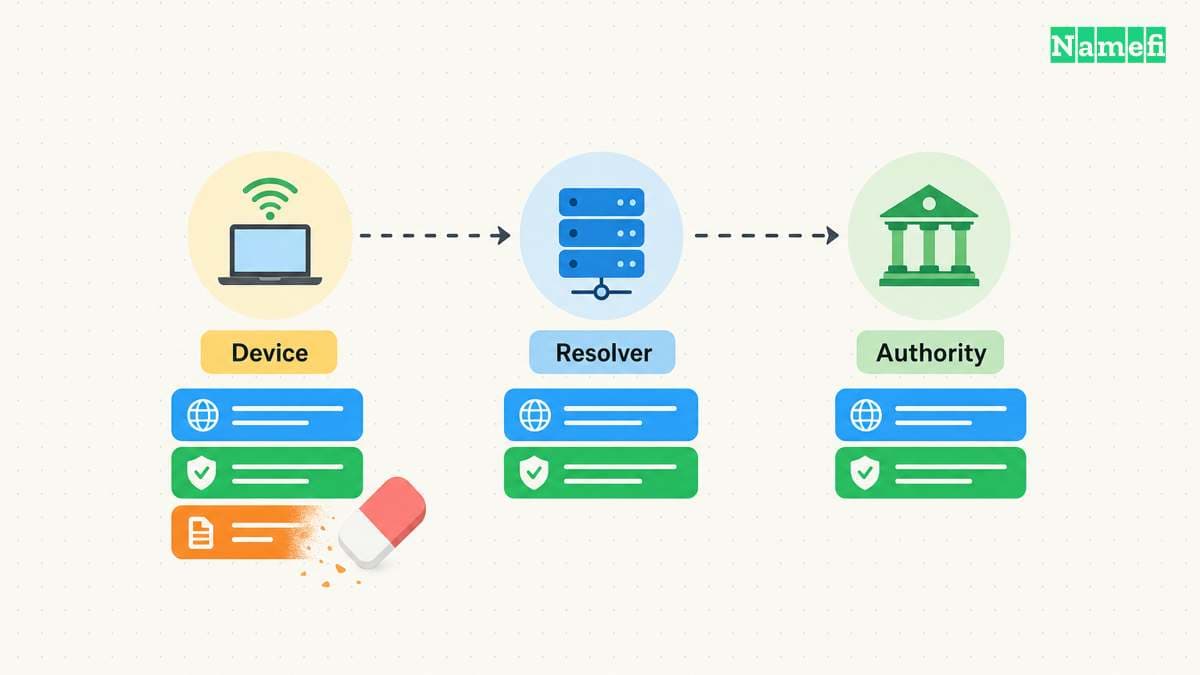
A DNS resolver can keep an answer independently of the affected computer. A resolver can also cache a negative response. RFC 2308, Section 5 specifies negative-answer caching. Clearing a device cache therefore cannot guarantee that the next upstream answer will differ.
For example, suppose an administrator creates a missing verification record. The authoritative server now returns the record, while the selected resolver still returns a cached negative answer. A device flush can request the record again and still receive the earlier negative answer. The TTL and propagation guide explains the relevant cache lifetimes.
Keep the hostname and record type constant when comparing resolver answers. Use the configured resolver and another resolver permitted by the network administrator. The following addresses are documentation placeholders, not working DNS services:
nslookup -type=A www.example.com. 192.0.2.53
nslookup -type=A www.example.com. 192.0.2.54
Replace both addresses with verified resolver addresses before running the comparison. Microsoft documents the server address as nslookup's second argument. A different answer identifies a difference between those two observations. A different answer alone does not identify which answer is correct.
Use the following observations to choose the next action:
| Observation | Next action |
|---|---|
| The application works after one local flush | Record the change and stop resetting settings |
| The selected resolver still returns an old answer | Compare verified authoritative answers and cache timing |
| Only the browser fails | Inspect the browser's resolver settings and restart the browser |
| An internal name fails through a public resolver | Restore the approved internal DNS or VPN path |
| Every checked authoritative server lacks the intended name | Ask the domain operator to inspect publication and delegation |
Chrome can use Secure DNS, so an operating-system test may follow a different lookup path. Google explains the setting in Chrome's security guidance. Google's connection troubleshooting guide also explains how to quit and reopen Chrome. Deleting cookies or resetting all browser settings should not substitute for identifying the failing DNS path.
Public resolvers have their own cache controls. For example, Google's Public DNS flush tool targets Google's service. The tool does not clear every ISP or enterprise resolver. Use provider-specific cache tools only after confirming the published record is correct.
A useful support report includes the exact hostname, record type, UTC timestamp, selected resolver, original error, and post-flush result. Keep internal hostnames in an approved support channel. The report gives an administrator enough context to investigate the remaining layer.
These sources document the cache operations
- Microsoft: ipconfig. Client-cache, DHCP, and registration operations. Fetched 2026-10-22.
- Apple: Reset the DNS cache in OS X. Archived version-specific commands and restart guidance. Fetched 2026-10-22.
- systemd: resolvectl. Local systemd-resolved operations. Fetched 2026-10-22.
- IETF: RFC 2308, Section 5. Negative caching. Fetched 2026-10-22.
- Microsoft: nslookup. Explicit-server lookups. Fetched 2026-10-22.
- Google: Manage Chrome safety and security. Secure DNS. Fetched 2026-10-22.
- Google: Fix connection and loading errors. Browser restart steps. Fetched 2026-10-22.
- Google Public DNS: Flush Cache. Provider-specific cache tool. Fetched 2026-10-22.
About the author(s)
Namefi is a collective of engineers, designers, and operators who obsess over building tools that make managing your onchain domain names effortless.