SSL Certificate Renewal Requires Validation and Deployment Checks
Renew a TLS certificate, preserve domain validation, automate deployment, and check the certificate that visitors actually receive.

- https
- tls
- certificates
- security
- guide
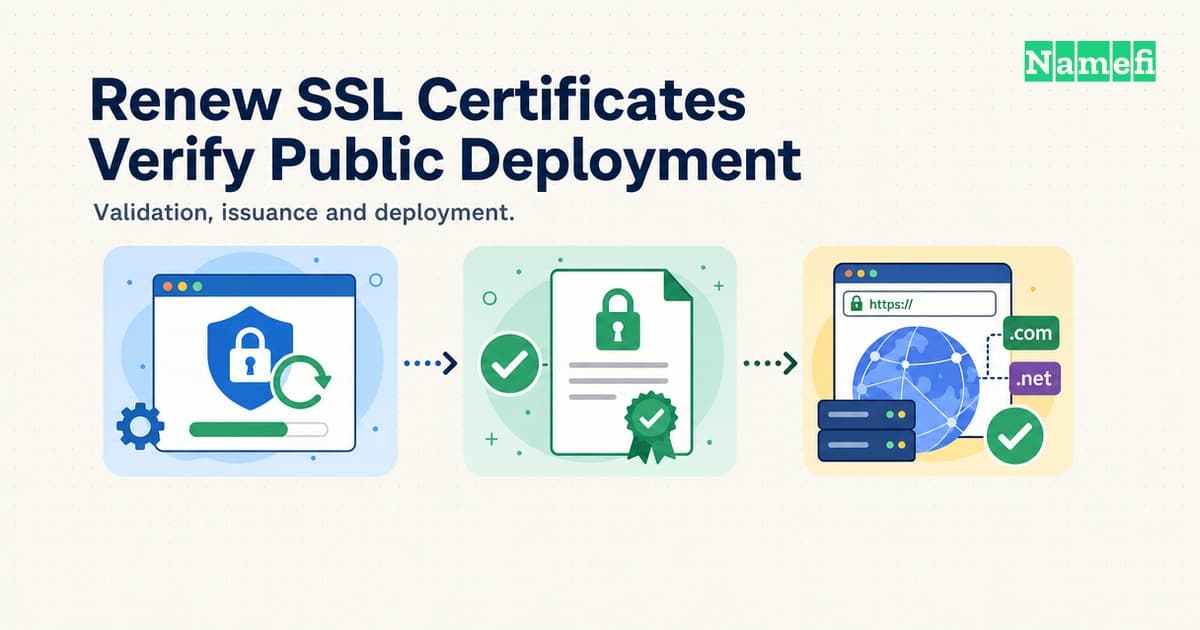
To renew an SSL certificate, identify the certificate manager, confirm domain validation, obtain a replacement, and verify deployment. A successful certificate request does not prove that visitors receive the replacement.
People still search for “SSL certificate renewal,” although modern HTTPS uses TLS. Renewal obtains a replacement certificate. Renewal does not extend the signed validity dates of the existing certificate. This guide covers renewal operations for an existing website. The steps depend on whether a hosting provider, a cloud service, or a local ACME client manages certificates.
Consider a hypothetical website, shop.example.com. An administrator sees a fresh certificate in the hosting dashboard, but customers still receive an expiration warning. The administrator needs evidence from the public connection before ordering another replacement.
Your renewal plan starts with the certificate that serves visitors
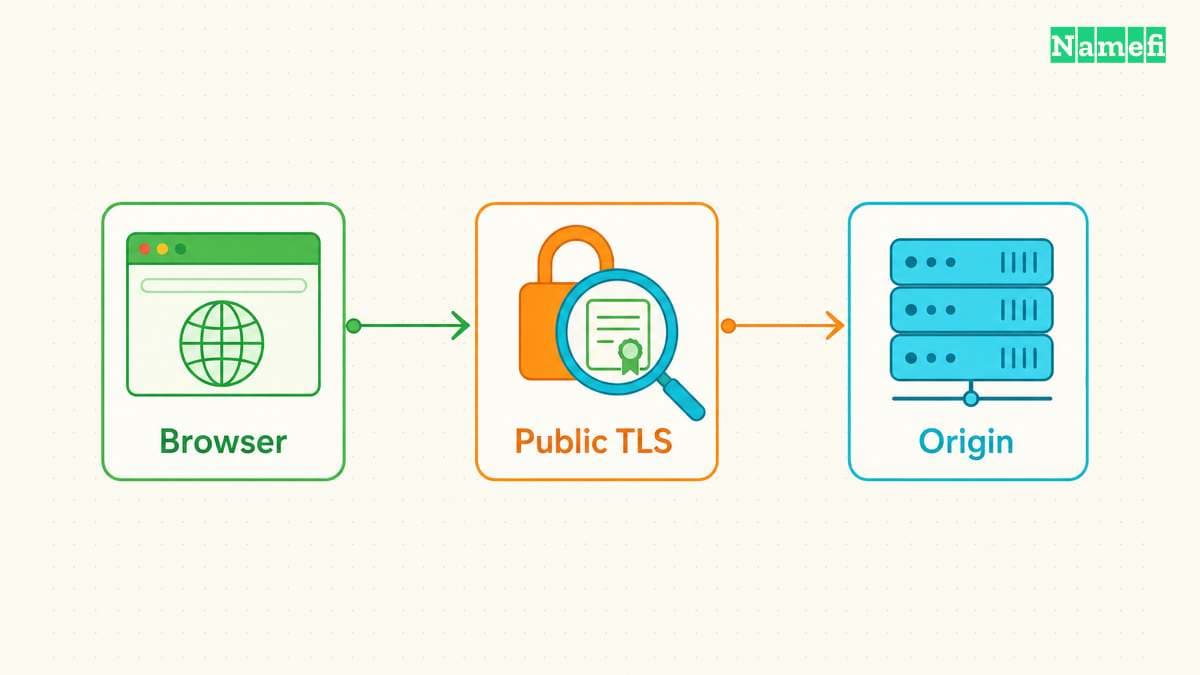
Start with a read-only inspection of the public hostname. Open the browser's certificate viewer and record the issuer, validity dates, and covered names. Repeat the inspection for important hostnames, including the apex domain and www when both serve visitors.
For command-line inspection, the following example connects to a hypothetical hostname. Replace shop.example.com with a hostname under your administration:
openssl s_client -connect shop.example.com:443 -servername shop.example.com -showcerts </dev/null
OpenSSL documents -connect as the destination and -servername as the TLS Server Name Indication value. Explicitly setting the name helps select the intended virtual host. The -showcerts output shows the certificates the server sends. OpenSSL, s_client options
Treat inspection and validation as separate tasks. Printing a certificate does not establish that a browser trusts the certificate. Keep error output visible, and investigate connection or verification errors before interpreting partial output.
Next, locate the system that terminates the public TLS connection. The system might be a content delivery network, a load balancer, or the web server. A certificate on an origin server can differ from the certificate at the public endpoint.
Build a small inventory before changing anything:
| Location | Record | Check next |
|---|---|---|
| Public endpoint | Names and expiry | Visitor-facing certificate |
| Certificate manager | Issuer and renewal status | Renewal responsibility |
| Deployment target | Listener or certificate path | Active configuration |
| Validation service | Method and account | Continued access |
Record the responsible person alongside each location. A managed service can automate certificate work, while a separate team still controls domain validation. The domain-versus-hosting guide explains why the domain account and hosting account can differ.
Your renewal schedule must follow the actual certificate lifetime
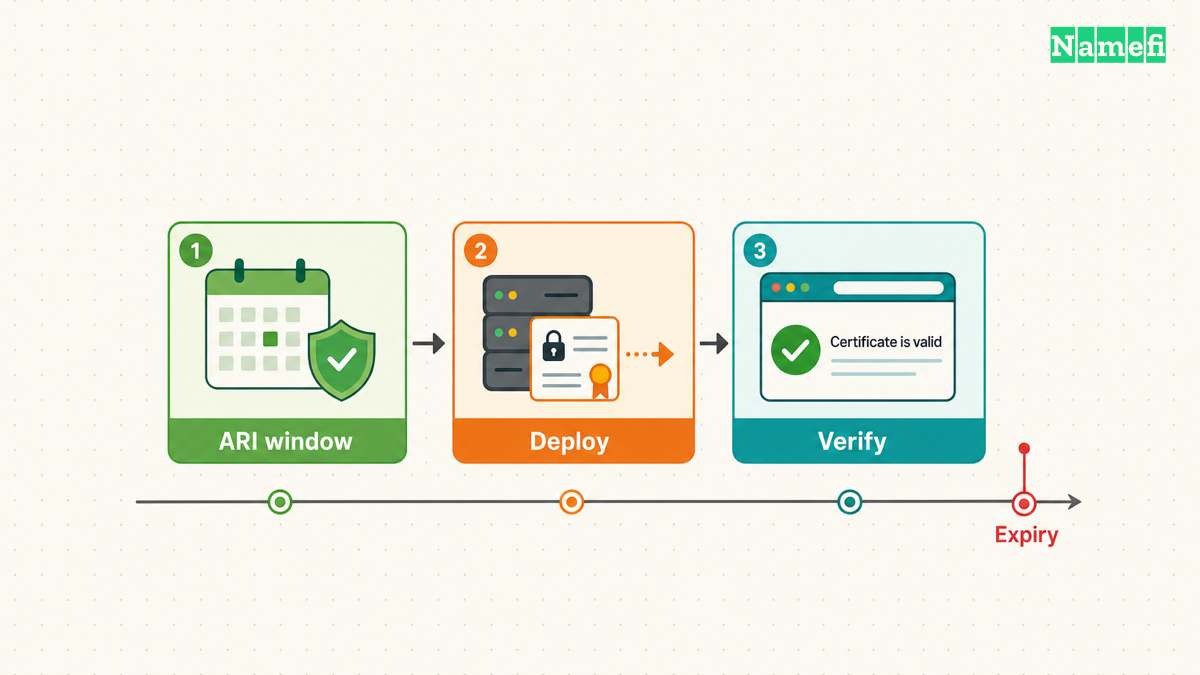
Check the actual certificate lifetime rather than copying an old schedule. As of October 21, 2026, the public TLS maximum is 200 days for certificates issued since March 15, 2026. A certificate authority can issue certificates with shorter lifetimes.
| Public certificate issuance date | Maximum validity |
|---|---|
| March 15, 2026–March 14, 2027 | 200 days |
| March 15, 2027–March 14, 2029 | 100 days |
| March 15, 2029 onward | 47 days |
These limits apply to publicly trusted TLS server certificates. They do not set the schedule for an enterprise's private certificate authority. CA/Browser Forum, Baseline Requirements 2.3.1, sections 1.1 and 6.3.2
Let's Encrypt currently uses a 90-day default lifetime. Its October 7 announcement schedules 64-day default certificates for February 10, 2027. The announcement also identifies 45-day and six-day options. These lifetimes describe Let's Encrypt profiles, not every certificate authority. Let's Encrypt, 64-day announcement
The opt-in tlsserver profile already issues 45-day certificates. Let's Encrypt schedules 45-day default certificates for February 16, 2028. Read the configured profile before setting alerts. Let's Encrypt, timeline of changes
Prefer the authority's ACME Renewal Information (ARI) window when the client supports ARI. Without ARI, Let's Encrypt recommends renewal approximately two-thirds through the certificate lifetime. A fixed 60-day interval cannot support a 45-day certificate. Let's Encrypt, automation guidance
Choose alerts that leave time for diagnosis, validation, and deployment. Document the expiry date in UTC. Check renewal failures when they happen, even when the certificate still has time remaining. A yearly payment or domain renewal does not update the certificate serving traffic.
Your validation method determines what renewal must preserve
ACME automates communication between a certificate applicant and a certificate authority. The protocol covers certificate issuance and domain-control challenges. A client still needs a working validation method when the authority requires validation. RFC 8555, sections 7 and 8
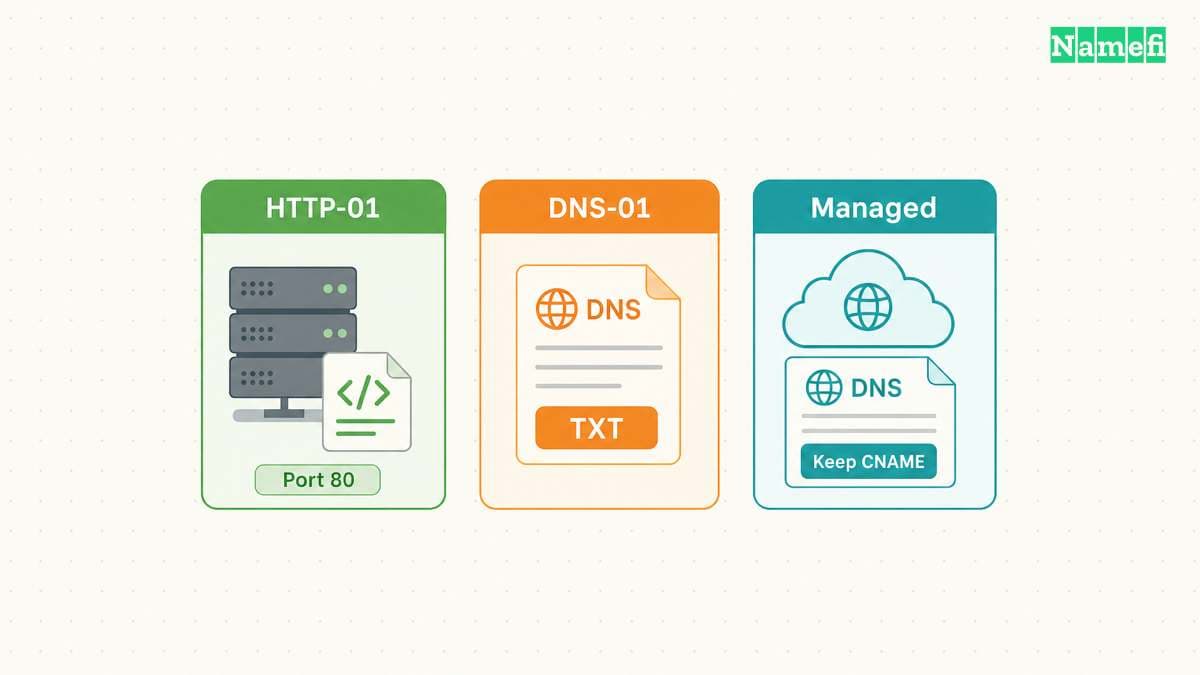
For HTTP-01, the authority retrieves challenge content from a specific HTTP path. For DNS-01, the authority checks a TXT record under _acme-challenge. The methods test different infrastructure, so diagnose the configured method before changing settings.
| Method | Required access | Common obstacle |
|---|---|---|
| HTTP-01 | HTTP challenge path | Routing or access rule |
| DNS-01 | Challenge TXT records | Wrong zone or credentials |
| Managed validation | Provider-specified records | Deleted validation record |
Let's Encrypt requires port 80 for HTTP-01 and does not support wildcard issuance through HTTP-01. DNS-01 supports wildcard issuance. Multiple HTTP frontends must provide the challenge response consistently. Let's Encrypt, challenge types
For an HTTP failure, compare the challenge hostname with current routing. Review recent redirects, access controls, proxy rules, and application deployments. Identify the rule that intercepts the challenge path before changing the rule.
Avoid disabling authentication across the whole website. If an exception is necessary, scope the exception to the documented validation path and review the resulting access. Test the intended route from outside the hosting network.
For a DNS failure, identify the authoritative nameserver service. The registrar account may manage delegation while another service hosts the DNS zone. Confirm that the renewal client updates the active zone, rather than an abandoned zone with the same name.
The DNS provider must publish the challenge answer before validation can succeed. Check provider documentation and authoritative answers rather than assuming a universal waiting period. Preserve unrelated records when correcting a challenge entry.
Let's Encrypt recommends narrowly scoped DNS credentials or a separate validation server. The documentation also supports delegation of the challenge subdomain through CNAME or NS records. Let's Encrypt, DNS-01 challenge
Distinguish temporary challenge values from records that a managed service needs continuously. AWS Certificate Manager requires its validation CNAME records to remain publicly accessible for the documented DNS renewal path. That path also checks whether an AWS service uses the certificate. AWS, renewal for DNS-validated domains
When a DNS migration causes renewal failures, compare the old and new zones. Restore the required validation records from the certificate manager's current instructions. Do not replace an entire zone merely to repair one validation entry.
Your certificate manager must connect renewal to deployment
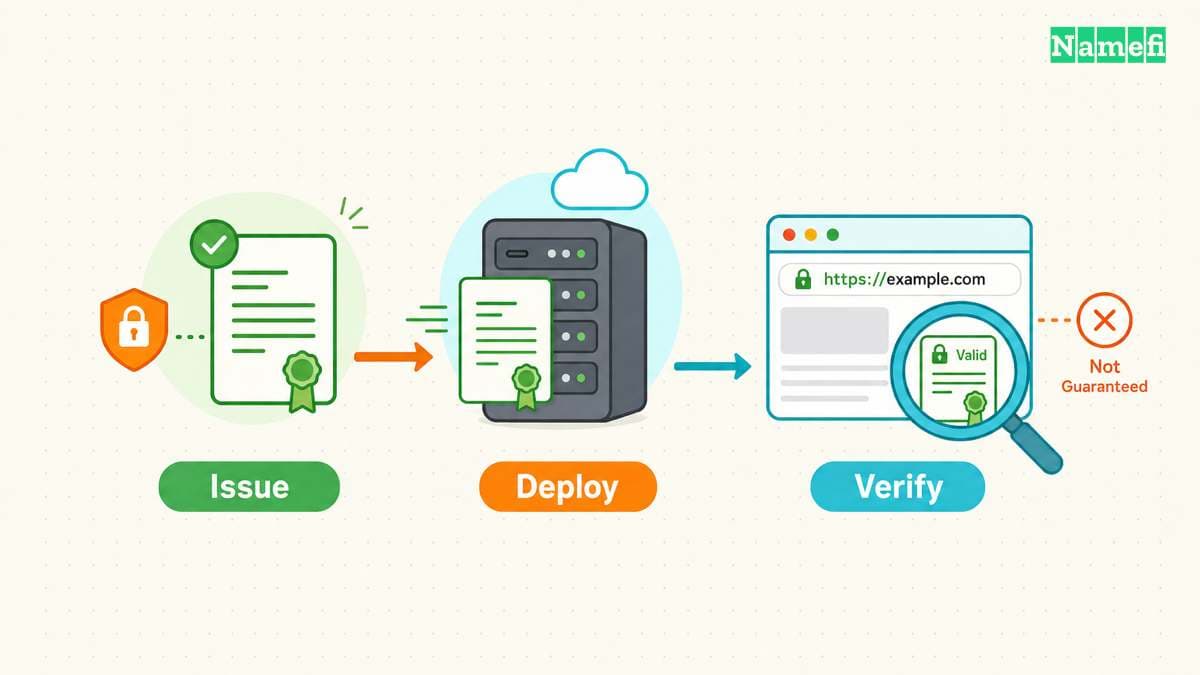
Choose the renewal procedure from the existing certificate manager. Avoid introducing a second client during an expiry incident unless the recovery plan requires migration. Competing configurations make responsibility harder to establish.
For a managed platform, inspect the certificate's eligibility and renewal status first. AWS distinguishes Amazon-issued certificates from imported certificates. ACM does not provide managed renewal for imported certificates or certificates that already expired. ACM also assigns ACME certificate renewal to the ACME client. AWS, managed certificate renewal
Use the provider's procedure for the actual certificate type. A dashboard label such as “managed” does not explain every external deployment. Ask whether the service both obtains the replacement and installs the replacement at the required endpoint.
For an existing Certbot installation, inspect the certificate inventory with certbot certificates. Read the stored certificate name before selecting a renewal target. The certificate name can differ from the hostname.
A targeted test takes the following form:
certbot renew --cert-name example.com --dry-run
Use the actual stored certificate name and the installation's required privileges. Certbot documents renewal dry runs and certificate selection. A dry run performs an active test. Inspect the ACME server setting and configured hooks before execution. The test is not a read-only certificate inspection. Certbot, renewing certificates
A normal dry run does not run deployment hooks. Certbot provides --run-deploy-hooks to test those hooks with the current active certificate after a successful dry run. Use that option only after checking each hook's effects. A dry run alone does not prove successful production deployment. Certbot, deploy-hook testing
After a successful test, use the installation's normal renewal procedure. Confirm the scheduled task exists and examine recent execution results. Certbot's installation method determines how automatic renewal runs. Certbot, automated renewals
Do not interpret a successful renewal command as proof of a new certificate. Certbot can return success when no certificate needs renewal. Certbot provides deployment hooks for actions after successful renewal. Certbot, renewal exit status and hooks
Keep issuance and deployment separate in the runbook. Identify the certificate file, the matching private key, and the server configuration that consumes both. A certificate contains a public key, while the private key requires separate protection.
For each deployment target, document the supported update operation and configuration check. Use the web server's documented reload procedure when required. Avoid substituting a blanket restart command for a deployment procedure that the service owner has tested.
Prefer a maintained client that supports ACME Renewal Information when the authority supports the extension. ARI supplies a suggested renewal window, and the client chooses a renewal time. The extension also defines polling and error handling. RFC 9773, sections 4.2–4.3
ARI coordinates renewal timing. ARI does not establish that the load balancer has loaded a replacement certificate. Maintain deployment checks even when renewal scheduling works automatically.
Your final check must confirm the public replacement
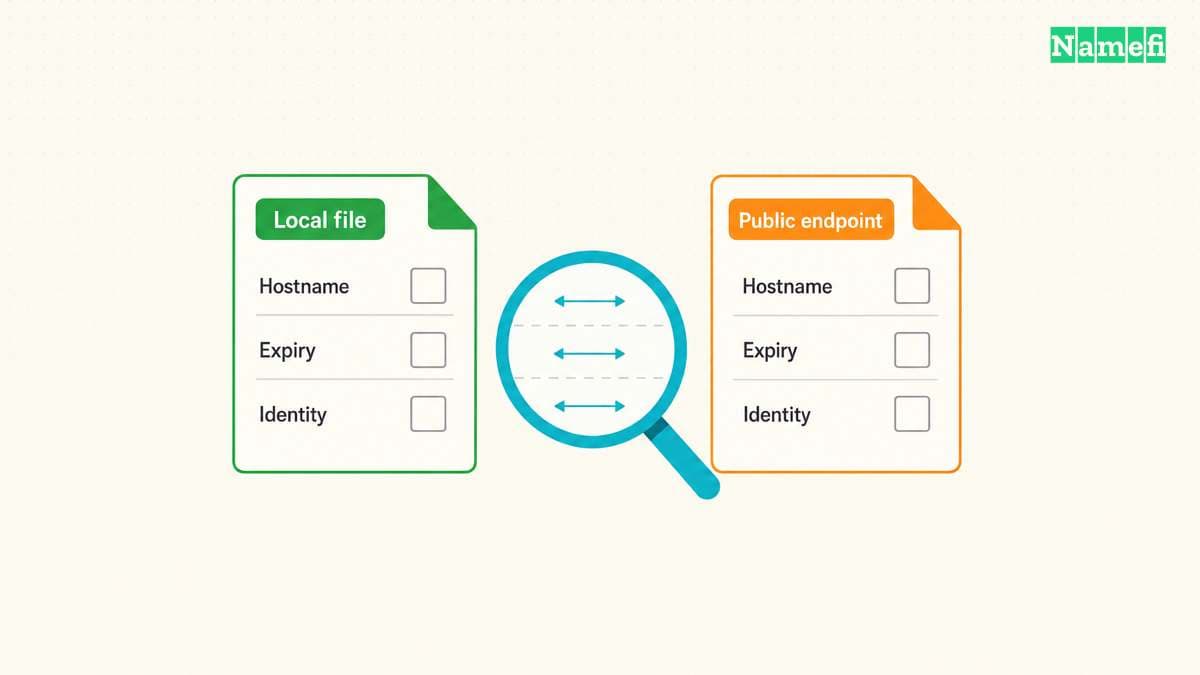
After deployment, repeat the public certificate inspection with the same hostname and connection parameters. Compare the new validity dates and certificate identity with the replacement from the manager. Check the certificate's covered names rather than relying only on a later expiry date.
To inspect a local certificate file, use a read-only command such as:
openssl x509 -in certificate.pem -noout -dates -issuer -serial -ext subjectAltName
Replace certificate.pem with the public certificate file. OpenSSL documents the date, issuer, serial, and extension printing options. The command does not require the private key. OpenSSL, certificate printing options
Keep the local-file result distinct from the public-connection result. A new file on disk only proves that the file exists. The public connection provides evidence about the certificate that a particular endpoint currently sends.
For a hypothetical multi-region deployment, check each independently managed certificate endpoint. If one region still serves an old certificate, inspect that region's listener association and deployment result. Another issuance request will not repair an incorrect listener association.
For the hypothetical shop.example.com incident, write the expected outcome before another change. The dashboard should show the intended certificate, and the public listener should reference the intended certificate. The browser should receive the intended certificate for shop.example.com.
Suppose the dashboard shows a replacement, but the listener still references a manually imported certificate. Investigate the listener configuration with the service owner. Preserve the current configuration before changing the association, and verify the public result after the approved deployment operation.
Suppose the listener already references the replacement, but one check still shows an older certificate. Record the destination from that check. Compare the destination with the routing inventory, then inspect any overlooked proxy or regional endpoint. This approach gives each change a specific purpose and an observable result.
For a stricter connection check, OpenSSL 3.5 supports hostname verification and failure on certificate verification errors:
openssl s_client -connect shop.example.com:443 -servername shop.example.com -verify_hostname shop.example.com -verify_return_error </dev/null
Use the appropriate trust store for the checking machine. OpenSSL results can differ from a browser's trust policy. The earlier -showcerts command only displays the server's supplied chain. OpenSSL, verification options and notes
Also test the website in a browser. Confirm that normal navigation and important application requests work without certificate warnings. Check the apex domain, www, and application hostnames according to the inventory.
When results disagree, preserve the evidence. Record the hostname, observation time, connection destination, certificate identity, and error. Those details help separate an incomplete deployment from a check against the wrong endpoint.
Use the observed symptom to choose recovery:
| Symptom | Investigate first | Completion evidence |
|---|---|---|
| Challenge fails | HTTP route, DNS zone, credentials, or provider validation record | Authority accepts domain validation |
| Renewal command returns success without a replacement | Whether renewal was due and whether issuance occurred | New certificate identity and validity dates |
| Manager shows a replacement, but public expiry stays unchanged | Listener association, file path, reload, and regional endpoints | Intended public endpoints send the replacement |
| Certificate dates are current, but a browser reports a name error | Subject Alternative Name (SAN) coverage for the requested hostname | Certificate covers the exact requested hostname |
| Browser rejects the issuer or chain | Required intermediate certificates and client trust store | Browser accepts the intended chain |
Certificate expiry is only one certificate error. OpenSSL separates hostname verification, trust-chain verification, and time checks. A later expiry date cannot repair every verification failure. OpenSSL, certificate verification options
A self-signed certificate needs a separate trust plan. Creating a replacement with OpenSSL does not make browsers trust an ordinary website certificate automatically. Private systems must distribute trust through their established procedure. Public websites should recover their publicly trusted certificate through the existing certificate manager. OpenSSL, trust anchors
Treat an expired certificate as an incident with an assigned owner. Restore validation and deploy a valid replacement through the supported recovery procedure. Do not ask visitors to bypass certificate warnings as an operating plan.
Finally, monitor the public expiry separately from the renewal job. Assign alerts to a person who can access validation and deployment systems. Recheck renewal after hosting migrations, DNS migrations, credential rotation, and changes to the client.
The practical completion test is straightforward: the intended endpoints serve valid replacement certificates, and the next renewal has an accountable operating procedure.
Sources and further reading
-
CA/Browser Forum, TLS Baseline Requirements 2.3.1, sections 1.1 and 6.3.2, public scope and validity schedule. Fetched 2026-10-21.
-
Let's Encrypt, 64-Day Certificate Lifetimes Coming Feb 2027, opening announcement and ARI guidance. Fetched 2026-10-21.
-
Let's Encrypt, Decreasing Certificate Lifetimes to 45 Days, “Timeline of Changes.” Fetched 2026-10-21.
-
IETF, RFC 8555, section 8, identifier validation challenges. Fetched 2026-10-21.
-
Let's Encrypt, Challenge Types, “HTTP-01 challenge” and “DNS-01 challenge.” Fetched 2026-10-21.
-
AWS, Managed certificate renewal, eligibility and ACME exception. Fetched 2026-10-21.
-
AWS, Renewal for domains validated by DNS, renewal criteria. Fetched 2026-10-21.
-
EFF, Certbot User Guide, “Renewing certificates” and “Automated Renewals.” Fetched 2026-10-21.
-
IETF, RFC 9773, sections 4.2–4.3, suggested windows and polling. Fetched 2026-10-21.
-
OpenSSL, s_client, destination, SNI, and certificate display options. Fetched 2026-10-21.
-
OpenSSL, x509, certificate printing options. Fetched 2026-10-21.
-
OpenSSL, Certificate verification options, certificate extensions, trust anchors, hostname and time checks. Fetched 2026-10-21.
About the author(s)
Namefi is a collective of engineers, designers, and operators who obsess over building tools that make managing your onchain domain names effortless.