Register a Domain Name and Connect Your Website
Register a domain with a practical checklist for eligibility, checkout, contact verification, DNS, website setup, and email.

- domains
- guide
- domain-basics
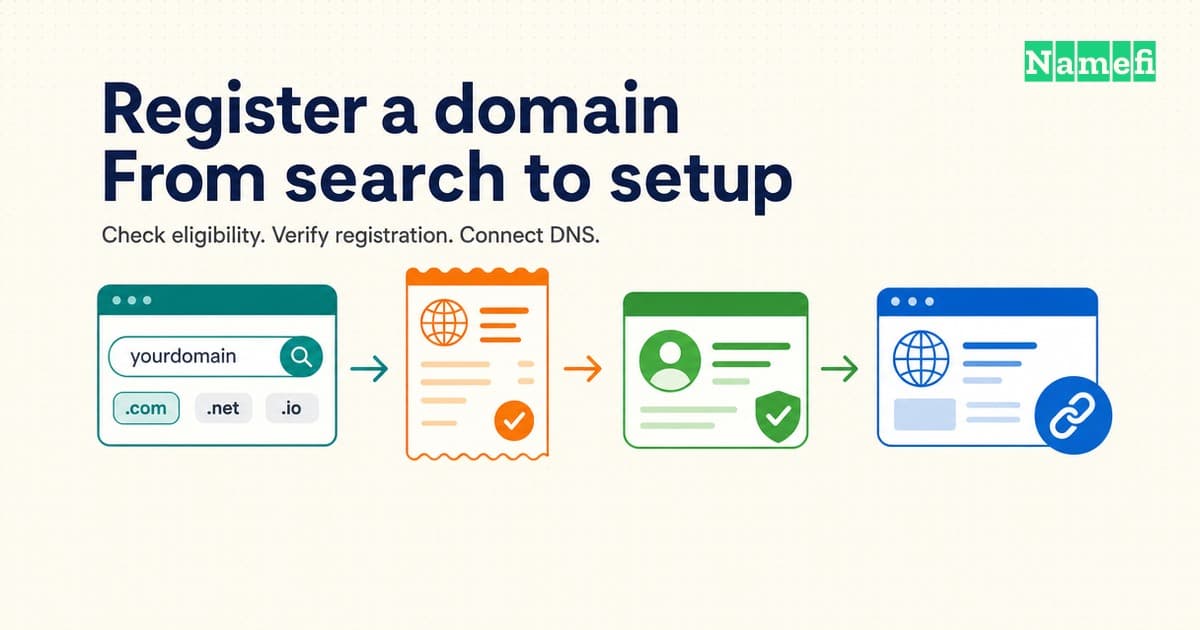
Registering a domain gives a person or organization registration rights for a limited period. Registration does not create a website or mailbox. ICANN explains these separate responsibilities.
Use this guide to take an available name through checkout, registration checks, and connection to a website. Keep three results separate: payment accepted, registration completed, and services working. Check each result before announcing the address.
If an AI agent will complete the purchase, use the Namefi agent registration guide for client setup and API instructions. The checks below still help define the purchase you authorize.
Check the name, eligibility, and full price before payment
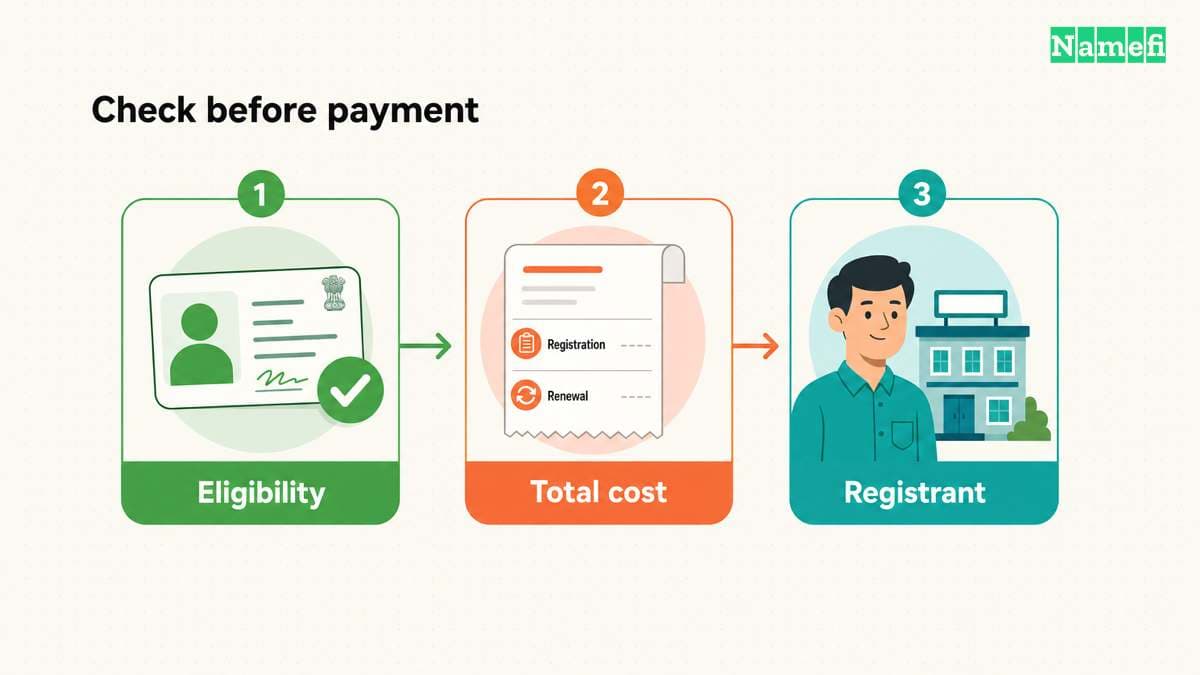
Search for the exact address you intend to register
- Write the complete name, including the ending, in your purchase notes.
- Search for the exact name at your chosen registrar.
- Check every character and the ending in the returned result.
- Confirm that the offer covers a new registration.
A seller listing, auction, or transfer offer needs a different purchase process. Do not substitute a similar name without checking the new spelling with everyone who needs the address.
For a name with non-Latin characters, inspect the registrar's displayed representation before payment. Ask the registrar to resolve any spelling or character ambiguity.
Read the rules for the specific ending
Do not assume that every country-code domain accepts the same applicants, documents, or registration periods. Use the registry's current rules and your registrar's supported registration options.
| Example | The source establishes this requirement | Your next action |
|---|---|---|
.au direct | auDA requires a validated connection to Australia. | Check the accepted evidence for your circumstances. |
com.au | auDA specifies commercial eligibility and a connection between the name and business. | Check eligibility and the proposed name separately. |
.cn | CNNIC's registration procedure requires accurate application data and identification materials. | Ask the registrar for the current document and verification procedure. |
These examples demonstrate different checks. The table does not establish eligibility for .ai, .cc, .gg, .ru, .rs, .cl, or .ro. Read the relevant TLD reference and registry rules for the actual ending.
Check the minimum term and permitted increments before comparing annual prices. A quoted annual rate does not establish the amount due at checkout.
Record the bill you are agreeing to pay
Compare the following fields in the final cart and terms:
| Field | Question to answer before payment |
|---|---|
| Registration term | How many years does this payment cover? |
| Registration total | What amount will the registrar charge now, in which currency? |
| Renewal | What renewal price and term does the registrar currently show? |
| Premium designation | Does the name carry different registration or renewal pricing? |
| Additional services | Which hosting, email, privacy, or other services did you select? |
| Taxes and fees | Which charges appear in the final total? |
ICANN's registrant rights cover accessible registration and privacy pricing information. Ask the registrar to explain unclear charges before payment. Our domain cost guide explains the cost categories in more detail.
You can use separate providers for registration and hosting. ICANN confirms that registrants do not have to buy hosting from their registrar.
Submit accurate details and confirm the completed registration
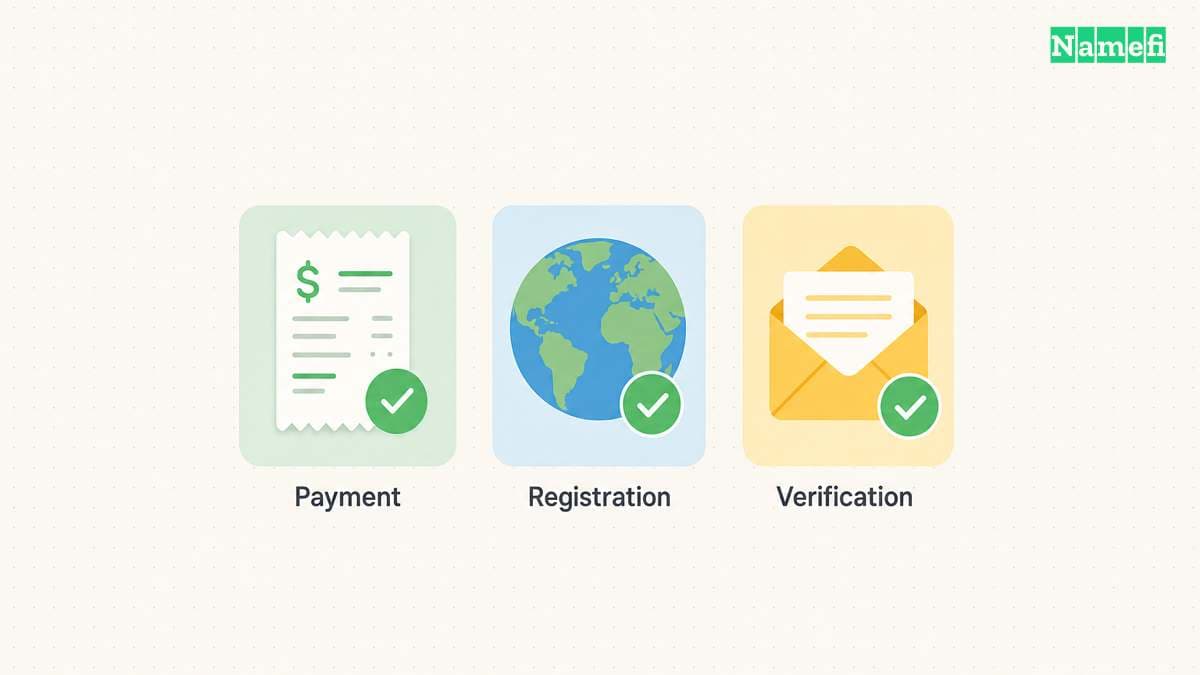
Identify the intended registrant before checkout
The registrant is the person or organization that holds the registration rights. Check the registrant record, especially when a developer or agency handles the purchase. ICANN warns that a third party may enter its own details.
- Enter the intended registrant's correct name and organization details.
- Enter accurate contact information that you can maintain.
- Use a working contact email address that you can access immediately.
- Check the registration agreement and privacy service terms.
- Save the final cart and submit payment once.
For a new domain, use an existing working mailbox for contact verification. Avoid depending on a mailbox that still needs the new domain's DNS configuration.
Privacy services do not justify false application details. ICANN requires registrants to provide accurate information and keep account data current. Check which information the registrar publishes and which information any privacy service protects.
Confirm registration and complete verification
- Save the receipt, order number, and registrar support address.
- Open the order and domain pages in the registrar account.
- Confirm the exact name, successful registration status, and expiry date.
- Complete the registrar's contact verification instructions.
- Save confirmation of any required identity or eligibility checks.
An unclear order status needs investigation. Check the existing order before paying again. Ask support whether the registrar completed registration, requires documents, or needs to refund a failed order.
ICANN explains that registrars verify contact information and can suspend or delete names that remain unverified. Follow the actual notice and deadline. Do not apply a generic verification deadline to every country-code domain.
Open the registrar account directly if a message looks suspicious. Use the account's support channel to confirm an unexpected document request before sending identification.
Connect the domain to website and email services
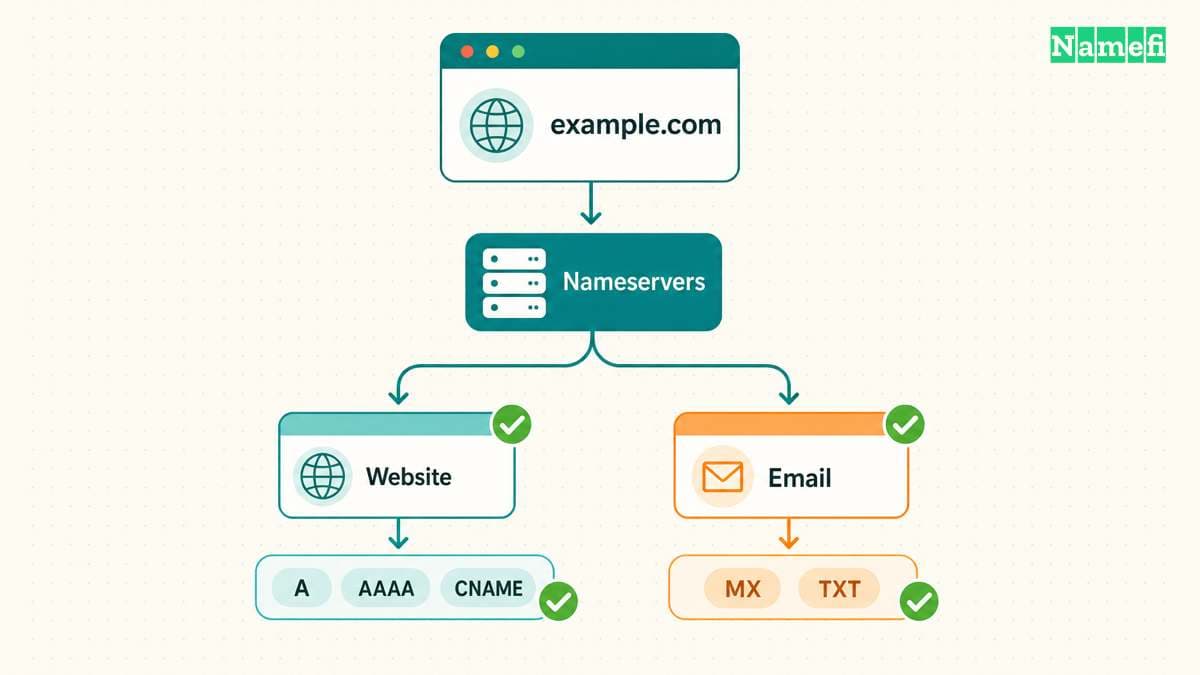
DNS configuration connects the registered name to services. Website and email providers supply the required record names and values. Copy those values from the provider's current setup instructions.
Choose where you will manage DNS records
- Find the domain's assigned nameservers in the registrar account.
- Decide whether to use the registrar's DNS service or another DNS provider.
- Open the DNS records page at that provider.
For an external DNS provider, follow the provider's nameserver setup instructions. Changing nameservers and adding records are separate operations. Cloudflare's full setup instructions show both operations and require checking the records before activation.
If DNSSEC already exists, follow the DNS provider's migration instructions before replacing nameservers. Cloudflare warns that changing nameservers with active DNSSEC can make the domain unreachable.
Add the records your service provider supplies
| Service | Information to obtain | Check after saving |
|---|---|---|
| Website | Required A, AAAA, or CNAME records for the root name and www | Both intended addresses open the correct website. |
| MX records and provider-required authentication or verification records | A test mailbox sends and receives mail. | |
| Service verification | Exact TXT or CNAME record supplied by the service | The service confirms the domain. |
Cloudflare documents record type, required fields, TTL, and saving the record. TTL affects how long cached record data remains valid. Avoid promising immediate results everywhere.
For email, obtain the exact settings from the email provider. Cloudflare's email setup guidance distinguishes mail delivery from protection against spoofed mail. Buying a registration alone does not configure a working mailbox.
If a website fails, check registration status, verification notices, nameserver delegation, and DNS values in that order. If only email fails, compare the saved mail records with the email provider's instructions.
Keep a registration record for the next renewal
Save the domain, registrar, account owner, expiry date, current renewal price, DNS provider, and support contact in one place. Record the auto-renew setting and payment method. ICANN reminds registrants to keep payment information current for automatic renewal.
Use this final checklist before sharing the new address:
- The registrar confirms the exact domain registration.
- The intended registrant holds the registration rights.
- Required contact and eligibility checks are complete.
- The website and email work independently.
- The registration record includes the expiry date and renewal settings.
Then apply the registrar account security checklist to protect ongoing access.
These sources support the registration checks
All sources below were accessed on 2026-10-22 UTC, which was 2026-10-21 in Los Angeles.
- ICANN: General Questions, registration questions 1–4 and 14.
- ICANN: Registrants' Benefits and Responsibilities, pricing and registrant responsibilities.
- ICANN: About Verification of Contact Information, reasons for verification.
- auDA: .au direct and com.au, eligibility sections.
- CNNIC: CN Domain Name FAQ, registration procedure, steps 4–8. The page carries a 2012 date. Confirm current submission requirements with the registrar.
- Cloudflare: Manage DNS records, full setup, and email records.
About the author(s)
Namefi is a collective of engineers, designers, and operators who obsess over building tools that make managing your onchain domain names effortless.