Best VPS Hosting: What to Compare Before You Rent a Server
Decide whether VPS hosting fits your website. Compare server control, administration, backups, and migration needs before choosing a plan.

- domains
- guide
Choose VPS web hosting when the site needs server control or a deployment environment that the current hosting plan cannot provide. A virtual private server gives access to dedicated resources on shared physical hardware. AWS explains that model.
A VPS also creates an administration decision. Before comparing plans, decide who will patch the operating system, maintain the application, recover backups, and respond to outages. A server with sufficient memory can still be a poor choice when nobody owns those tasks.
The workload determines whether a VPS helps
AWS describes VPS use for web applications and explains the difference between VPS, shared, and dedicated hosting. Shared hosting puts multiple websites in competition for server resources. Dedicated hosting allocates the physical server to the customer. AWS compares those arrangements.
A VPS can fit a custom application that requires a particular runtime, background service, or system package. A simple publishing site may remain easier to operate on a managed platform. Treat those statements as selection guidance, not a promise that one category always performs better.
Write down the specific limitation before shopping. “The site is slow” is too broad. “The application needs a worker process that the current plan cannot run” identifies a requirement that a provider can answer.
For a slow site, inspect application logs and resource use first. Large images, expensive database queries, and external API waits need different remedies. Do not assume that moving the same workload to a VPS removes the original cause.
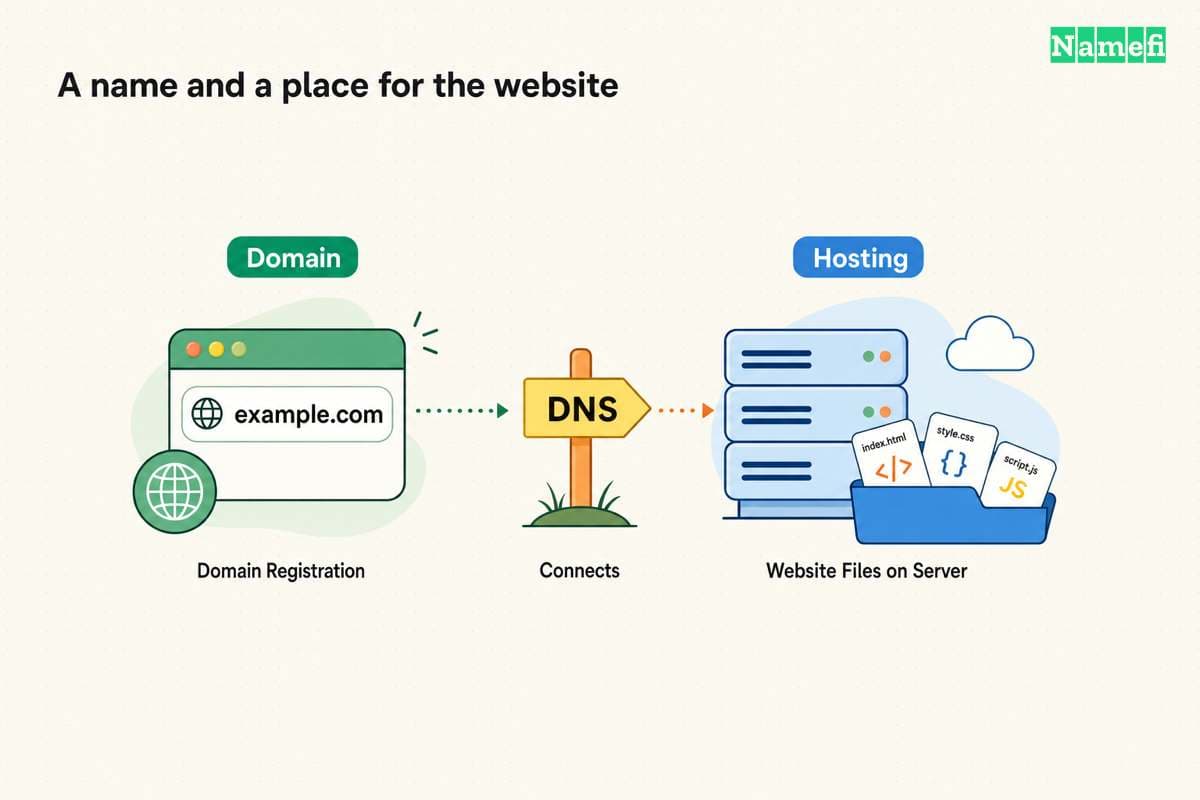
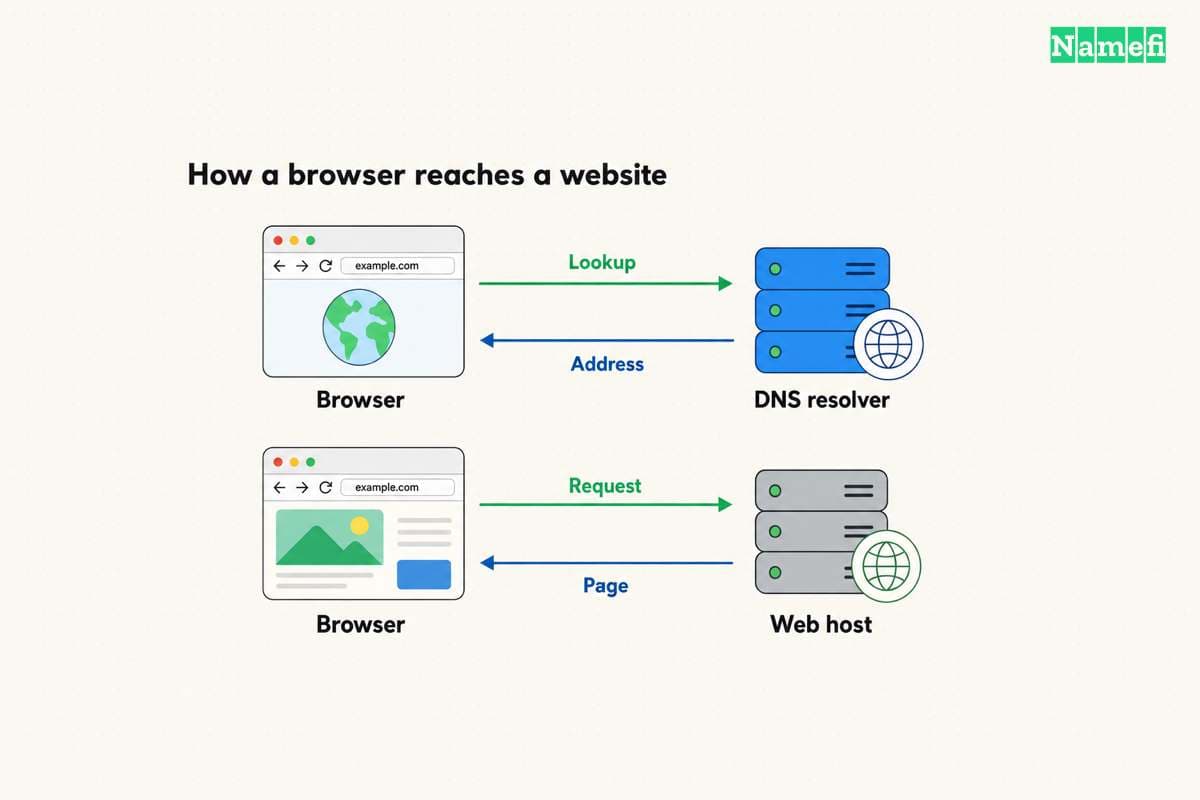
The domain versus hosting guide explains another boundary: buying a VPS does not replace domain registration. DNS still needs to direct the site’s hostnames to the chosen service.
Resource labels need a deployment context
Compare memory, compute, storage, and transfer allowances with the application’s actual needs. Ask how the provider defines each allowance. Read the plan’s billing unit and limits before estimating the monthly bill.
As editorial guidance, record the following requirements:
| Requirement | Question to resolve |
|---|---|
| Runtime | Can the server run the required language and version? |
| Memory | Does the application fit during peak work? |
| Storage | Do the database, logs, and uploads fit with room for growth? |
| Transfer | What traffic allowance and excess charges apply? |
| Region | Where should the service run for its users and dependencies? |
| Recovery | Can an administrator restore the complete service? |
Avoid universal visitor-count thresholds. A mostly cached site and a transaction-heavy application can have different resource needs with similar traffic. Use measured workload evidence when available. Otherwise, label the initial plan as a starting estimate and define the signals that will trigger a review.
Read the conditions for resizing. Ask whether a larger plan requires downtime, whether storage can shrink, and whether a changed instance receives a new address. Those answers affect the migration plan even when the application code stays the same.
Managed service needs a written responsibility list
The word “managed” is not a sufficient operating agreement. Ask the provider to identify the tasks that the plan includes. Practical questions concern security updates, web-server configuration, database maintenance, monitoring, and recovery support.
Document the boundary between the provider and the application owner. A provider might manage the virtual infrastructure while the customer maintains the operating system and application. The customer should verify the actual service contract rather than infer coverage from a product label.
For an unmanaged server, assign an administrator before launch. The administrator needs a repeatable deployment method, restricted access, monitoring, and a recovery procedure. A personal notebook of one-time commands makes later support harder.
Do not buy a server first and discover the administration gap during an outage. If the team cannot maintain the server, compare a managed VPS or application platform that covers the required tasks.
A backup plan must survive a broken server
As practical operating advice, define the data that the site cannot recreate. Databases, uploaded files, configuration, and deployment instructions can all matter. A source-code repository alone might not contain the current customer data.
Ask where backups live, who can delete backups, and how restoration works. Keep recovery access separate from the failing application where possible. Do not treat a backup indicator as proof that a restore succeeds.
Run a restoration exercise before moving a critical site. Confirm that the restored application can read the database, load uploads, and reach required external services. Record the actual recovery steps and any missing secrets through the organization’s approved credential system.
Recovery requirements also affect plan comparison. A cheaper instance can create more work if backups, monitoring, and administrator support require separate arrangements. Compare the complete operating arrangement instead of the compute price alone.
A staged migration reduces avoidable surprises
Prepare the VPS before changing public DNS. Deploy the application, copy the required data, configure HTTPS, and test the intended hostnames through an authorized preview method.
Create a cutover plan that accounts for writes. An active shop or membership site can receive new records while an older database copy waits on the new server. Decide how the team will synchronize data or pause writes during the final move.
Preserve email records when changing website addresses. Hosting migration should not accidentally remove MX or authentication records. The DNS record guide helps separate those services.
Keep a rollback path until the new service passes application checks. Test sign-in, forms, checkout where applicable, and background tasks. A homepage response does not prove that every important operation works.
The final decision should identify the workload, the chosen service, the administration owner, and the recovery method. Choose the VPS when that complete arrangement solves the site’s requirement.
Sources and further reading
AWS defines the virtual private server
AWS defines the virtual private server. Supporting passage: “you get access to your dedicated resources on that hardware” Checked 2026-10-30.
AWS compares hosting arrangements
AWS compares hosting arrangements. Supporting passage: “all websites share the same physical server and compete for critical resources” Checked 2026-10-30.
About the author(s)
Fenwei Bian is a software developer in her thirties who spends her working hours in pull requests and her weekends with her hands in soil or sawdust. Years of open source on GitHub taught her that names are interfaces: a good one is clear, honest about what it does, and kind to whoever has to use it next.
She gardens because it rewards patience and punishes wishful thinking, and she does woodwork because a joint either fits or it doesn't. Both habits show up in how she writes about naming — measure twice, check the source, and don't sand over a rough spot and hope no one notices.
For Namefi she writes about how domain markets actually move, the practical trade-offs of tokenizing and flipping names, and picking a domain you'll still be glad you own in twenty years.