A Free SSL Certificate Still Needs Reliable Deployment and Renewal
Get a free TLS certificate through managed hosting or Let's Encrypt. Check domain control, hostname coverage, deployment, and renewal responsibility.

- https
- tls
- certificates
- security
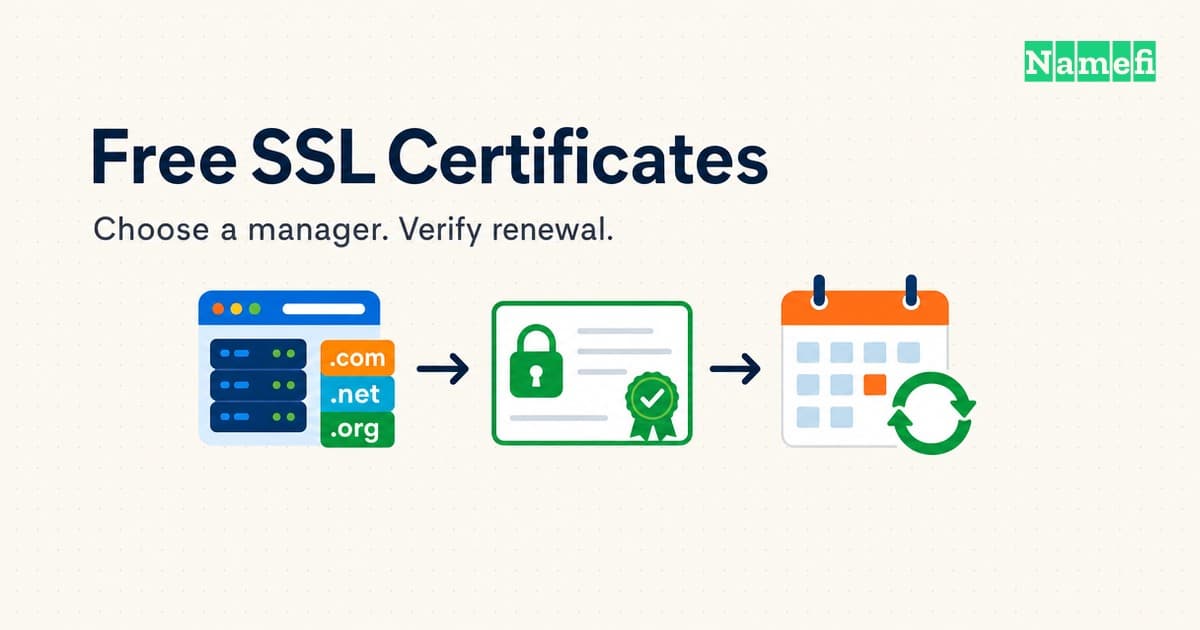
A free SSL certificate can provide HTTPS without a certificate issuance fee. Start by checking whether the hosting provider manages certificates. If the server is self-managed, consider an ACME client connected to a certificate authority such as Let's Encrypt.
The certificate fee and the work required to run HTTPS are separate. Let's Encrypt charges no certificate fee. Hosting providers can still charge for administration. The operator still needs a working deployment and a renewal plan.
This guide covers the choice between managed certificates and self-managed issuance. The HTTPS explanation covers encryption and authentication. The renewal guide covers an existing deployment.
The hosting arrangement determines the practical route
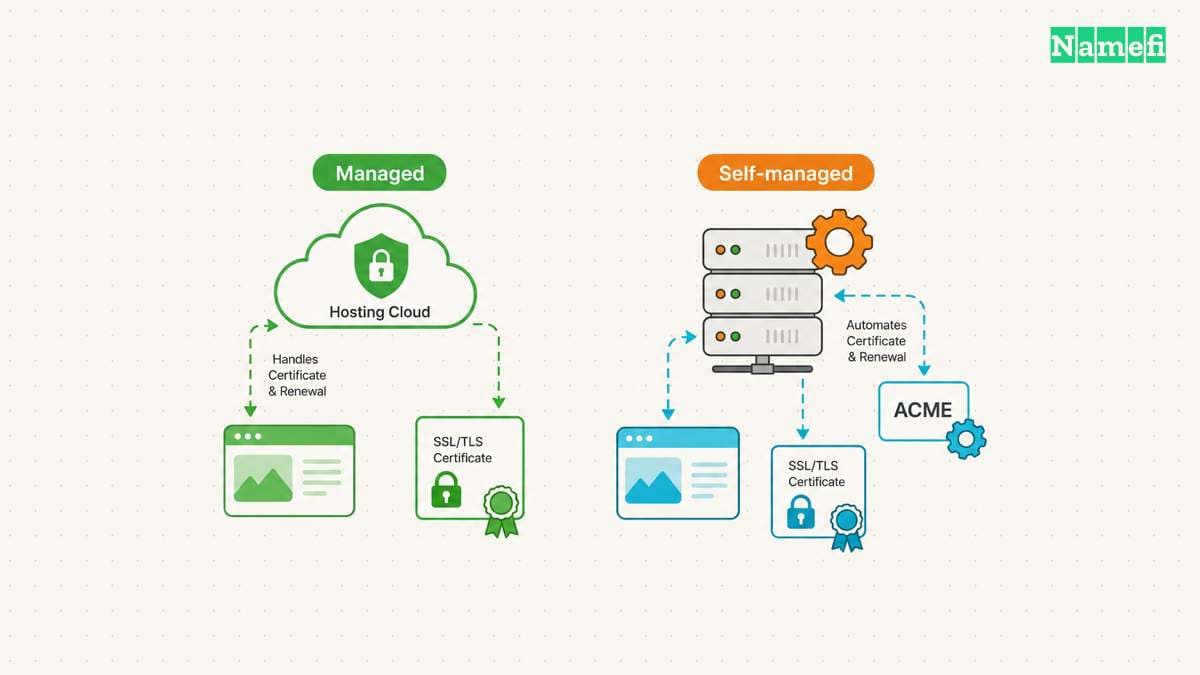
Let's Encrypt advises website operators to check whether the hosting provider supports Let's Encrypt. A managed service can handle the certificate workflow. For example, GitHub Pages supports HTTPS for correctly configured custom domains.
| Situation | Start here | Confirm before proceeding |
|---|---|---|
| A provider manages HTTPS | Provider's custom-domain and HTTPS settings | Included certificate, covered hostnames, renewal responsibility |
| You administer the server | Supported ACME client | Server access, deployment integration, automated renewal |
| You need a wildcard certificate | A managed wildcard feature or DNS-01-capable ACME client | DNS automation and restricted credentials |
| You need organization identity checks | An issuer offering the required validation | Whether OV or EV is mandatory |
The table provides selection guidance, rather than a promise about every hosting plan. Check the actual plan and platform before changing DNS or buying an add-on.
For a self-managed server, Let's Encrypt recommends starting with Certbot. Choose the client instructions for the actual operating system and web server. Avoid copying a command for a different deployment.
Keep the private key under the control of the certificate manager. Let's Encrypt states that subscribers generate and manage their own private keys. A certificate request does not require sending that private key to the issuer.
Free issuance still requires domain control and suitable coverage
Let's Encrypt issues domain-validated certificates. DV checks control of a domain. Let's Encrypt does not offer OV or EV. A free DV certificate therefore does not satisfy an explicit requirement for organization validation.
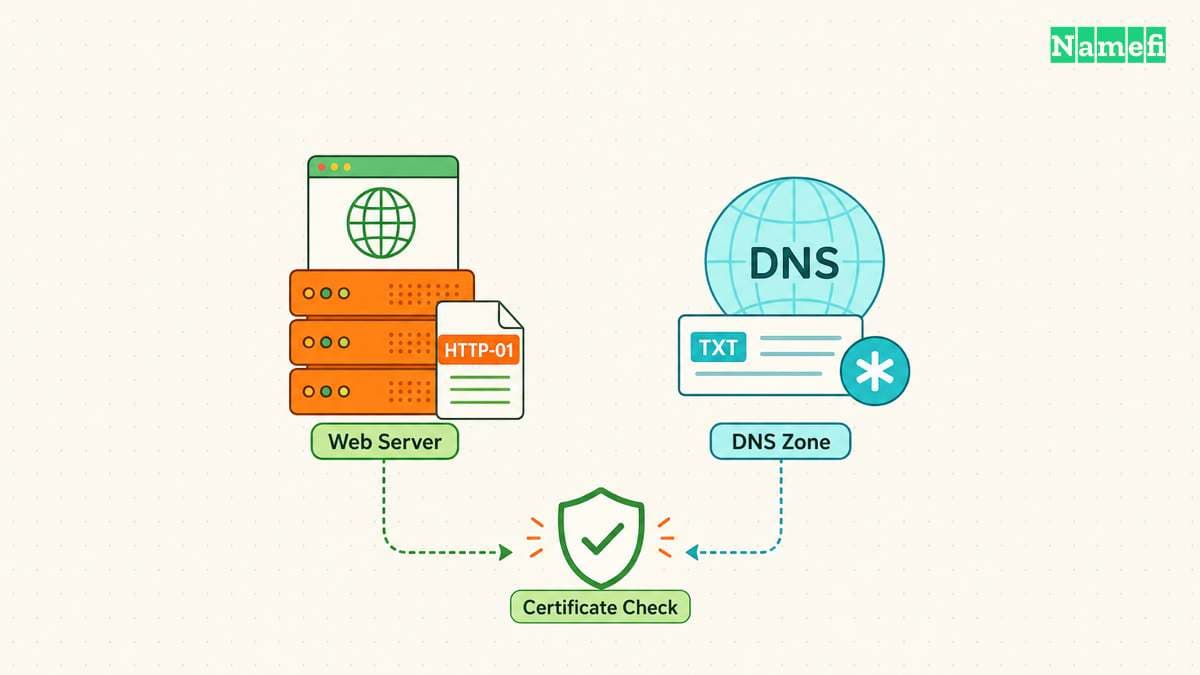
The ACME client proves control through a validation challenge. With HTTP-01, the client serves a challenge file through HTTP on port 80. With DNS-01, the client publishes a DNS TXT value. Let's Encrypt wildcard issuance requires DNS-01.
DNS-01 automation needs a suitable DNS API. Follow the issuer's recommendation to restrict DNS credentials or separate validation from the web server. A broad DNS credential on a compromised server can expose more than certificate renewal.
Write down the required hostnames before issuing a certificate. A certificate can include multiple names through Subject Alternative Name. A wildcard such as *.example.com matches one label, such as shop.example.com. The wildcard does not cover example.com or a.shop.example.com, under RFC 9525's matching rules. Request the apex separately when needed.
The certificate establishes a connection identity, rather than a recommendation to trust the business. The TLS specification describes protection against eavesdropping, tampering, and message forgery. Evaluate the business and the application separately.
A deployment checklist prevents an unfinished HTTPS setup
- Identify the provider or ACME client that will manage the certificate.
- Confirm the required hostnames and validation method.
- Complete validation and deploy the certificate to the public TLS endpoint.
- Open each required hostname over HTTPS in a browser.
- Check hostname coverage, certificate validity, and browser trust.
- Confirm automated renewal and assign an owner to investigate failures.
- Check application resources for remaining HTTP requests before enforcing HTTPS.
At the October 22, 2026 check, Let's Encrypt's FAQ lists 90-day default certificates and optional six-day certificates. The FAQ recommends renewal every 60 days and every three days, respectively. These periods describe Let's Encrypt's current offerings, rather than every free certificate. Keep automated renewal enabled and monitor the certificate actually served by the public endpoint.
GitHub documents mixed-content problems when an HTTPS page requests resources through HTTP. A successfully issued certificate does not repair those application references.
Use the certificate renewal guide for public-endpoint inspection and replacement checks. A certificate dashboard can show a successful request while a different server still presents an old certificate. Verify the connection that visitors actually use.
The sources explain free issuance and operational requirements
- Let's Encrypt, FAQ, fees, certificate types, private keys, and SAN support. Fetched 2026-10-22.
- Let's Encrypt, Getting Started and Challenge Types, managed hosting, ACME clients, and validation. Fetched 2026-10-22.
- GitHub, Securing your GitHub Pages site with HTTPS, custom domains and mixed content. Fetched 2026-10-22.
- IETF, RFC 9525, section 6.3 and RFC 8446, section 1, name matching and TLS goals. Fetched 2026-10-22.
About the author(s)
Namefi is a collective of engineers, designers, and operators who obsess over building tools that make managing your onchain domain names effortless.