Should You Buy Your Domain Through Cloudflare? The Trade-Offs to Check
Check Cloudflare’s nameserver requirement, domain support, renewal terms, and migration steps before registering or transferring a domain.

- domains
- dns
- guide
Cloudflare Registrar can suit buyers who want registration and Cloudflare authoritative DNS together. The key restriction is explicit: domains registered through Cloudflare Registrar must use Cloudflare nameservers. You cannot switch to another provider's nameservers while keeping the registration at Cloudflare. Cloudflare states the requirement.
If that requirement fits your plan, start with Cloudflare's official registration instructions. Check support for the exact domain, review the term and final price, and confirm the account details before purchase.
This guide helps compare the administrative trade-offs. It supplies no current price table and makes no lowest-price claim. A no-markup policy does not settle every feature, migration, support, or renewal question.
The nameserver requirement determines the first decision
Ask whether your organization needs another provider to host the authoritative DNS zone. If the answer is yes, Cloudflare Registrar's nameserver requirement can conflict with the intended architecture. Resolve that requirement before buying.
The restriction concerns authoritative DNS. Cloudflare's proxy setting addresses a separate question: whether supported website traffic passes through Cloudflare's network or connects directly to the origin. Cloudflare distinguishes proxied and DNS-only records. The proxy documentation explains that boundary.
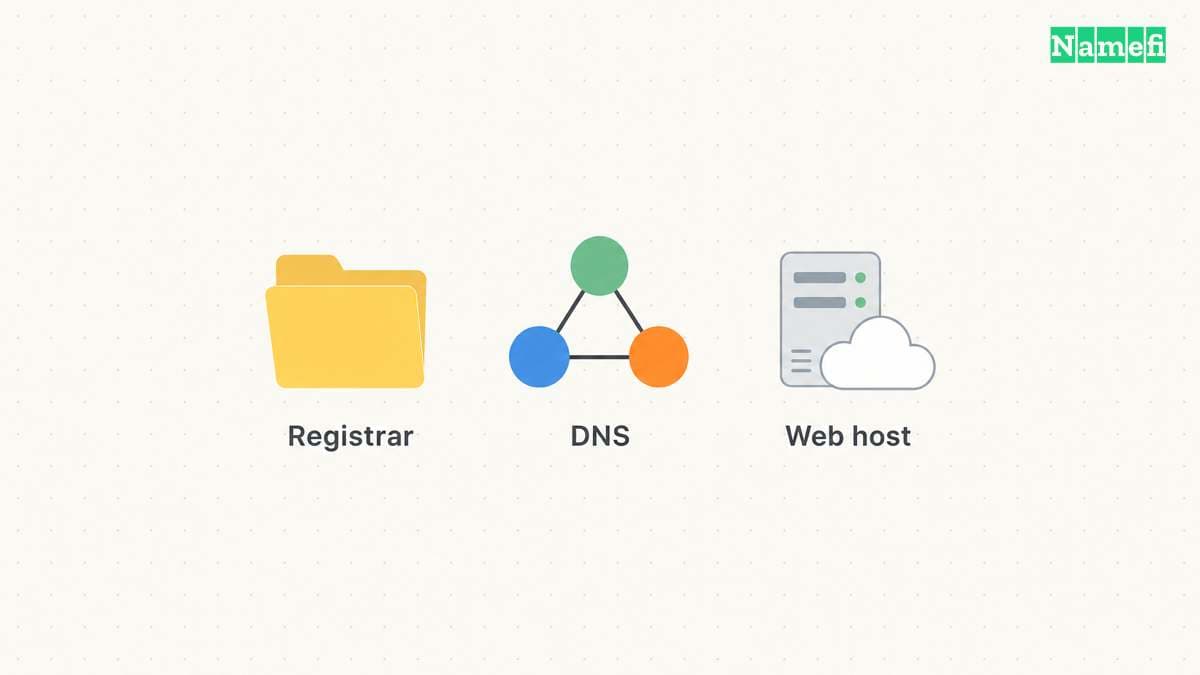
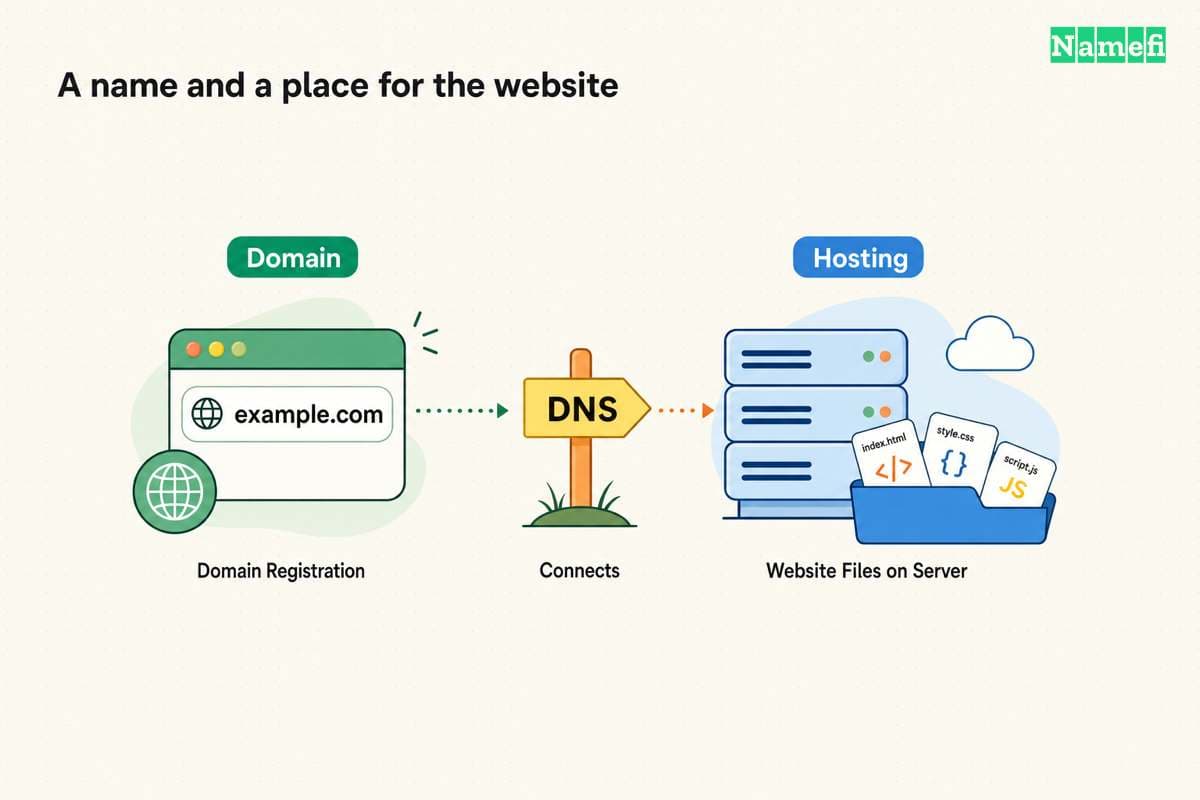
Therefore, do not infer that registering through Cloudflare requires moving every website file into a Cloudflare hosting product. Equally, do not infer that a DNS-only website record removes the registrar's nameserver requirement. Registration, DNS authority, proxy routing, and origin hosting remain separate decisions.
The domain and hosting guide provides the broader service map. Write down the intended provider for each role before comparing registrar features.
Domain support requires an exact-name check
Cloudflare's registration instructions currently state that Registrar does not support internationalized domain names. The instructions also identify additional requirements for some extensions. Check the exact domain and extension against the current documentation and registration interface. Cloudflare describes those restrictions.
A search result is an initial availability observation. Cloudflare states that selecting Purchase triggers a definitive availability check, because a domain can occasionally appear in results despite being unavailable. The registration procedure explains that final check.
As practical buying advice, verify the spelling, extension, and intended brand use before payment. A small spelling change can create a different domain. Keep the organization's approved name in the purchase request so another administrator can review the exact selection.
Avoid treating availability as trademark clearance or a guarantee of unrestricted use. A registrar's purchase interface answers a registration question. Any brand or legal question needs its own assessment.
The price comparison needs the term and renewal context
Cloudflare describes selling registrations at the registry and ICANN list price without markup. The provider's FAQ also describes non-refundable completed registration, renewal, and transfer fees. Cloudflare explains the pricing and refund policy.
A no-markup statement does not provide a fixed future renewal price. As editorial comparison advice, capture the final charge, currency, registration term, renewal information, and any applicable taxes from the actual checkout. Compare the same term and currency across providers.
Cloudflare's registration procedure displays the price and expiration date for the selected term. The procedure states that auto-renew starts enabled. The registration instructions describe those settings.
Record the renewal owner and payment method before the domain becomes important to the business. Keep a monitored administrative contact address. Do not rely on a reminder arriving in an inbox that nobody checks.
A transfer starts with DNS preparation and account control
Registering a new domain and transferring an existing domain require different workflows. A transfer moves registration from the current registrar. Cloudflare's transfer guide starts with adding the domain to Cloudflare and making the zone active before the registration transfer. The transfer guide gives the sequence.
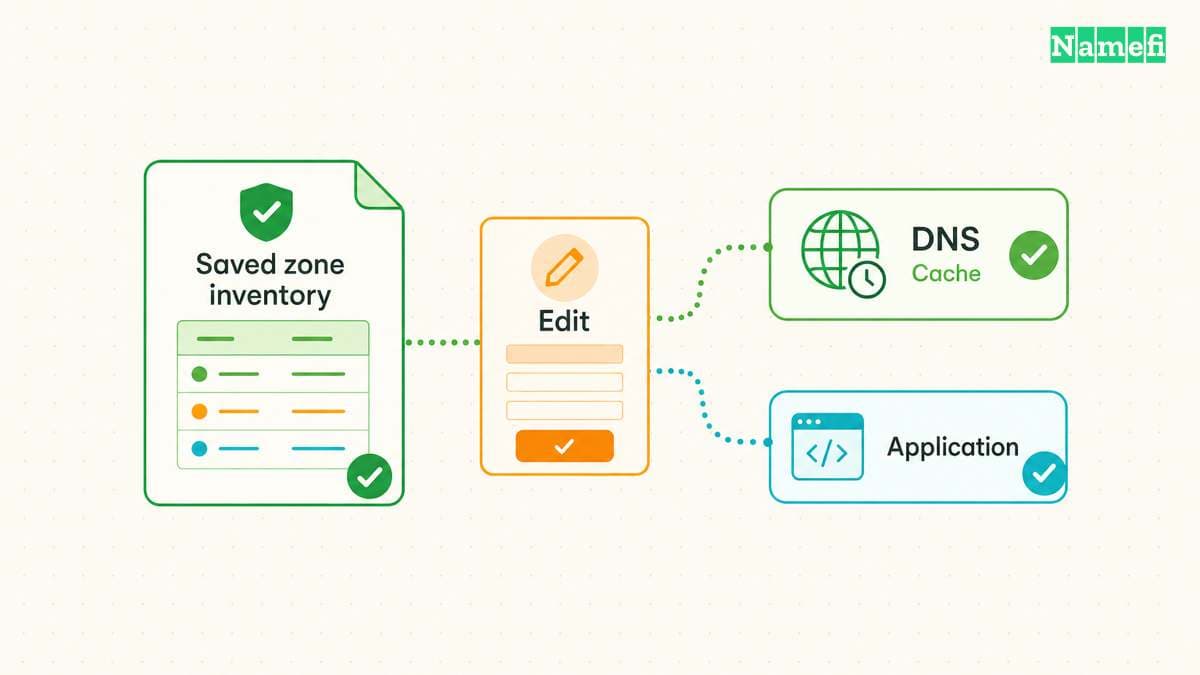
Before moving an existing domain, inventory the active DNS zone. Include website records, mail routing, verification records, and delegated subdomains. As practical migration advice, compare the destination configuration with the current authoritative answers before changing delegation.
Use the current transfer guide for eligibility, authorization, DNSSEC, and approval requirements. Do not copy an old migration checklist without checking the domain's actual state. A transfer lock, unsupported domain, or incomplete account verification can require a different next action.
Keep transfer authorization material in the registrar's supported process. Do not paste authorization codes into public tickets, issue descriptions, or shared research notes. The registrar transfer guide explains general handoff planning.
Account recovery and provider dependence belong in the comparison
Ask who controls the Cloudflare account and who can approve registration changes. As editorial administrative advice, use organizational account ownership and appropriate authentication. Document how another authorized administrator can recover access if the original purchaser leaves.
Consider the operational effect of using one account for several services. A consolidated dashboard can simplify routine work. The same concentration can increase the consequences of lost access. This is an administrative trade-off, rather than a claim that any particular provider will fail.
Also inspect the supported transfer-out process before buying. A future requirement for another authoritative DNS provider can require a registrar move. Keep the current registration and recovery details available to the authorized domain administrator.
The final purchase review should answer specific questions
Confirm that the exact domain is supported and passes the final availability check. Confirm that Cloudflare authoritative DNS matches the intended architecture. Review the final term, charge, renewal settings, contact details, and account ownership.
For an existing domain, complete the documented preparation and verify the intended website and email behavior after the move. For a new domain, configure the required services before advertising the domain.
Choose Cloudflare Registrar when the documented restrictions and account model fit your needs. Compare another registrar when authoritative DNS independence or an unsupported domain is essential. The useful next action is an exact-domain review through the official registration or transfer route.
Sources and further reading
Cloudflare defines registration restrictions
Cloudflare Registrar: Register a domain. Checked 2026-10-30.
Cloudflare separates DNS and proxy routing
Cloudflare: Proxy status. Checked 2026-10-30.
Cloudflare describes pricing and refunds
Cloudflare Registrar: FAQ. Checked 2026-10-30.
Cloudflare describes the transfer sequence
Cloudflare Registrar: Transfer a domain. Checked 2026-10-30.
About the author(s)
Fenwei Bian is a software developer in her thirties who spends her working hours in pull requests and her weekends with her hands in soil or sawdust. Years of open source on GitHub taught her that names are interfaces: a good one is clear, honest about what it does, and kind to whoever has to use it next.
She gardens because it rewards patience and punishes wishful thinking, and she does woodwork because a joint either fits or it doesn't. Both habits show up in how she writes about naming — measure twice, check the source, and don't sand over a rough spot and hope no one notices.
For Namefi she writes about how domain markets actually move, the practical trade-offs of tokenizing and flipping names, and picking a domain you'll still be glad you own in twenty years.