Dynamic DNS Keeps a Hostname Pointed at a Changing Address
Configure ddclient for changing IPv4 addresses, protect update credentials, and check DNS separately from network reachability.

- dns
- networking
- domains
- guide
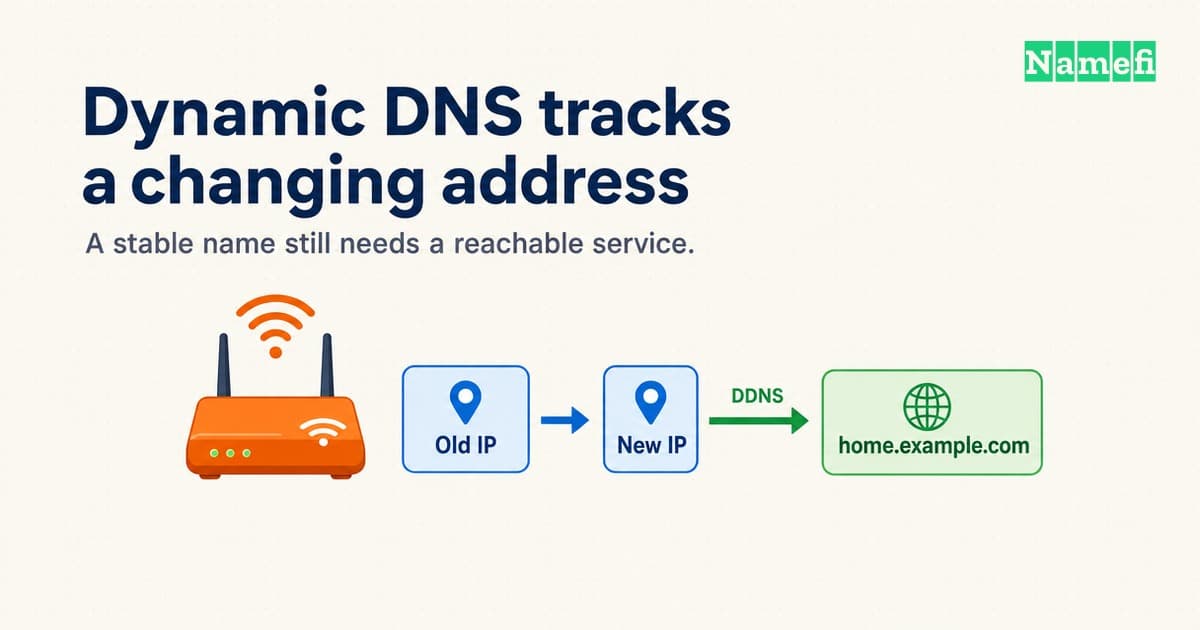
Dynamic DNS updates a DNS record when an address changes. A client detects the address and sends an authorized update to the DNS provider. Cloudflare documents both an API approach and the existing ddclient utility. Its guide describes the two options.
A home server can keep one hostname while an internet provider changes the connection's address. That convenience does not establish that the server accepts outside connections. Plan DNS updates and network access as separate tasks.
An update client changes records rather than resolving names
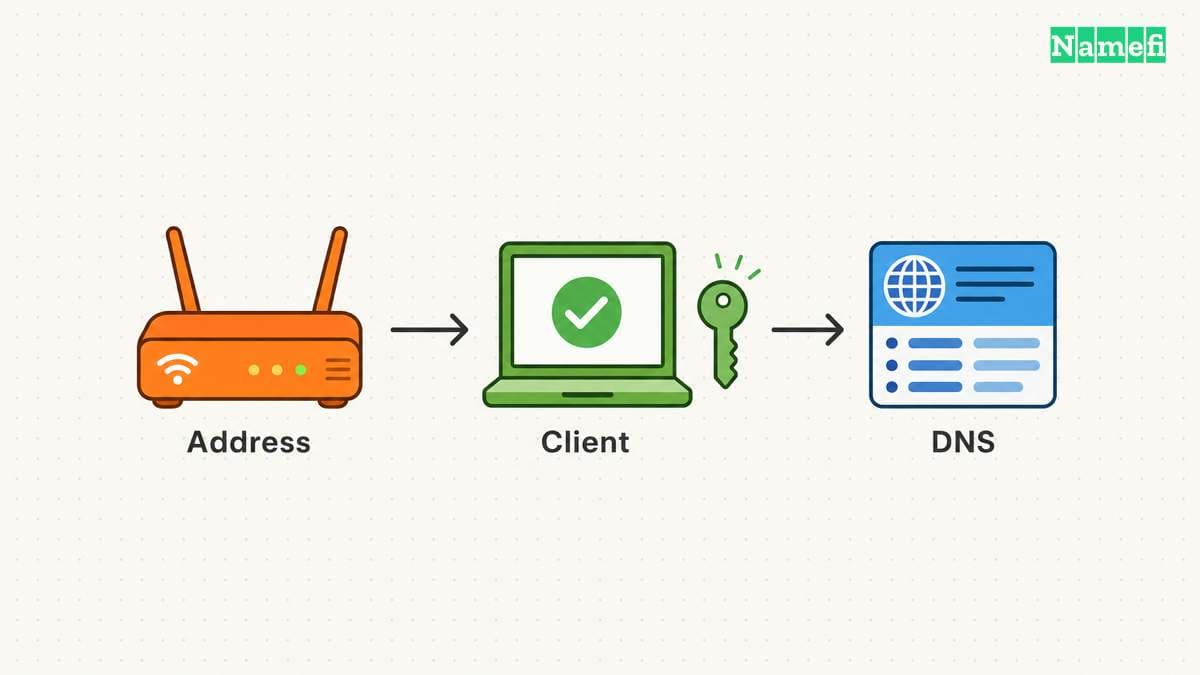
A DNS resolver answers lookup requests. A DDNS client changes the records those lookups can return. Running a resolver does not automatically create an address update service. The DHCP and DNS comparison explains the separate client-configuration role.
DDNS also does not mean every provider uses the same update protocol. RFC 2136 defines the DNS UPDATE operation for adding or deleting records. A hosted DNS provider can instead expose an HTTPS API. The standard defines DNS UPDATE, while Cloudflare describes API-driven updates. Use the method the authoritative provider and client support.
Check existing software before writing a script. The ddclient documentation separates general settings, address detection, and provider protocols. Those settings answer three practical questions: how the client runs, where the address comes from, and which service receives updates. The project explains its configuration model.
For a custom hostname such as home.example.com, confirm that the client can update the provider hosting the relevant zone. Buying a domain from a registrar does not prove that the registrar also hosts its authoritative DNS. Check the domain's nameservers before selecting the update method.
A correct DNS answer does not establish network access
Identify the address that outside clients must reach. A device's local address, a router's WAN address, and an externally observed address can differ. Carrier-grade NAT can place another translation layer in the provider's network. RFC 6598 reserves 100.64.0.0/10 as Shared Address Space for such networks. The standard describes the allocation and use.
Publishing an address cannot create a port mapping through a provider's NAT. Confirm inbound connectivity with the internet provider before promising public access. A router address in Shared Address Space warrants investigation. An address outside that block alone does not prove inbound reachability.
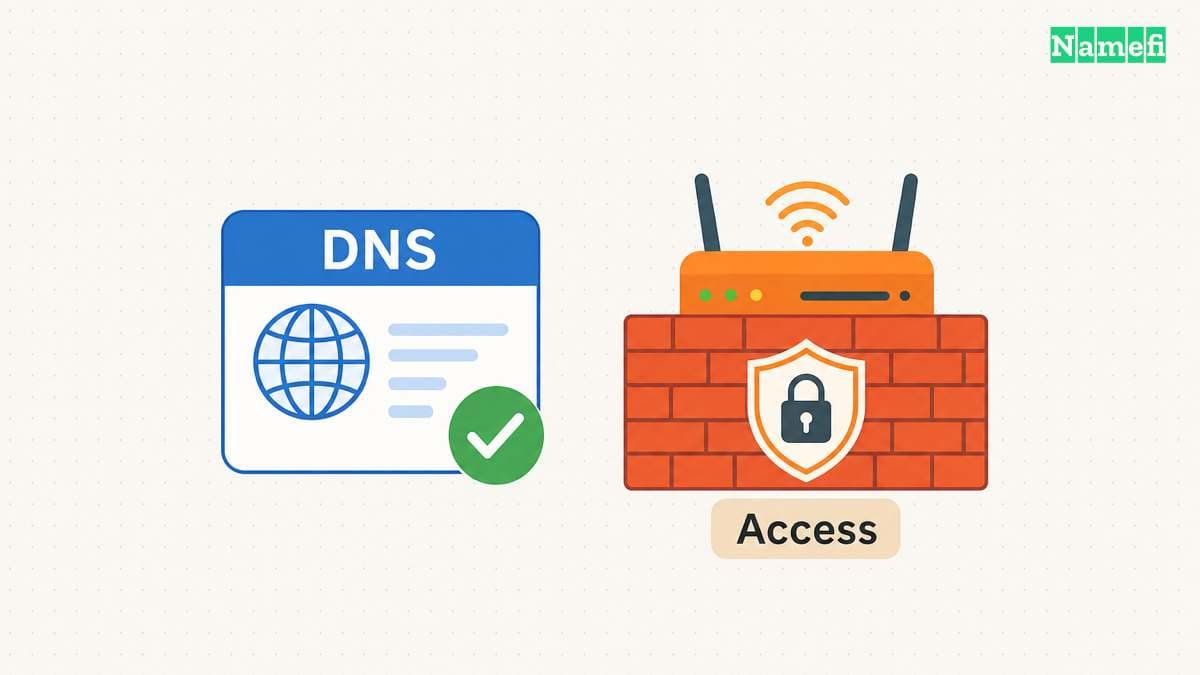
Decide who may access the service before opening any network path. A private administration service needs an authenticated access design. DNS records identify destinations. DNS records do not grant or enforce application permission. Keep firewall rules and application authentication in the deployment checklist.
Time to live also affects observations. An authoritative update and a cached answer can differ while caches retain older data. Lowering a TTL does not erase an answer already cached under its previous TTL. Cloudflare explains that TTL controls caching and that local caches can delay visible changes. Its TTL documentation describes the distinction.
With Cloudflare proxying enabled, address lookups return Cloudflare addresses rather than the configured origin address. Verify the origin through the provider's record data. Do not interpret a proxy address as proof that the DDNS client failed. Cloudflare distinguishes proxied and DNS-only records.
A controlled deployment verifies updates and access separately
- Identify the authoritative provider for the intended hostname.
- Check the client's provider support and address-detection method.
- Create a credential with the smallest supported update scope.
- Keep the credential in a protected store accessible only to the updater.
- Configure the hostname and the intended IPv4 or IPv6 record type.
- Run an update and inspect the provider's result.
- Compare authoritative answers with cached resolver answers.
- Test the intended service from an outside network.
- Confirm that unauthorized users cannot access the service.
For a concrete IPv4 example, suppose Cloudflare already hosts your zone and you use a current ddclient release. Create the intended A record first. The project's Cloudflare example requires a token with Zone:DNS:Edit and Zone:Zone:Read. Limit the token's resources to the intended zone. The example below combines that provider configuration with the documented IPv4 discovery and environment-variable settings:
ssl=yes
usev4=webv4,webv4=ipify-ipv4
usev6=disabled
protocol=cloudflare
zone=example.com
password_env=CLOUDFLARE_DDNS_TOKEN
home.example.com
Replace example.com and home.example.com with names you administer. Use a release with the documented _env support. Save the non-secret configuration at the installed package's configuration path, normally /etc/ddclient/ddclient.conf. Have your service or secret manager supply CLOUDFLARE_DDNS_TOKEN only to the updater process. Do not substitute the token value into the configuration example or a shell argument.
Run ddclient -daemon 0 -noquiet through that authorized launcher for an initial update. The zero-second daemon setting disables the background loop for this one run. Inspect the provider's record data and confirm the detected IPv4 address. Then enable the installed package's service or scheduler and confirm subsequent checks. Review the package's instructions before choosing a polling interval. This configuration does not configure an AAAA update or solve carrier-grade NAT.
Cloudflare lets tokens restrict permissions and resources. A zone-scoped token does not necessarily restrict writes to one hostname. Check the provider's available scope instead of assuming per-record isolation. Never put a token into a public repository, screenshot, or shared command. Cloudflare documents token permissions and resource restrictions.
Keep update logs free of credentials. Record the target hostname, address family, result, and last successful update time with its timezone. Handle IPv4 and IPv6 separately. An IPv4 update does not verify the IPv6 path.
When troubleshooting, inspect each boundary: address detection, update authorization, authoritative record, cached answer, and service access. A successful update request proves neither immediate cache refresh nor application availability.
These sources support the deployment decisions
Cloudflare describes address update options
Cloudflare — Dynamically update DNS records, “Cloudflare API” and “ddclient.” Fetched 2026-10-22.
The standard defines DNS UPDATE
IETF — RFC 2136, abstract and Section 8 on update security. Fetched 2026-10-22.
ddclient separates detection from provider updates
ddclient project — Configuration introduction, environment-variable settings, and Cloudflare configuration example. Fetched 2026-10-22.
The standard describes shared address space
IETF — RFC 6598, Sections 1, 4, and 7. Fetched 2026-10-22.
Cloudflare explains caching and proxy answers
Cloudflare — Time to Live, introduction and “Proxied records.” Fetched 2026-10-22.
Cloudflare explains proxy answers
Cloudflare — Proxy status, proxy and DNS-only response examples. Fetched 2026-10-22.
Cloudflare describes token permissions
Cloudflare — Create API token, permissions and resource selection. Fetched 2026-10-22.
About the author(s)
Namefi is a collective of engineers, designers, and operators who obsess over building tools that make managing your onchain domain names effortless.