ICANN Lookup: Find a Domain’s Registrar and Registration Details
Read ICANN Lookup results, interpret dates and status codes, and understand what public registration data can establish.

- domains
- guide
- research

Use ICANN Lookup to inspect a domain's public registration data. Start with the registrar, registration events, status codes, and nameservers. Keep each field tied to its stated purpose. Public registration data does not establish a seller's authority or guarantee that a domain is available.
ICANN provides a free browser client that runs RDAP queries. RDAP supplies registration data in a structured format. ICANN explains the lookup client. This guide shows how to turn the result into useful administrative notes without claiming more than the fields support.
The examples use reserved domains and hypothetical situations. The guide does not perform a live lookup or assess a particular domain.
A useful lookup starts with the registered name
Open the official lookup tool and enter the domain you need to investigate. Remove https://, a page path, query parameters, and an email prefix. For the hypothetical address https://shop.example.com/orders, begin with example.com.
Keep the original hostname in a separate note. A website on a subdomain can require additional DNS investigation. The registration question concerns the registered name. The deployment question concerns the hostname that a browser actually requests.
Check the spelling before reading any result. Similar-looking names and different extensions identify different registrations. If the tool presents an ASCII representation for an internationalized name, retain that representation with the displayed name. RDAP defines both LDH and Unicode name fields. RFC 9083 describes domain response fields.
Save the query and UTC lookup time. A later investigator needs to know which domain and which observation the notes describe. Avoid saving unrelated personal data from a result when the administrative task does not require that data.
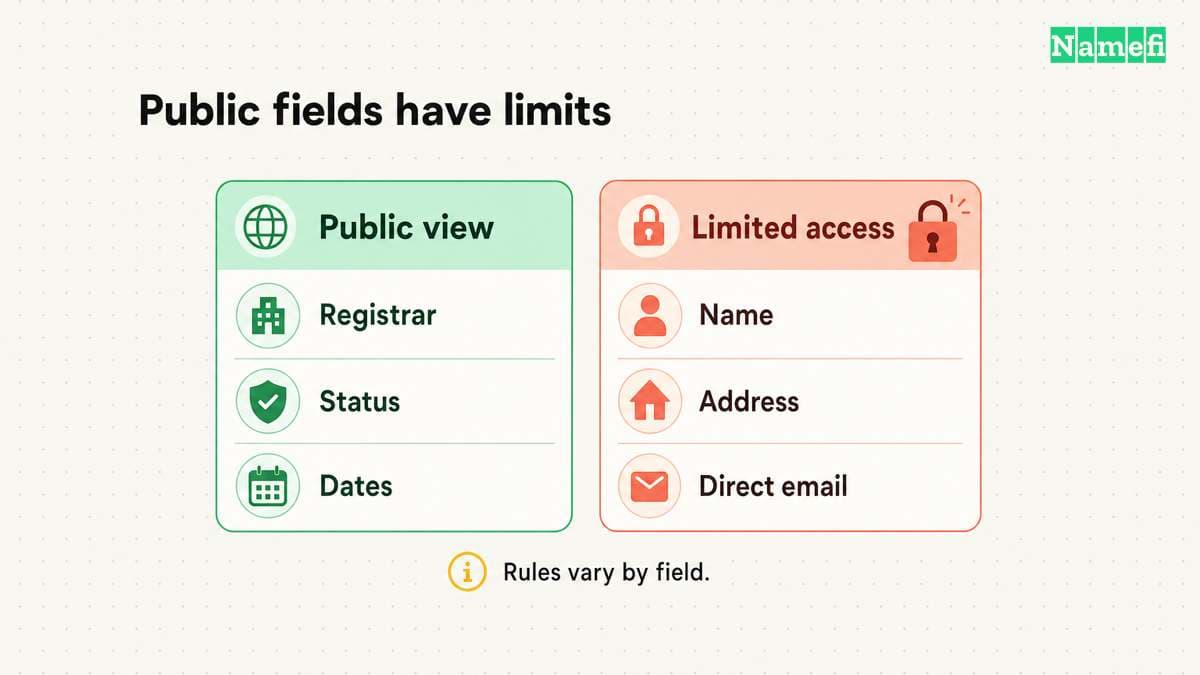
The registrar field answers an administration question
Identify the registrar entry and any public identifier the result provides. Compare those details with your organization's purchase and renewal records. The public registrar entry helps locate registration administration. The entry does not grant account access.
If a team bought the domain through a reseller, the billing relationship can require a separate check. As practical advice, ask the person responsible for procurement to confirm the account and recovery process. Do not infer private account control from a company name in a public result.
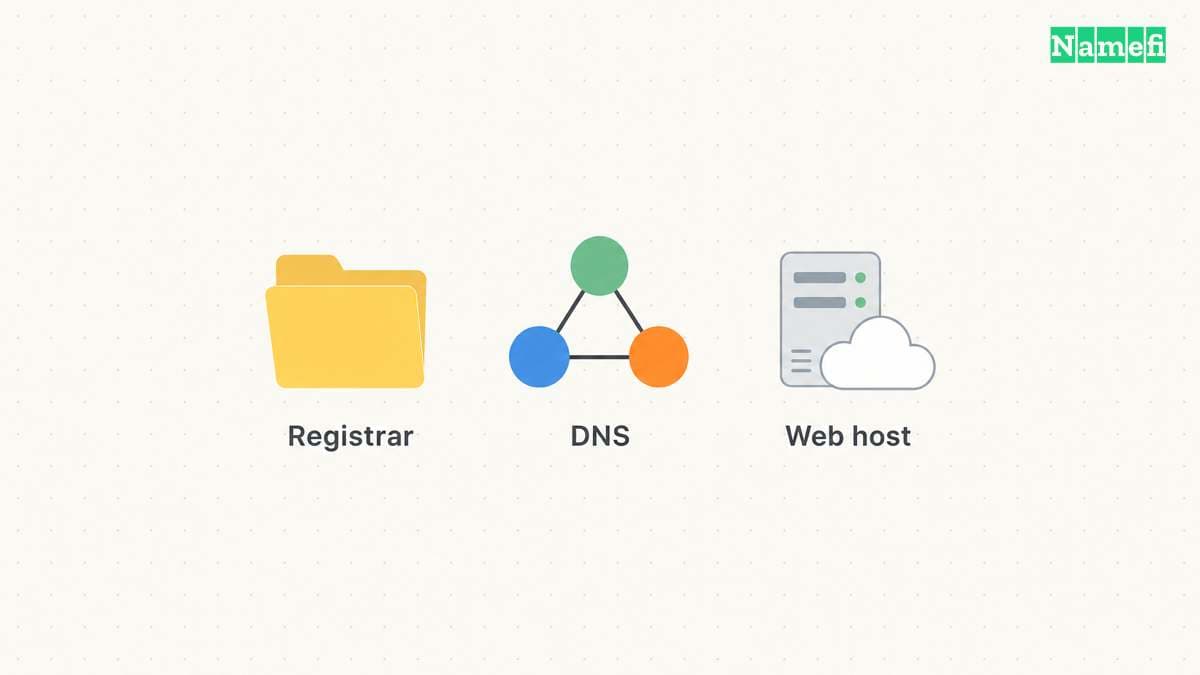
Keep the registrar separate from the registry and hosting provider. RDAP represents a domain, nameservers, and related entities as distinct parts of a response. RFC 9083 defines that structure.
The registrar and DNS host guide helps locate the active account for a DNS change. A registrar result alone cannot tell a colleague which hosting deployment contains the website files.
Registration dates describe events with specific labels
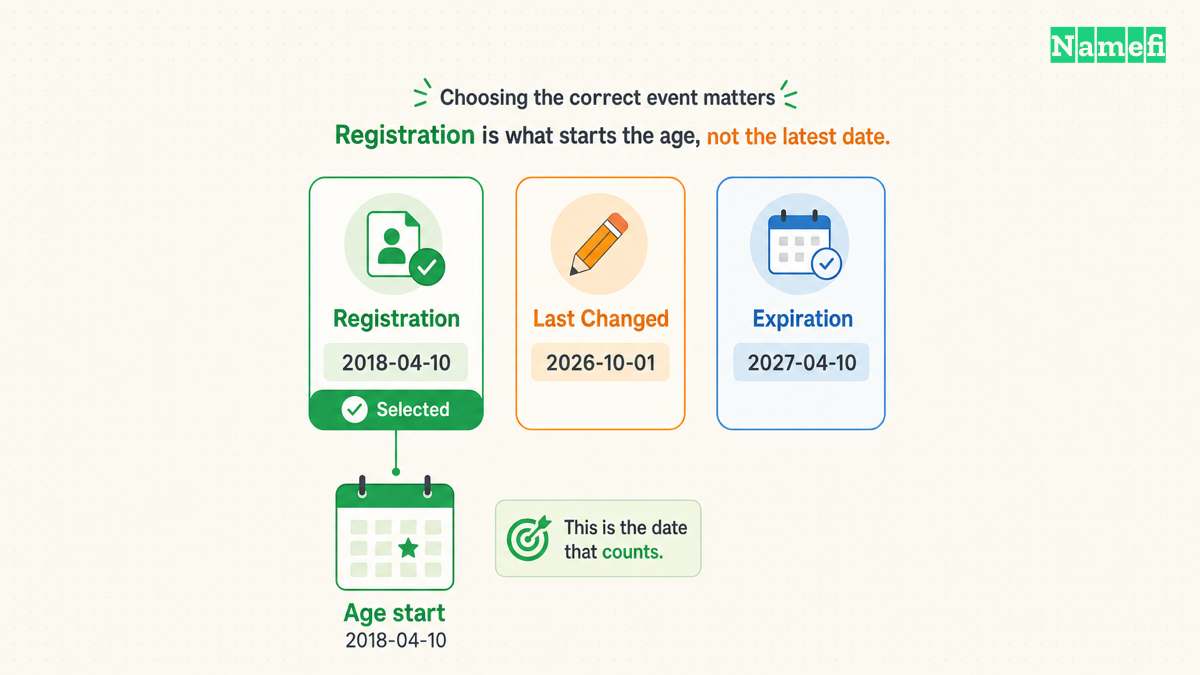
Read the event label together with its timestamp. A registration event, last-change event, and expiration event answer different questions. RFC 9083 separates an event's action from the event's date. The standard also allows future-dated events, including an object's expiration. The event specification explains the model.
Do not interpret a last-change date as the website's launch date. The field describes a registration-data event. The field does not describe the first public page, the current business's founding, or uninterrupted historical ownership.
Likewise, do not treat a public expiration event as a confirmed purchase opportunity. An acquisition decision needs the registrar's current availability result and applicable registration lifecycle information. As practical advice, verify availability immediately before a purchase instead of scheduling a purchase from one lookup timestamp.
For research about a domain's history, preserve separate evidence for registration history and website history. The domain age guide explains why one current record cannot establish an entire historical narrative.
Status codes describe restrictions and lifecycle conditions
Status codes require interpretation. ICANN publishes a reference that distinguishes registry and registrar status codes. Some codes describe protective restrictions. Other codes identify an urgent administrative problem. ICANN explains EPP status codes.
For example, clientTransferProhibited tells the registry to reject an inter-registrar transfer request. That restriction can help prevent unauthorized transfers. The code does not, by itself, establish that the domain's website should fail.
By contrast, ICANN describes clientHold as preventing activation in DNS. A domain administrator should contact the registrar about the cause and required correction. Do not guess that every hold comes from the same billing or verification issue. ICANN's status reference provides the distinction.
When a transfer or recovery matters, copy the complete status set and lookup time. Ask the registrar about the exact condition. Avoid removing protective restrictions solely because a third party asks for an unlocked domain.
Nameservers and contact fields have separate limits
Nameserver fields help investigate delegation. A live DNS query remains a separate observation about current DNS answers. If a website fails, retain the queried hostname, DNS record type, selected server, and response time with the registration result.
A registration lookup also cannot promise complete public contact details. RFC 9083 describes private, removed, and obscured registration data. A missing personal name does not establish that no registrant exists. The privacy section explains those response conditions.
Use a listed public contact route only for the purpose the route supports. An abuse contact addresses abuse reports. A privacy or proxy contact does not establish the underlying person's identity. For a purchase, use an appropriate verification and transfer process rather than relying on one displayed name.
The privacy and proxy guide provides additional context. As practical due-diligence advice, independently verify the counterparty and transaction process before sending money or registration credentials.
A lookup note should end with a precise next action
Create a short note with the exact domain, lookup time, registrar, relevant event labels, status codes, and nameservers. Add one sentence explaining the unresolved question. Keep conclusions narrower than the evidence.
For renewal, identify the authorized registrar account. For a DNS change, identify the active authoritative service. For a suspected registration problem, contact the registrar with the relevant status. For a purchase, confirm current availability or the seller's authority through the transaction process.
ICANN Lookup supplies an official starting point. The useful result is a supported next action, with clear limits on what public registration data can establish.
Example names use reserved documentation domains.
Sources and further reading
ICANN provides a browser registration client
ICANN: Information for RDAP Users. Checked 2026-10-30.
RFC 9083 defines registration response fields
RFC 9083: RDAP JSON Responses. Checked 2026-10-30.
ICANN explains registration status codes
ICANN: EPP Status Codes. Checked 2026-10-30.
RFC 9083 describes private registration data
RFC 9083: RDAP JSON Responses. Checked 2026-10-30.
RFC 2606 reserves example domain names
RFC 2606: Reserved Example Domains. Checked 2026-10-30.
About the author(s)
Fenwei Bian is a software developer in her thirties who spends her working hours in pull requests and her weekends with her hands in soil or sawdust. Years of open source on GitHub taught her that names are interfaces: a good one is clear, honest about what it does, and kind to whoever has to use it next.
She gardens because it rewards patience and punishes wishful thinking, and she does woodwork because a joint either fits or it doesn't. Both habits show up in how she writes about naming — measure twice, check the source, and don't sand over a rough spot and hope no one notices.
For Namefi she writes about how domain markets actually move, the practical trade-offs of tokenizing and flipping names, and picking a domain you'll still be glad you own in twenty years.