How to Register a Domain Name Without Losing Control of It
Register the exact domain, confirm the intended registrant, complete verification, connect services, and preserve account and renewal control.

- domains
- guide
- domain-basics
Register a domain through a registrar, enter the intended registrant's accurate details, and keep the account under the intended registrant's control. For a generic top-level domain, start with the official ICANN-accredited registrar list. Registration creates rights under an agreement, rather than a permanent purchase or an automatically working website. ICANN describes the registration process. ICANN separates registration rights from website services.
The completed task has several results: the exact name is registered, required checks are complete, the intended registrant controls the account, and the required services work. A payment receipt alone does not establish every result.
Checkout begins with the exact name and actual terms
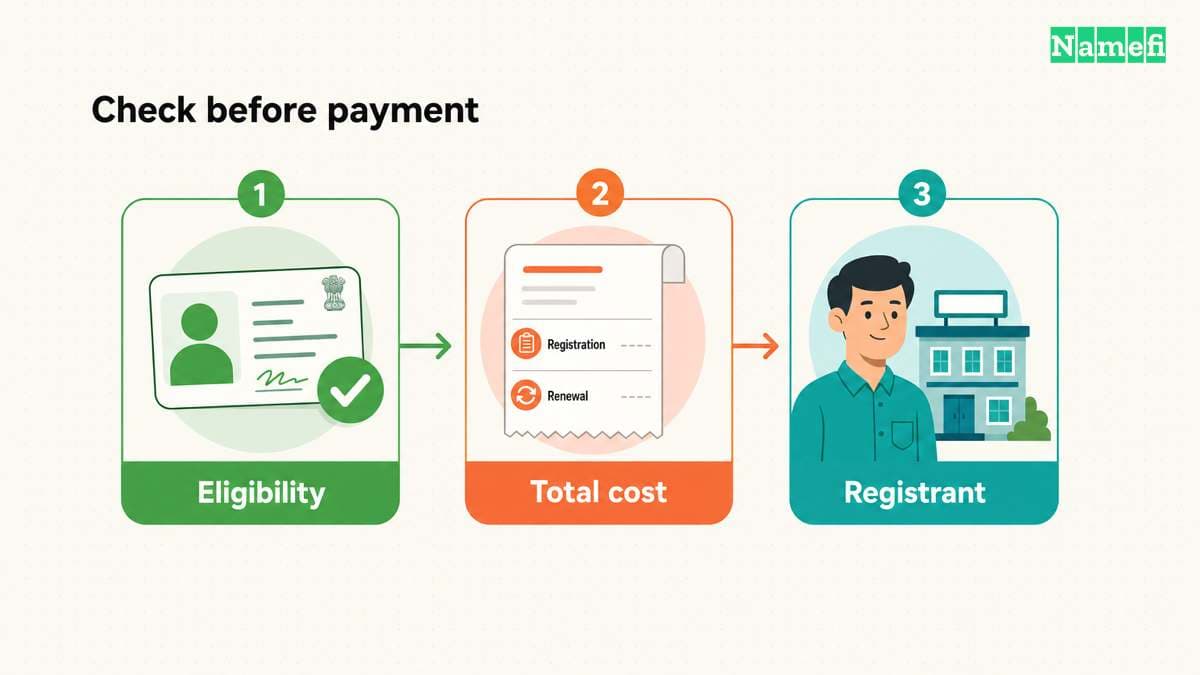
Choose the full name and ending before opening the cart. A registration offer, a resale listing, and a transfer offer require different transactions. As buying advice, verify which transaction the displayed offer represents before authorizing payment.
Use this prepayment checklist:
- Check every character and the domain ending.
- Confirm that the offer covers the intended transaction.
- Read eligibility rules for the actual ending.
- Check the registration period and total currency amount.
- Review renewal pricing and automatic-renewal terms.
- Remove optional services that the project does not require.
ICANN advises registrants to understand the registration agreement, including fees, personal-data use, and conditions for changing providers. The registration FAQ explains that review.
Do not infer eligibility for every ending from a successful search result. ICANN distinguishes generic-domain registration arrangements from country-code registration through the relevant operators. The process guide identifies that distinction. Ask the selected registrar to resolve unclear eligibility requirements before payment.
Keep a copy of the final terms with the registration record. Record the charge due now and the renewal basis separately. ICANN's registrant-rights statement includes access to applicable registration and privacy-service pricing information. The rights statement describes those disclosures.
For a new-registration candidate, enter the complete name in Namefi's domain search. Check the returned offer and its current purchase terms before paying. A search result is not a completed registration, and an already registered name needs a separate transfer or resale process.
The intended registrant needs an accurate record and a controlled account
The registrant holds the registration rights. ICANN warns that a contractor can enter the contractor's own details even when the customer pays for registration. The FAQ describes the payer and registrant distinction.
Before checkout, identify the person or organization that should hold the registration. Enter that registrant's accurate details. Use a working contact mailbox that the responsible person can access immediately.
For a new domain, avoid making contact verification depend on a mailbox that still needs that new domain's DNS setup. This is practical setup advice: the verification contact should already work when the registrar sends a notice.
As account-security advice, enable supported multifactor authentication and save recovery information in an approved location. Assign contractor access according to the work required. Keep the account owner, recovery route, and billing responsibility with the organization that will maintain the domain.
Privacy services do not justify false registration details. ICANN requires accurate information and current account data. The responsibilities statement records those duties.
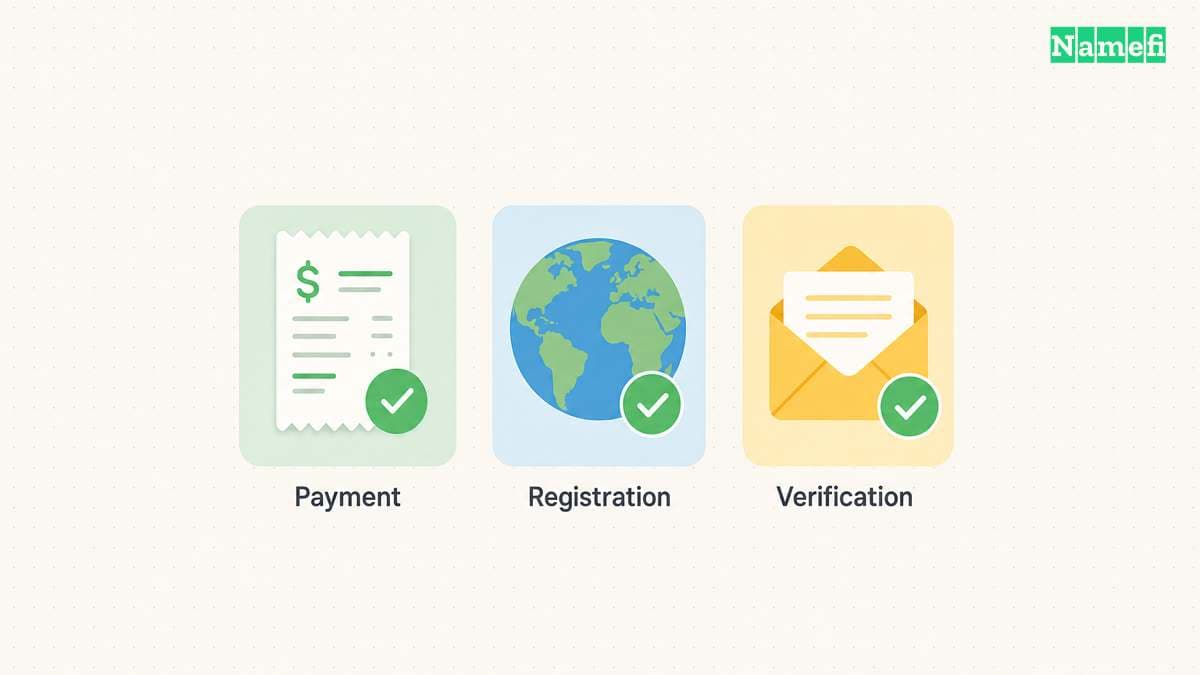
Registration confirmation and contact verification are separate checks
After payment, return to the registrar account directly. Check the exact domain, the order result, the registration status, and the expiry information. Save the receipt and support contact.
If the order remains unclear, inspect the existing order before paying again. Ask support whether registration completed, whether the registrar needs more information, or whether the transaction failed. A second payment is not a reliable way to diagnose the first order.
Complete the registrar's actual verification instructions. ICANN explains that registrars validate and verify specified registration data and must suspend or delete names that remain unverified under the applicable requirements. The contact-verification explanation describes the process.
Read the deadline in the actual notice. Do not apply a generic deadline from a different provider or country-code registry. If a message requests sensitive documents unexpectedly, confirm the request through the registrar account's official support route.
Public registration lookup can provide a separate observation. ICANN directs users to ICANN Lookup. The RDAP announcement identifies that route. Public personal fields can remain redacted under the publication rules. ICANN defines that boundary. Use account records to confirm the intended registrant details.
DNS connects the name to the selected services
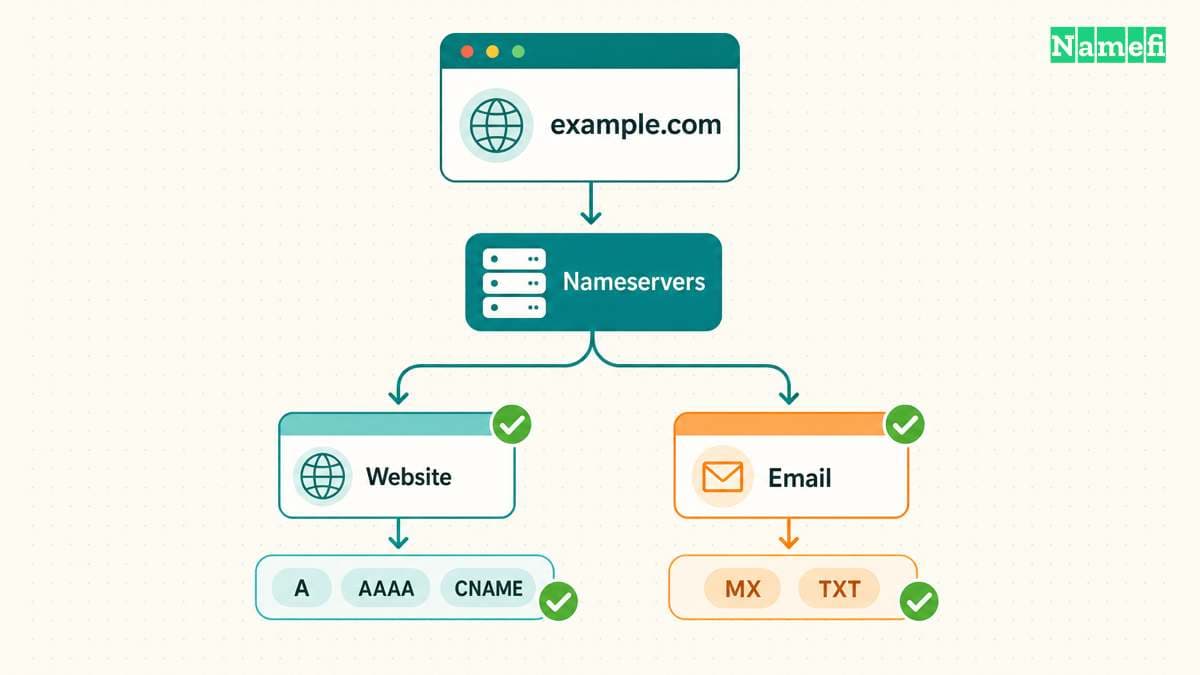
Registration alone does not create hosting or email. ICANN also explains that the registrar and hosting provider can differ. The registration FAQ separates those purchases.
Choose the provider for each required service. Obtain the provider's exact DNS records and account setup instructions. Decide which DNS provider will manage the authoritative records before copying values into an interface.
For example, GitHub Pages requires a custom-domain setting and appropriate DNS configuration. GitHub warns users to add the custom domain to the site before configuring the provider-side DNS. The official workflow explains the order.
Use that example as a reason to follow the selected provider's instructions, rather than as universal DNS values. A different hosting or email provider needs its own records.
If the domain already serves another project, preserve the existing records and dependencies before a change. Follow the DNS provider's documented migration procedure for any existing DNSSEC configuration. Give the change an owner and a reversal plan.
A working registration needs a maintenance record
Test the required services independently. Confirm that the intended website opens through verified HTTPS. If email is configured, test sending and receiving through the intended mailbox. Do not infer email success from a working website.
Maintain a record with the following information:
| Item | Responsible record |
|---|---|
| Domain and registrar | Exact spelling and official support route |
| Account control | Account owner, recovery responsibility, and approved administrators |
| Registration | Intended registrant, status, and expiry information |
| Renewal | Automatic-renewal setting, payment owner, and reviewed terms |
| Service configuration | Authoritative DNS provider, host, and email provider |
ICANN specifically tells automatic-renewal users to keep payment information current. The responsibilities statement includes that requirement.
The registrar-account guide covers the next security review. The registration task ends when the intended person controls a maintained registration and the intended services pass their checks.
Sources and further reading
ICANN explains the registration process
ICANN, Domain Name Registration Process. Fetched 2026-10-30.
ICANN explains registration rights and separate services
ICANN registration FAQ. Fetched 2026-10-30.
ICANN recommends reviewing the registration agreement
ICANN registration FAQ, Before You Register. Fetched 2026-10-30.
ICANN documents registrant rights and responsibilities
ICANN, Domain Name Registrants Rights and Responsibilities. Fetched 2026-10-30.
ICANN explains contact verification
ICANN, Contact verification. Fetched 2026-10-30.
ICANN identifies the public registration lookup
ICANN, RDAP announcement. Fetched 2026-10-30.
ICANN defines registration data redaction
ICANN Registration Data Policy, section 9.2. Fetched 2026-10-30.
GitHub documents a provider specific domain connection
GitHub Docs, Managing a custom domain. Fetched 2026-10-30.
About the author(s)
Fenwei Bian is a software developer in her thirties who spends her working hours in pull requests and her weekends with her hands in soil or sawdust. Years of open source on GitHub taught her that names are interfaces: a good one is clear, honest about what it does, and kind to whoever has to use it next.
She gardens because it rewards patience and punishes wishful thinking, and she does woodwork because a joint either fits or it doesn't. Both habits show up in how she writes about naming — measure twice, check the source, and don't sand over a rough spot and hope no one notices.
For Namefi she writes about how domain markets actually move, the practical trade-offs of tokenizing and flipping names, and picking a domain you'll still be glad you own in twenty years.