DNS_PROBE_FINISHED_NXDOMAIN Requires a Name and Resolver Check
Diagnose DNS_PROBE_FINISHED_NXDOMAIN by checking the exact name, browser lookup path, resolver responses, authoritative records, and negative caches.

- dns
- networking
- troubleshooting
- guide
DNS_PROBE_FINISHED_NXDOMAIN is a Chrome DNS diagnostic status.
Start by checking the exact hostname, then compare the browser's lookup path with a controlled DNS query.
Changing DNS settings immediately can hide the cause or break access to internal names.
Chromium defines the status as the probe outcome for working DNS servers and an apparently nonexistent domain. The status appears on the browser's error page. Chromium's DNS probe definitions document the diagnostic. A browser diagnosis alone does not prove that a domain registration expired or that every resolver returns the same result.
The following procedure distinguishes a visitor's checks from a domain operator's repairs. The examples use documentation names and placeholder server addresses. The examples illustrate commands, rather than report measured failures.
The response code describes a narrower problem than a missing website
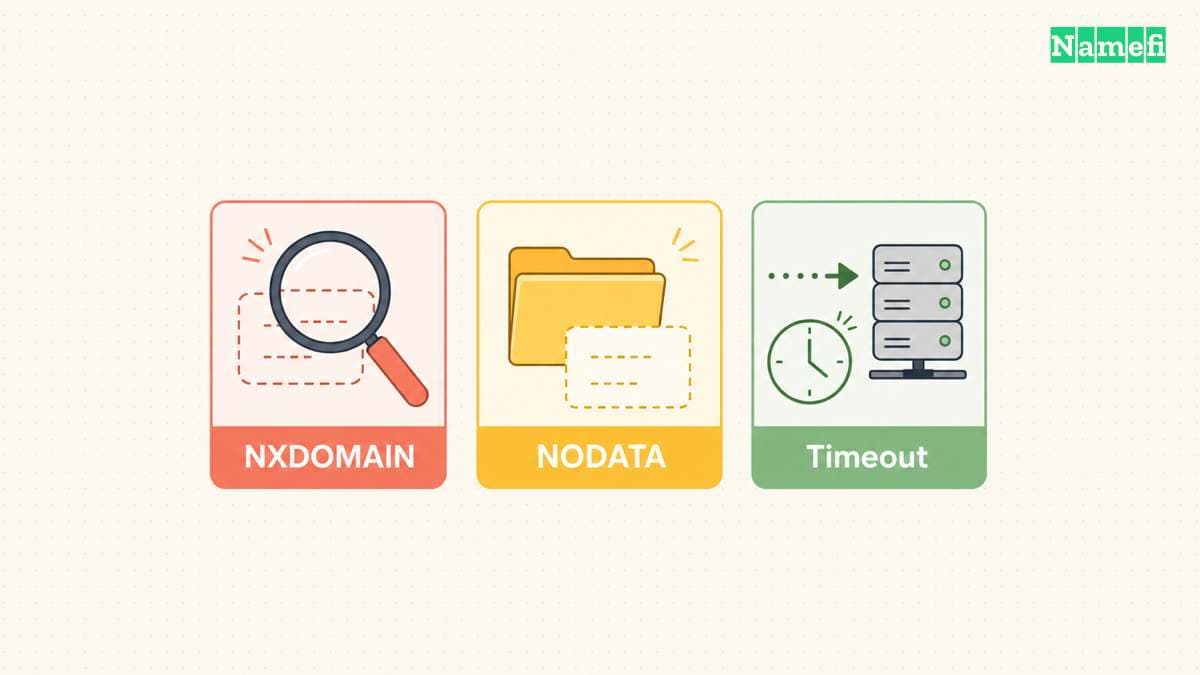
In the DNS protocol, NXDOMAIN is the Name Error response code. The response denies the existence of a name. SERVFAIL reports a server failure, while a timeout means the test received no response before the tool's deadline. RFC 1035, Section 4.1.1 defines the DNS response codes. A timeout is an observation about a query, rather than an NXDOMAIN response.
An existing name can lack a particular record type.
That result is commonly called NODATA and uses NOERROR without the requested data.
RFC 2308, Section 2.2 distinguishes NODATA from a name error and a referral.
For example, a name without an AAAA record can still have a working A record.
Do not recreate the domain merely because one record type is absent.
An alias requires another distinction. An NXDOMAIN response can contain a CNAME chain whose final target does not exist. The missing name can therefore differ from the name entered in the browser. RFC 8020, Section 2 identifies the last name in the alias chain as the denied name. Inspect the complete answer before removing a working alias.
A filtering resolver can deliberately return NXDOMAIN. Quad9 documents NXDOMAIN for blocked domains and SERVFAIL for DNSSEC authentication failures. Use the provider's block identification guidance when the selected resolver applies filtering. An NXDOMAIN result alone cannot distinguish a real absence from that policy response.
Visitors can compare the exact name and lookup path
First, inspect the address bar.
Check spelling, extra characters, and the intended hostname.
example.com and www.example.com are different DNS names.
A path such as /account does not become part of the DNS hostname.
Google's connection troubleshooting instructions begin with checking the website address and reloading.
Next, establish the scope of the failure:
- Retry the exact hostname after correcting any spelling error.
- Check whether another unrelated website loads.
- Compare the same hostname in another browser on the same device.
- Check the approved VPN and internal DNS requirements for a work hostname.
- Record the resolver used by the failing application.
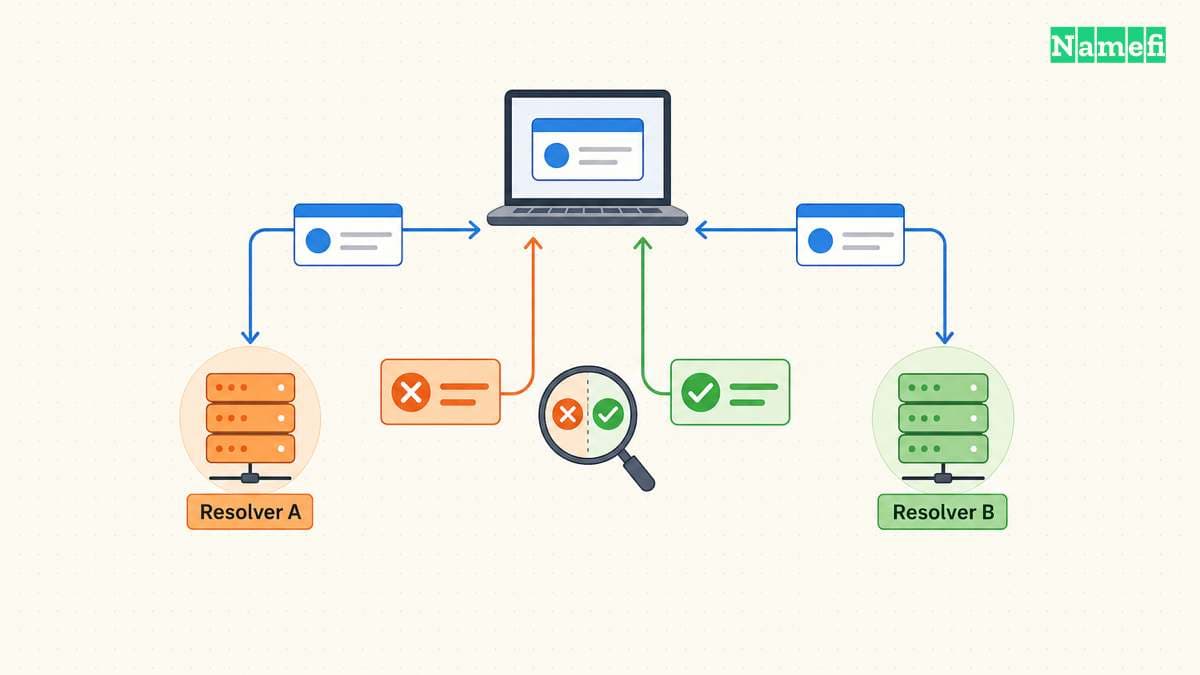
A browser comparison identifies a difference between applications. A network comparison identifies a difference between network paths. Neither comparison alone establishes the domain's correct authoritative data. Keep the original error and a UTC timestamp before changing settings.
Chrome can perform Secure DNS lookups. Google's Secure DNS documentation explains the browser setting. A command-line tool and Chrome can therefore ask different resolvers. Record Secure DNS and VPN settings before interpreting contradictory results. Follow the organization's approved resolver policy for internal names.
Use an explicit DNS server to make a comparison reproducible:
nslookup -type=A www.example.com. 192.0.2.53
nslookup -type=A www.example.com. 192.0.2.54
Replace both documentation addresses with verified, permitted resolver addresses. Microsoft documents the selected server as nslookup's second argument. Keep the hostname and record type identical across both tests. The final period makes the name absolute and avoids search-suffix ambiguity.
On a system with BIND dig installed, the equivalent comparison uses this form:
dig @192.0.2.53 www.example.com. A
dig @192.0.2.54 www.example.com. A
Read the status, answer, authority section, and selected server. Do not treat dig's successful process exit as proof that an address exists. The BIND dig manual documents response handling and command options. The specific-server guide provides more detailed interpretation.
If only the local application fails after the selected resolver returns the expected answer, investigate that application's path and cache. A local cache flush can be a controlled follow-up. A successful flush does not establish that an upstream negative answer disappeared. Avoid repeated resets when the response comparison already identifies a publication problem.
Domain operators can repair publication before clearing caches
A visitor normally needs to report a domain-side problem to the operator. A domain operator can inspect the intended record and delegated authoritative servers. Use the following observations to choose a repair:
| Observation | Operator's next check |
|---|---|
| The wrong hostname appears in the query | Correct the application URL or publish the intended hostname |
| A CNAME chain ends at a nonexistent name | Verify and repair the final target with the service provider |
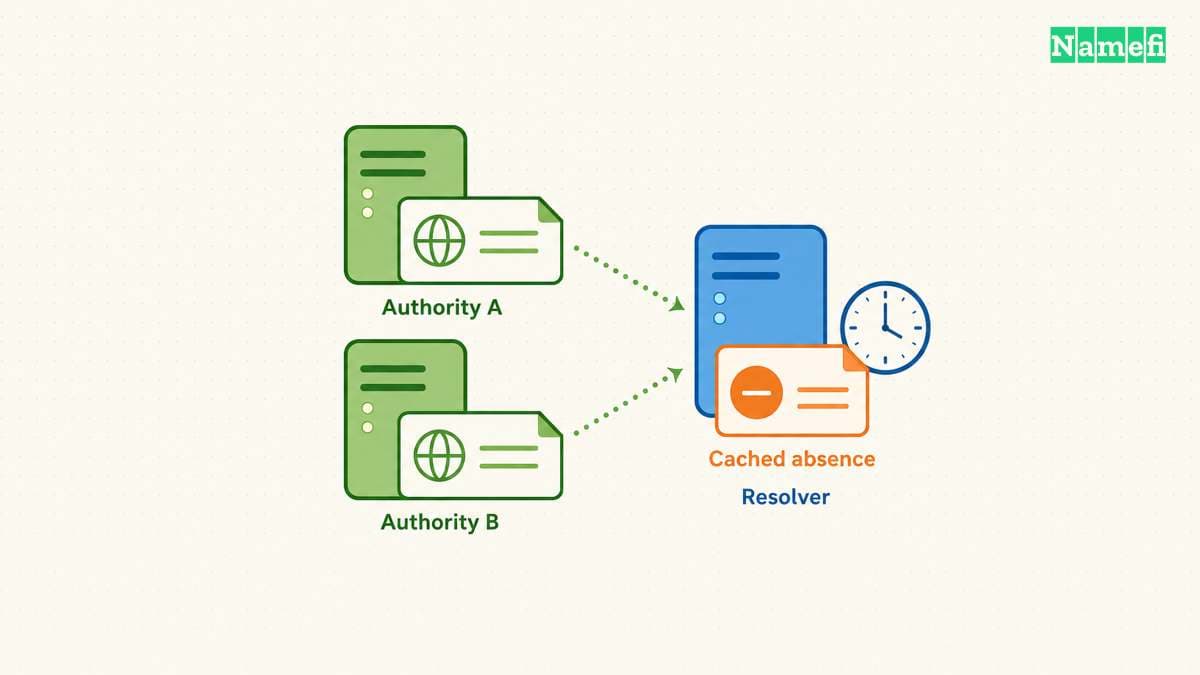
| Delegated authoritative servers disagree | Check zone publication and synchronization at every delegated server |
| The authority has the record but a resolver reports absence | Inspect negative caching and the resolver's policy |
| An internal name works only through internal DNS | Preserve the approved internal lookup path |
| The response is SERVFAIL | Investigate server failure and validation before treating the name as absent |
Identify the intended nameservers from the domain's verified configuration. Query every delegated authoritative endpoint for the exact hostname and type. With an authoritative address supplied by the operator, a query has this form:
dig @198.51.100.53 www.example.com. A +norecurse
Replace the documentation address with a verified authoritative endpoint.
The +norecurse option does not grant authority over an unrelated zone.
Confirm the endpoint serves the intended zone and inspect the authoritative-answer flag.
A random server's negative response does not establish a publication failure.
Check the parent delegation as well as the DNS provider's dashboard. A correct record at an undelegated provider does not establish that visitors will reach that provider. Google's Public DNS troubleshooting guide distinguishes cached answers from inconsistent authoritative data. The guide recommends checking authoritative SOA serials when stale answers persist after a provider cache flush.
After repairing publication, account for cached absence. RFC 2308, Section 3 derives negative caching lifetime from the lesser of the SOA record TTL and SOA MINIMUM. A new record's TTL does not retroactively replace the earlier negative lifetime. The TTL and propagation guide explains that timing.
Do not promise a fixed global recovery deadline. Check the corrected authority, the affected resolver, and the original application again. Record the exact name, type, server, response code, alias chain, and UTC observation time. Share internal names only through an approved support channel. Those observations distinguish a corrected publication from a browser that happens to work through another path.
These sources support the diagnostic procedure
- Chromium: DNS probe status definitions. Browser diagnostic status and error-page presentation. Fetched 2026-10-22.
- IETF: RFC 1035, Section 4.1.1. DNS response codes. Fetched 2026-10-22.
- IETF: RFC 2308. Sections 2.2 and 3 cover NODATA and negative caching lifetime. Fetched 2026-10-22.
- IETF: RFC 8020, Section 2. NXDOMAIN and the final alias target. Fetched 2026-10-22.
- Quad9: Identifying a block. Filtering and DNSSEC failure distinctions. Fetched 2026-10-22.
- Google: Fix connection and loading errors. Address and browser checks. Fetched 2026-10-22.
- Google: Manage Chrome safety and security. Secure DNS. Fetched 2026-10-22.
- Microsoft: nslookup. Selected server and suffix behavior. Fetched 2026-10-22.
- ISC: BIND dig manual. Server selection, recursion flag, and response handling. Fetched 2026-10-22.
- Google Public DNS: Troubleshooting. Stale cache and authoritative-server comparisons. Fetched 2026-10-22.
About the author(s)
Namefi is a collective of engineers, designers, and operators who obsess over building tools that make managing your onchain domain names effortless.