DNS Lookup: Check Which Records Your Domain Is Really Serving
Check live DNS answers with an exact name, record type, and server, then interpret caching, authoritative data, and empty replies.

- domains
- dns
- guide
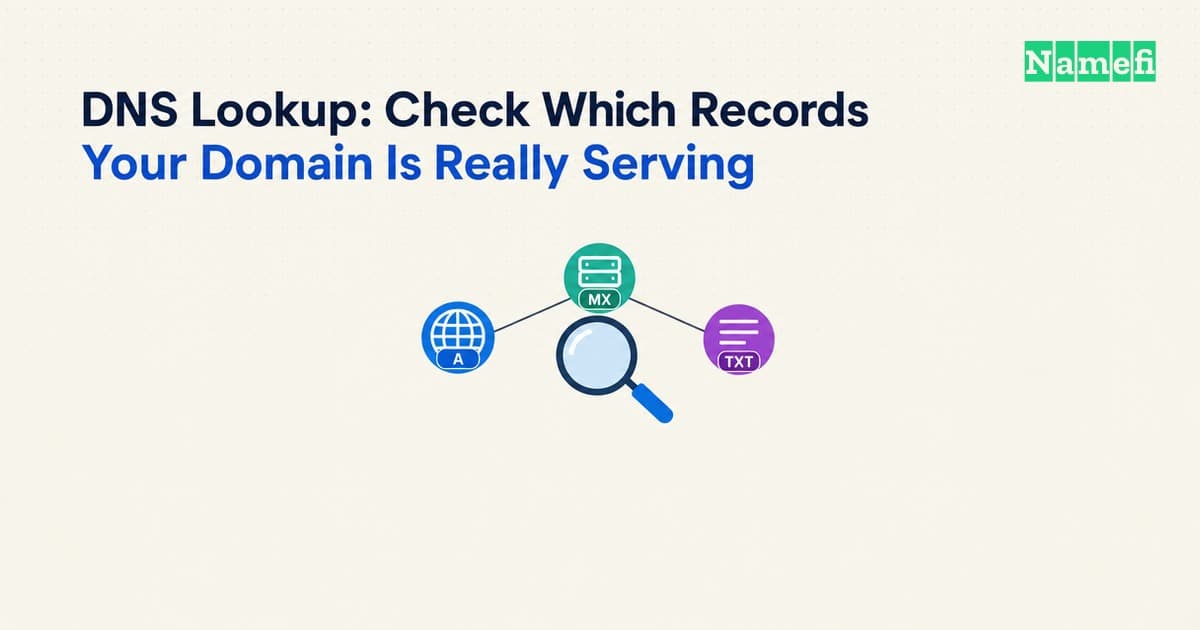
A DNS lookup asks a DNS server for information about an exact name and record type. To check a website address with nslookup, run nslookup -type=A www.example.com.. To check mail routing, request MX records for the mail domain. The record type changes the question. Microsoft documents the query tool.
For an official browser-based route, Google Admin Toolbox Dig provides a DNS lookup interface. Enter the exact name and choose the required type. Google supplies the tool instructions. Treat an online tool as another observation point, rather than proof that every network receives the same answer.
This guide explains a record-inspection workflow. The nslookup command guide covers command syntax in more detail. The examples here are hypothetical and do not claim measured results for a reader's domain.
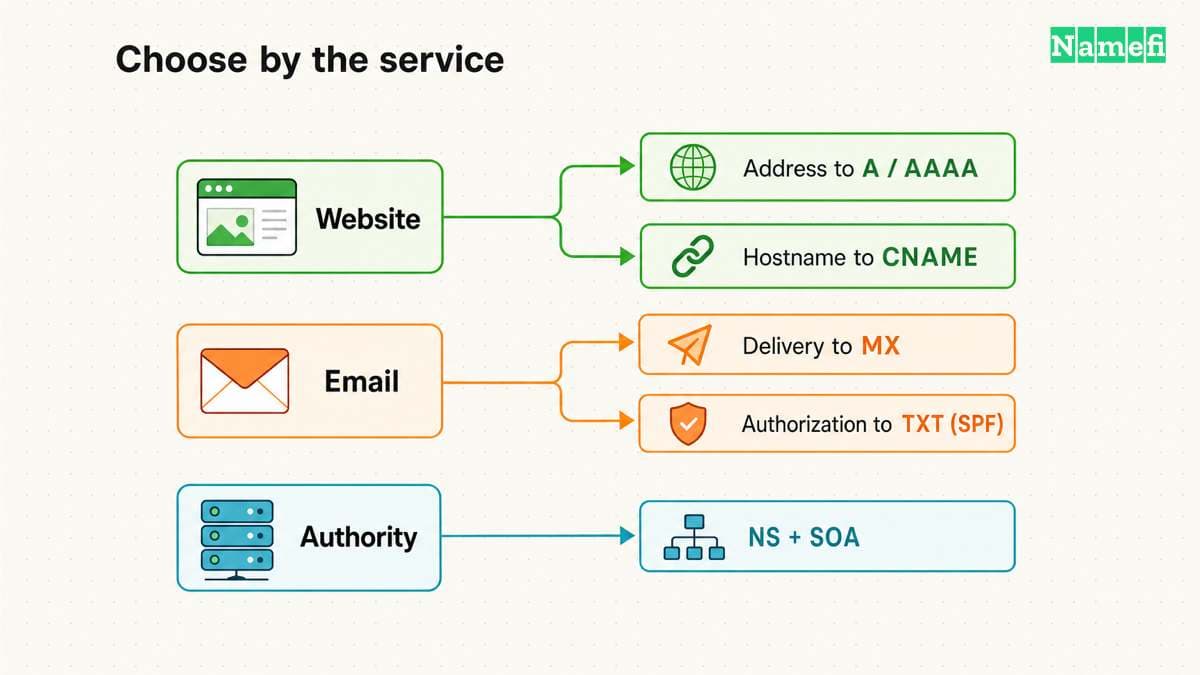
The task determines the owner name and record type
Write the question before opening a lookup tool. A website mapping question might require A, AAAA, or CNAME information. A mail-routing question requires MX. A service-verification task commonly supplies an exact TXT owner name. DNS defines records with a name, type, and type-dependent data. RFC 1035 defines resource record fields.
Use the full owner name supplied by the service. A TXT record at example.com. differs from a TXT record at _dmarc.example.com.. A DKIM selector adds another owner name. An apex lookup does not enumerate every name beneath the apex.
Keep the spelling, trailing-dot convention, and requested type in the notes. If the tool asks for a domain and subdomain separately, check the resulting full name before running the query. A repeated domain suffix can produce a valid-looking query for the wrong name.
The DNS record guide helps select a record type. Avoid changing a record until the intended service and expected owner name are clear.
The first result needs its complete context
Run the lookup and save the complete result. Record the name, type, selected DNS server or tool, UTC time, and returned data. Keep the response category and TTL when the interface exposes those fields.
TTL means a time to live measured in seconds. RFC 1034 describes TTL as the period for which a resolver can cache a resource record. The DNS concepts standard explains caching.
A resolver can return information from a cache. The displayed answer therefore describes that resolver's current view. Do not describe one answer as a complete worldwide DNS state.
As practical advice, preserve the full output before reducing a result to a screenshot or a single address. A terse answer can hide the response status or alias chain that explains the problem. Ask the administrator which fields matter when an online tool formats the result differently from a command-line tool.
Open Namefi's DNS lookup, select DNS records, and enter the exact owner name and record type. Choose Google or Cloudflare and save the returned observation. Use a separate authoritative query when the question requires authoritative publication rather than a recursive resolver's view.
Authoritative data and resolver data answer different questions
An authoritative server supplies information for the zones it serves. A recursive resolver finds answers for clients and can reuse cached data. RFC 1034 separates authoritative data from cached information. The standard defines both roles.
For a recent change, compare the expected record in the active DNS account with an authoritative query. Then compare a resolver query. If the authoritative answer remains wrong, waiting for unrelated caches will not correct the authoritative data.
Use an NS query and the provider's account configuration to identify the authoritative service. When using dig, a selected server appears after @. The illustrative command dig @192.0.2.53 www.example.com. A +norecurse asks a hypothetical server without requesting recursion. ISC documents dig's recursion control.
The example address is not a public resolver to configure. Replace the address with an authorized server for the actual zone. Confirm whether a delegated subdomain has different authority before assuming the parent zone contains the answer.
An empty answer needs a response category
A blank display can conceal several different outcomes. Microsoft distinguishes a valid name without the requested record type, a nonexistent name, a timeout, and a refused request. The nslookup reference lists those outcomes.
Use those distinctions before choosing a correction. If AAAA is absent while A exists, investigate whether the service requires IPv6. If the name itself does not exist, inspect spelling and the authoritative zone. If the server times out, investigate the selected server and network path.
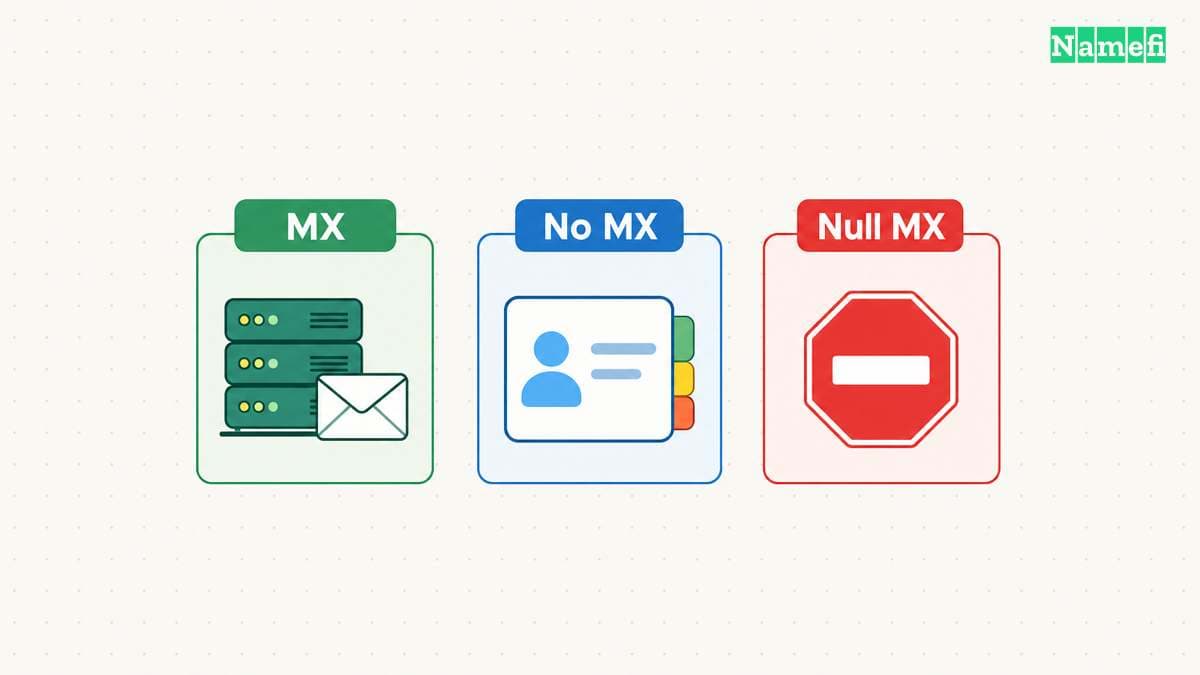
Mail results require additional care. An absent MX record and an explicit null MX record differ. SMTP defines an implicit-MX fallback when MX records are absent. RFC 7505 defines null MX for a domain that accepts no mail. The mail standards distinguish those cases.
Therefore, do not label every empty MX display as “email disabled.” Preserve the response and inspect the relevant address records when the mail-delivery rules require that investigation.
A lookup confirms publication before an application test
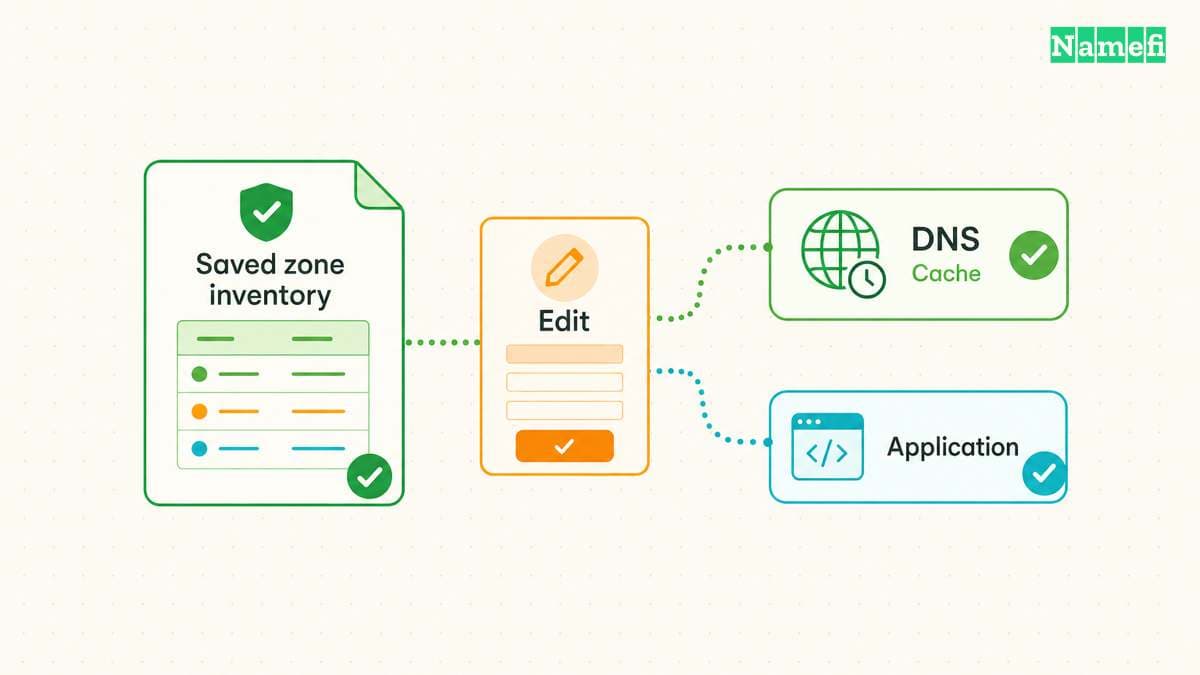
A published record does not establish that the destination service works. A website still needs a correctly configured HTTPS endpoint and application. An email service still needs the relevant mailbox and sending configuration.
After an authorized correction, repeat the exact DNS query. Then repeat the original user action. Keep the result of both tests. The DNS test answers whether the intended record appears from the selected observation point. The application test answers whether the user's task succeeds.
For a migration, compare the required hostnames individually. Include the root name, required subdomains, mail records, and service-verification names. As editorial advice, use a short checklist based on the actual services rather than an unrestricted attempt to enumerate the whole domain.
If answers differ across resolvers, retain each result with its server and time. Continue with the propagation investigation instead of repeatedly overwriting the same record. A useful DNS lookup produces a precise observation and a next action that fits the response.
Example names use reserved documentation domains. Example IPv4 addresses use the documentation range.
Sources and further reading
Microsoft defines exact queries
Microsoft Learn: nslookup. Checked 2026-10-30.
RFC 1035 defines resource record data
RFC 1035: Domain Names — Implementation and Specification. Checked 2026-10-30.
RFC 1034 defines authority and caching
RFC 1034: Domain Names — Concepts and Facilities. Checked 2026-10-30.
ISC defines the recursion query control
ISC BIND: dig and nslookup manuals. Checked 2026-10-30.
RFC 7505 defines null MX
RFC 7505: Null MX. Checked 2026-10-30.
RFC 2606 reserves example domain names
RFC 2606: Reserved Example Domains. Checked 2026-10-30.
RFC 5737 reserves example IPv4 addresses
RFC 5737: Documentation IPv4 Addresses. Checked 2026-10-30.
Google documents its browser DNS tool
Google Admin Toolbox: Dig. Checked 2026-10-30.
About the author(s)
Fenwei Bian is a software developer in her thirties who spends her working hours in pull requests and her weekends with her hands in soil or sawdust. Years of open source on GitHub taught her that names are interfaces: a good one is clear, honest about what it does, and kind to whoever has to use it next.
She gardens because it rewards patience and punishes wishful thinking, and she does woodwork because a joint either fits or it doesn't. Both habits show up in how she writes about naming — measure twice, check the source, and don't sand over a rough spot and hope no one notices.
For Namefi she writes about how domain markets actually move, the practical trade-offs of tokenizing and flipping names, and picking a domain you'll still be glad you own in twenty years.