This Site Cannot Provide a Secure Connection: Fix the Error Behind the Message
Use the exact Chrome error, compare devices and networks, and check the HTTPS endpoint without bypassing certificate verification.

- https
- tls
- security
- troubleshooting

When Chrome says “This site can't provide a secure connection,” record the accompanying error code before changing settings. Google separates secure connection errors, certificate errors, and ordinary page-loading failures. The correct next action depends on the exact category. Chrome's error guide explains those differences.
Start with the full URL, error code, and failure time. Then compare another site, another device, and another authorized network. Visitors can correct device conditions. Website operators must correct the HTTPS service when the failure follows the site.
This guide explains how to collect that evidence and choose the next check. The examples describe hypothetical endpoints. The guide does not claim to have tested a reader's website.
The error code identifies the first diagnostic question
Copy the text below the main Chrome heading. Preserve a screenshot when sharing the code helps support staff. Remove private query parameters or personal information before sending the screenshot outside your organization.
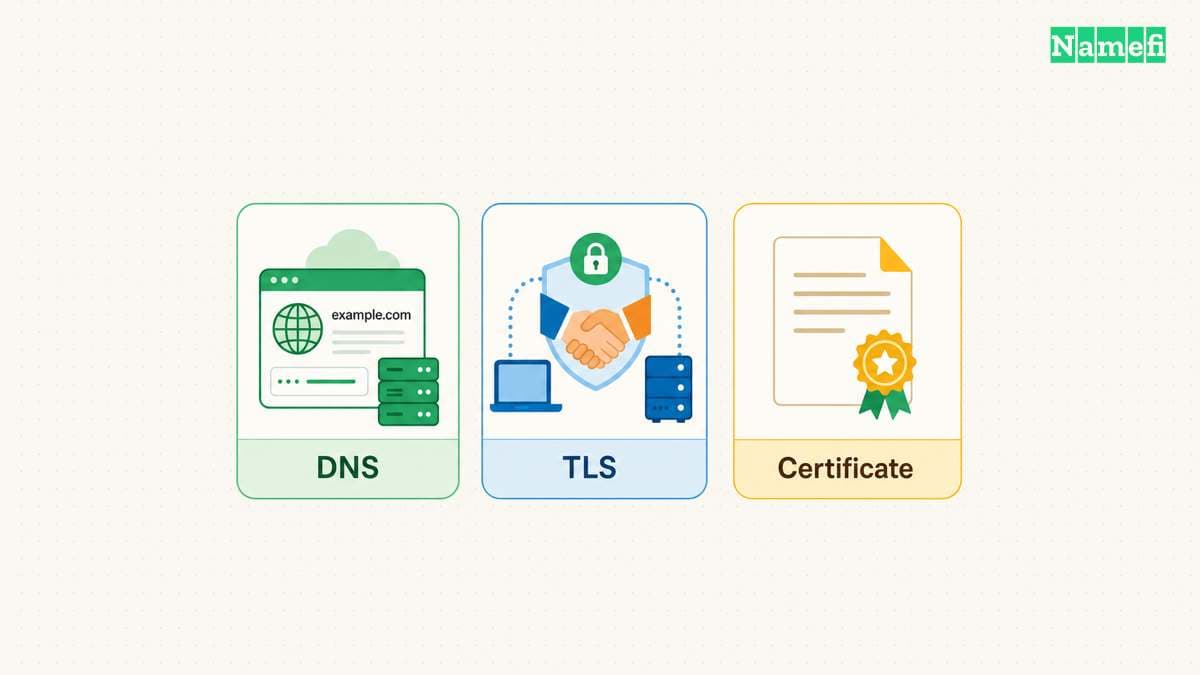
Google associates NET::ERR_CERT_DATE_INVALID with inaccurate device dates and times. Google also distinguishes certificate-authority errors from secure connection failures. A workplace HTTPS inspection proxy can require administrator help when the proxy's certificate is missing. Google explains certificate and clock errors.
Use those distinctions to select a starting question. Check device time for a date-related error. Ask the administrator about a managed inspection service for an authority-related error. For a protocol compatibility error, ask the website operator to check the HTTPS service.
Avoid diagnosing every Chrome warning as an expired certificate. A short error heading cannot establish expiry, the identity of the responding server, or the state of the original website application.
Controlled comparisons show who should investigate
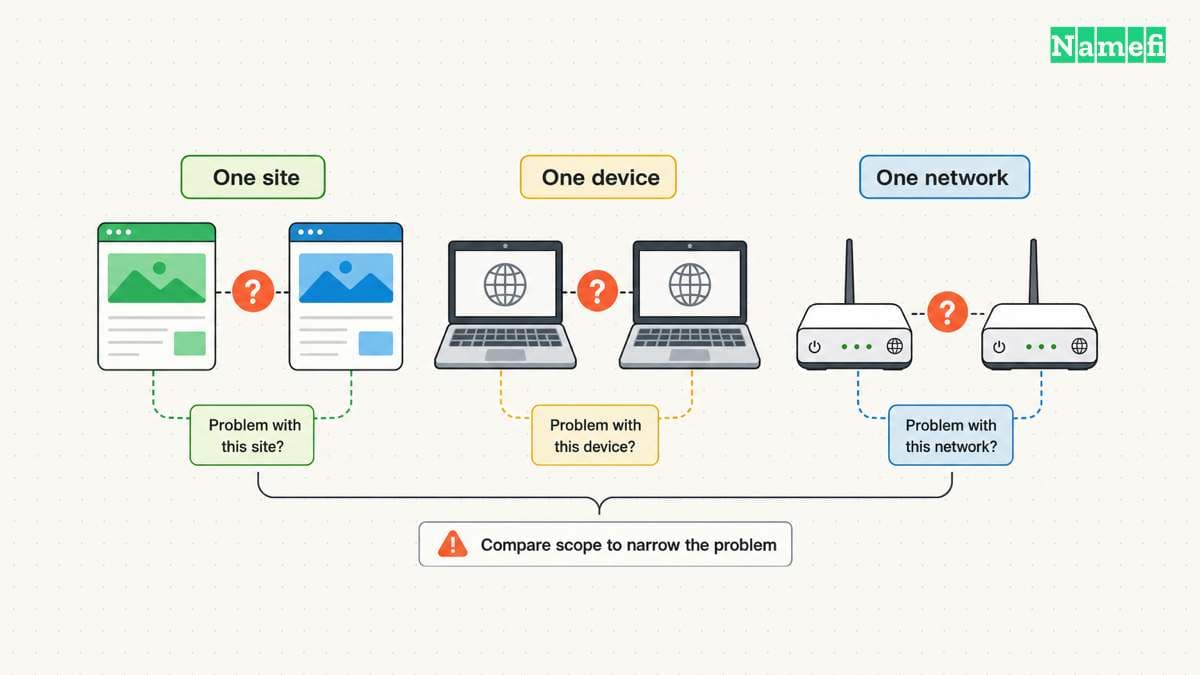
Try another familiar HTTPS site on the same device. If several unrelated sites fail, inspect the device and network context first. If one site fails on several devices and connections, send the site operator the reproducible result.
Compare the same exact URL. https://example.com/ and https://www.example.com/ use different hostnames. Do not treat a successful comparison on one name as confirmation that the other name works.
Keep browser version, operating system, VPN state, and network type in the notes. Google recommends checking the URL, connection, and browser state when investigating loading errors. The connection troubleshooting guide provides the general sequence.
A private browsing window can help test some browser state, but the comparison does not isolate every extension or network policy. As practical advice, record which condition changed. A successful alternate browser does not prove that the original warning was harmless.
For a managed device, request the approved repair through the administrator. Google specifically advises against installing certificates independently to solve an inspection-proxy issue. Google's certificate guidance explains the concern.
The website operator must check the named HTTPS endpoint
An operator should begin with the public hostname and the deployment that should serve that hostname. Check the configured DNS destination, edge proxy, load balancer, and certificate assignment. Keep each observation separate from the application health check.
A proxy changes which endpoint a browser reaches. Cloudflare states that proxied records return Cloudflare addresses instead of the configured origin address. Cloudflare documents that behavior. Therefore, a test against a public proxy address does not directly test the origin's TLS configuration.
Use the HTTPS guide to separate port reachability, TLS verification, and an HTTP result. A reachable port alone does not establish that the endpoint serves valid HTTPS. A valid certificate exchange also does not establish that every application route succeeds.
Check the root name and any required subdomains separately. Confirm that the hosting platform associates the exact hostname with the intended deployment. As operational advice, inspect recent DNS, certificate, proxy, and deployment changes before making unrelated edits.
A command-line check must retain the requested hostname
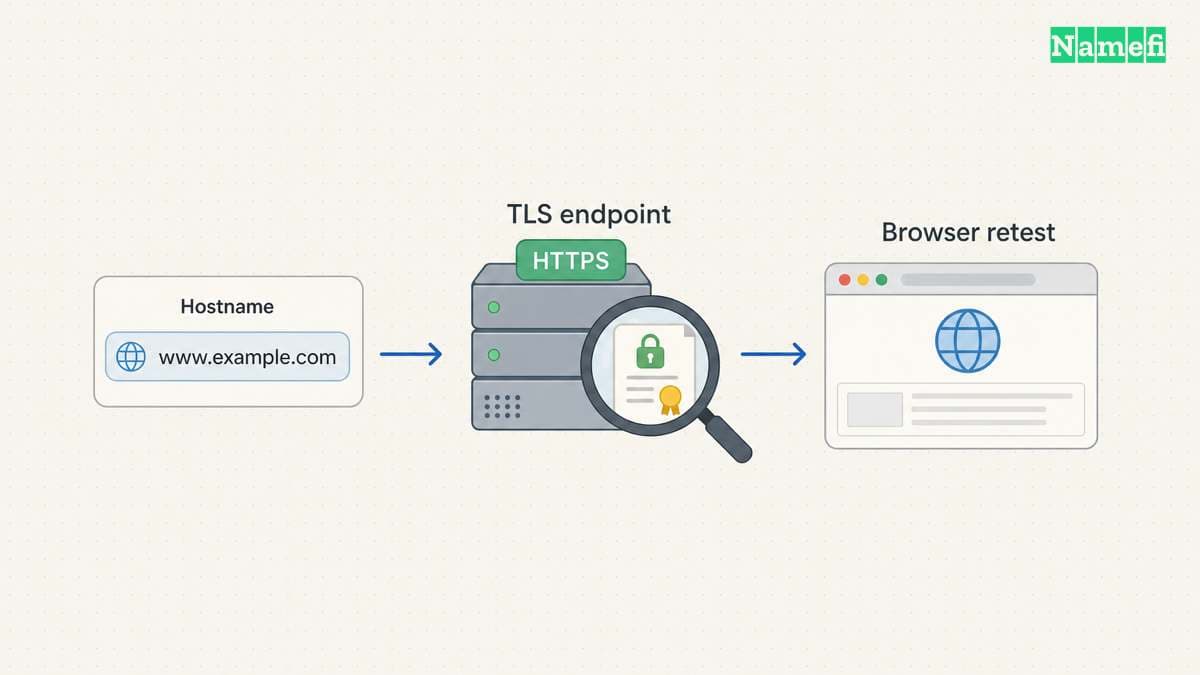
On a system with curl, curl -I https://example.com/ illustrates a header request to a named HTTPS endpoint. Replace the reserved example name with the hostname under investigation. Preserve the complete error or response for the operator.
Curl verifies certificates by default. The check includes the signature and the server name from the URL. Curl's TLS documentation explains why skipping verification changes the test. The curl certificate guide defines verification.
An operator who controls the destination can test a specific address with curl --resolve example.com:443:192.0.2.10 -I https://example.com/. Both the domain and address are hypothetical. Curl's --resolve option supplies an address for one hostname and port. The command reference defines that override.
This pattern retains the hostname in the URL while directing the connection to the chosen address. A bare IP URL asks a different certificate question. Only test an origin address when the operator has authorization and understands the hosting architecture.
Do not add --insecure to make the error disappear. A successful request after disabling verification cannot demonstrate a successful verified connection. Avoid sharing verbose logs that contain authorization headers, cookies, or private request data.
The repair needs the original browser test
Choose the correction that matches the evidence. Correct an inaccurate device clock. Ask the administrator to repair a managed trust configuration. Ask the operator to fix the certificate assignment or TLS configuration on the actual responding endpoint.
Google identifies outdated security configuration as one cause of ERR_SSL_VERSION_OR_CIPHER_MISMATCH. The site operator should follow the hosting platform's supported TLS settings. Google describes that compatibility error.
After the correction, reopen the original URL in Chrome and repeat the failing action. Check any required redirect destination separately. Record the final URL and whether the original error code disappeared.
If the error persists, send support the exact code, hostname, time, comparison results, and authorized endpoint observations. The next useful action is a targeted configuration check, not a broad reset or a bypass of the browser's warning.
Example names use reserved documentation domains. Example IPv4 addresses use the documentation range.
Sources and further reading
Google distinguishes secure connection error categories
Google Chrome Help: Common error messages. Checked 2026-10-30.
Google explains connection comparisons
Google Chrome Help: Connection and loading errors. Checked 2026-10-30.
Cloudflare explains the proxy endpoint
Cloudflare: Proxy status. Checked 2026-10-30.
Curl keeps certificate verification enabled
curl: TLS certificate verification. Checked 2026-10-30.
Curl defines a targeted address override
curl: Command reference. Checked 2026-10-30.
RFC 2606 reserves example domain names
RFC 2606: Reserved Example Domains. Checked 2026-10-30.
RFC 5737 reserves example IPv4 addresses
RFC 5737: Documentation IPv4 Addresses. Checked 2026-10-30.
About the author(s)
Fenwei Bian is a software developer in her thirties who spends her working hours in pull requests and her weekends with her hands in soil or sawdust. Years of open source on GitHub taught her that names are interfaces: a good one is clear, honest about what it does, and kind to whoever has to use it next.
She gardens because it rewards patience and punishes wishful thinking, and she does woodwork because a joint either fits or it doesn't. Both habits show up in how she writes about naming — measure twice, check the source, and don't sand over a rough spot and hope no one notices.
For Namefi she writes about how domain markets actually move, the practical trade-offs of tokenizing and flipping names, and picking a domain you'll still be glad you own in twenty years.