Should You Buy Your Domain on Shopify or Somewhere Else?
Choose between a Shopify-managed domain and an outside registrar. Compare administration, renewal, email, and future moves before buying.

- domains
- guide
Buy through Shopify when keeping domain administration with the store suits the business. Choose an outside registrar when separate domain management better fits the business. Shopify supports domains purchased from Shopify and from third-party providers. The official domain guide explains both options.
An existing domain does not need a transfer just to connect to Shopify. Shopify documents a third-party connection process based on DNS changes, with renewal and payment remaining at the outside provider. Shopify explains that arrangement.
The choice concerns administration as well as the name
Shopify gives a store a myshopify.com URL and supports a custom domain. The domain guide explains that relationship. A custom domain purchase should therefore serve the intended public brand rather than merely duplicate a platform identifier.
Start with the domain’s role. Will the domain serve only the store? Will the domain also support company email, documentation, or another application? Who should manage renewal if the store administrator changes?
Those are practical planning questions. The answers identify the operational fit more clearly than a general claim that one purchase route is always better.
| Preference | Route to consider |
|---|---|
| Store team wants consolidated administration | Shopify-managed domain |
| Business already owns the name elsewhere | Connect the existing registration |
| Domain serves several systems with a separate administrator | Outside registrar and a documented DNS process |
| Business may change commerce platforms | Either route, with a clear account and future-move plan |
The table gives selection guidance. Confirm the current provider’s terms and supported extension before deciding.
Shopify management can simplify the account arrangement
Use the official Shopify buying guide as the starting route. Open the domain controls for the actual store and inspect the available purchase options.
As buying advice, verify the exact spelling, extension, registration term, renewal charge, and displayed currency before checkout. A first-term offer cannot establish the long-term cost without the renewal terms.
Assign a responsible person for domain verification and renewal. A domain attached to a store still needs an account owner and a recovery process. Use the business’s approved access controls rather than one employee’s undocumented personal account.
Consolidated administration can reduce the number of places the store team checks. The arrangement also means the business needs a clear plan when account ownership or staffing changes. Record the domain role alongside the store account.
This article provides no current price comparison. Use the exact candidate’s checkout and renewal terms at each provider instead of assuming a universal price difference.
An outside registrar remains responsible for the registration
Shopify says a connected third-party domain stays with the domain provider for domain management, payment, and renewal. The connection guide states that boundary.
The same guide directs the customer to update DNS records through the domain provider account. Use the provider-specific instructions linked from the official Shopify guide. Do not copy old address values from an unrelated article.
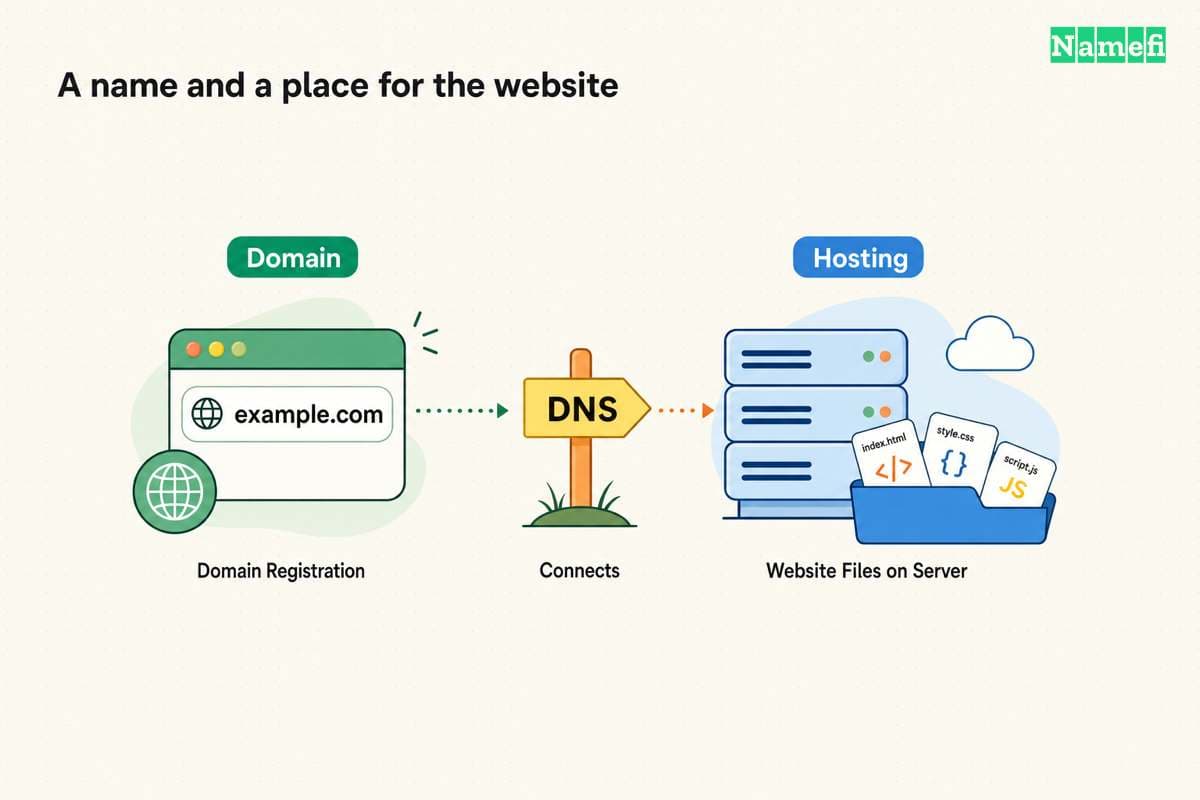
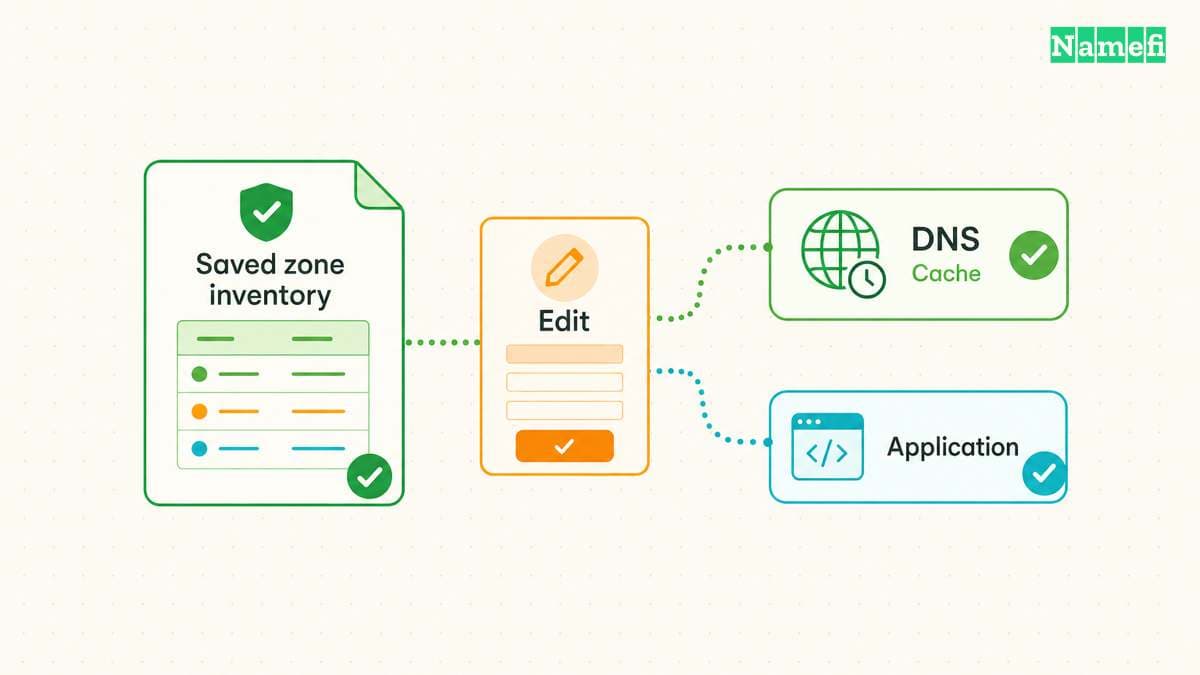
Before editing, save the active zone records and identify the authoritative DNS provider. The account where the domain was purchased might not hold the active DNS zone. The hosting-provider guide explains that distinction.
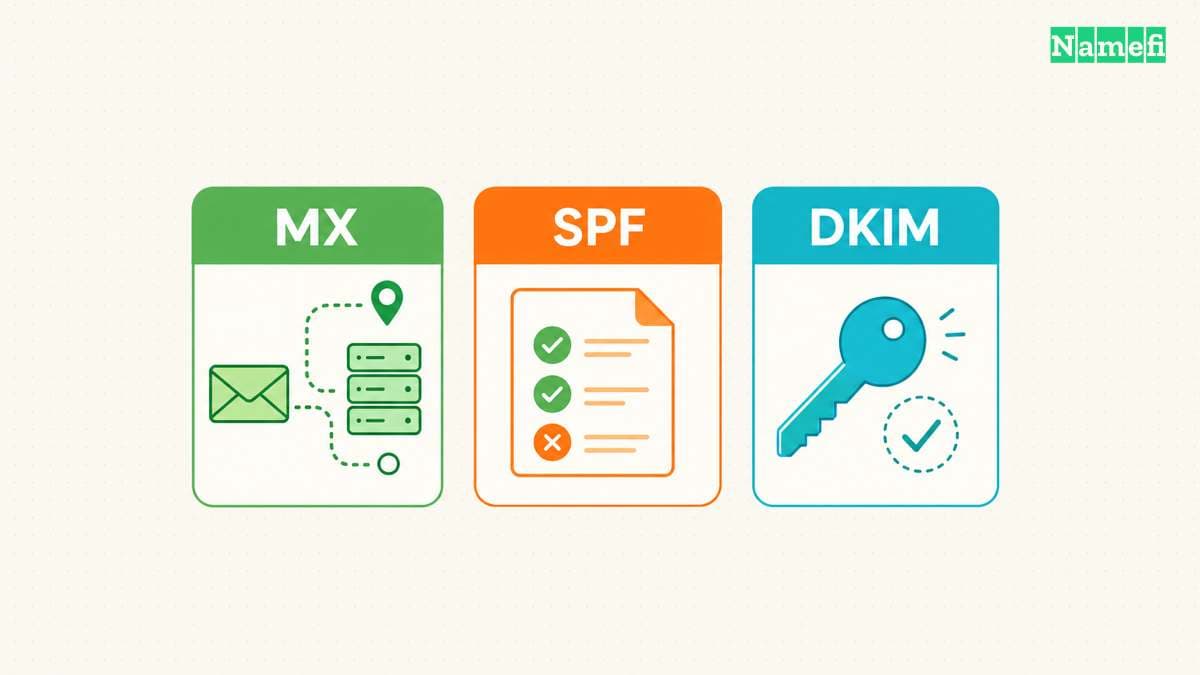
Preserve mail and verification records that the Shopify website connection does not replace. A store connection should not accidentally remove a working business mailbox.
After the DNS edit, complete Shopify’s connection check and verify the exact public storefront hostname. Record which provider renews the domain. A successful store connection does not move the renewal responsibility to Shopify.
Email forwarding and a mailbox solve different needs
Shopify says it does not provide email hosting. The platform supports a third-party email hosting service for a custom domain. Shopify also documents forwarding for domains purchased through or transferred to Shopify. The official email guide explains the difference.
Forwarding directs incoming messages to another address. A hosted mailbox supports sending and receiving through a custom address. Do not assume that buying the domain creates a complete business mailbox.
As practical guidance, decide who will send customer replies and which email service will hold those messages. Then follow that service’s DNS instructions. Treat website connection and email authentication as separate tasks.
The DNS record guide explains why website records, mail destinations, and authentication records need separate attention.
Future moves need an account plan before a transfer
Connecting a domain and transferring a registration are different actions. Shopify’s connection guide keeps registration management at the outside provider. Shopify explains the continuing provider relationship.
Shopify says domain hosting requires a paid Shopify plan. To keep using a Shopify-managed domain after deactivating the store or account, transfer the domain first. Shopify permits a transfer to another Shopify store or another domain provider. Shopify states the deactivation condition.
Before a future platform move, identify who controls the registration and authoritative DNS. Review the actual provider’s transfer eligibility and process at that time. Do not assume the storefront administrator can complete every registration action.
A migration plan should preserve email and other services while the store changes. Keep a record of the current DNS values and the intended replacement values. Schedule the change around the business’s operational needs.
Avoid transferring a domain solely to solve a routine connection question. First determine whether the documented DNS connection already meets the requirement. Transfer when the business deliberately wants a different registration-management arrangement.
The purchase decision should name the renewal owner
Before paying, complete a short decision note: chosen domain, registration provider, DNS provider, store connection method, mailbox provider, and renewal owner. Add the verified current costs in the relevant currency.
Choose Shopify when the consolidated arrangement fits that note. Choose an outside registrar when separate administration fits better. If the business already owns a suitable domain, start with the official connection workflow before purchasing another name.
The domain belongs in the business’s account inventory either way. A clear renewal owner and documented access process make both purchase routes easier to operate.
Sources and further reading
Shopify supports both domain purchase routes
Shopify supports both domain purchase routes. Supporting passage: “You can use domains that you buy from Shopify or from any third-party domain provider .” Checked 2026-10-30.
Shopify explains third party domain connections
Shopify explains third party domain connections. Supporting passage: “manage domain settings, pay for your domain, and renew it.” Checked 2026-10-30.
Shopify distinguishes forwarding and email hosting
Shopify distinguishes forwarding and email hosting. Supporting passage: “Shopify doesn't offer email hosting” Checked 2026-10-30.
Shopify explains paid plan and exit requirements
Shopify explains paid plan and exit requirements. Supporting passage: “Domain hosting services are only available with a paid Shopify plan.” Checked 2026-10-30.
About the author(s)
Fenwei Bian is a software developer in her thirties who spends her working hours in pull requests and her weekends with her hands in soil or sawdust. Years of open source on GitHub taught her that names are interfaces: a good one is clear, honest about what it does, and kind to whoever has to use it next.
She gardens because it rewards patience and punishes wishful thinking, and she does woodwork because a joint either fits or it doesn't. Both habits show up in how she writes about naming — measure twice, check the source, and don't sand over a rough spot and hope no one notices.
For Namefi she writes about how domain markets actually move, the practical trade-offs of tokenizing and flipping names, and picking a domain you'll still be glad you own in twenty years.