DMARC Records Connect Sender Alignment to Mail Handling
Create and check a DMARC TXT record, distinguish authentication from alignment, and review reports before enforcing quarantine or rejection.

- dns
- domain-security
- guide
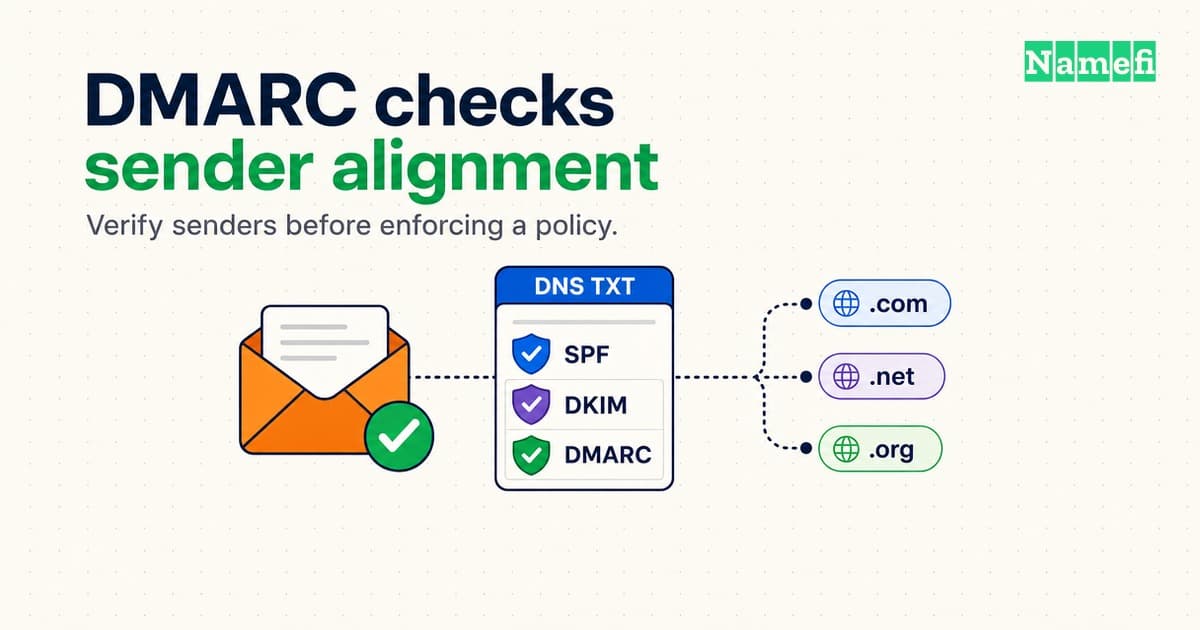
A DMARC record tells receiving mail systems how a domain owner wants them to handle messages that fail DMARC. DMARC checks the visible From domain against authenticated sender domains. A published record alone does not make every sender pass. The protocol defines validation, handling preferences, and reporting.
Use this guide after setting up email with your own domain. Inventory every sender, including support tools, newsletters, billing services, and website forms. Keep an existing enforcement policy intact while investigating changes. The examples below describe a new deployment for the reserved domain example.com.
DMARC requires authentication and domain alignment
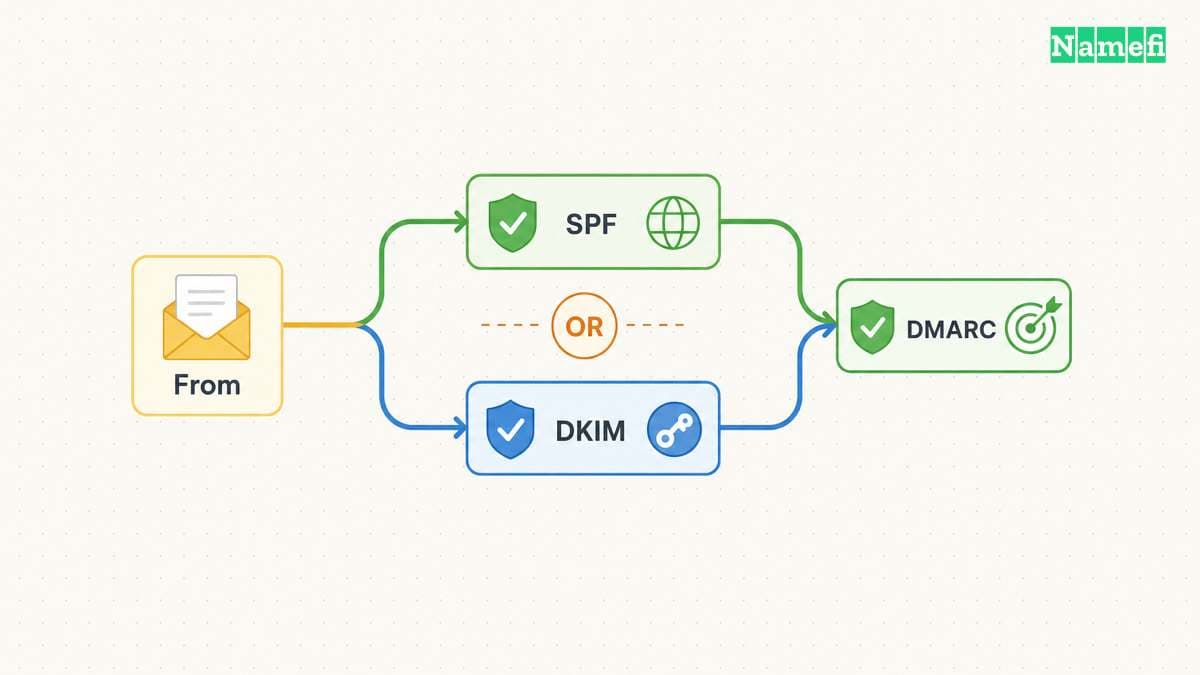
SPF and DKIM supply different authenticated identifiers. SPF usually checks the SMTP envelope sender domain. DKIM verifies a signature with a signing domain. DMARC relates those identifiers to the domain in the message's visible From field. One aligned, passing mechanism can satisfy DMARC. A passing result for an unrelated domain cannot. RFC 9989 defines the alignment rules.
For a hypothetical message from sales@example.com, a valid DKIM signature using d=example.com supplies an exact domain match. A signature using d=mail-vendor.example.net does not. SPF can provide a separate passing, aligned path. Check the actual received message rather than assuming a provider's verification badge proves alignment.
Strict alignment requires matching domains. Relaxed alignment compares organizational domains. Keep the distinction separate from DKIM signature canonicalization. The protocol describes both alignment modes.
A new DMARC deployment should start with reporting
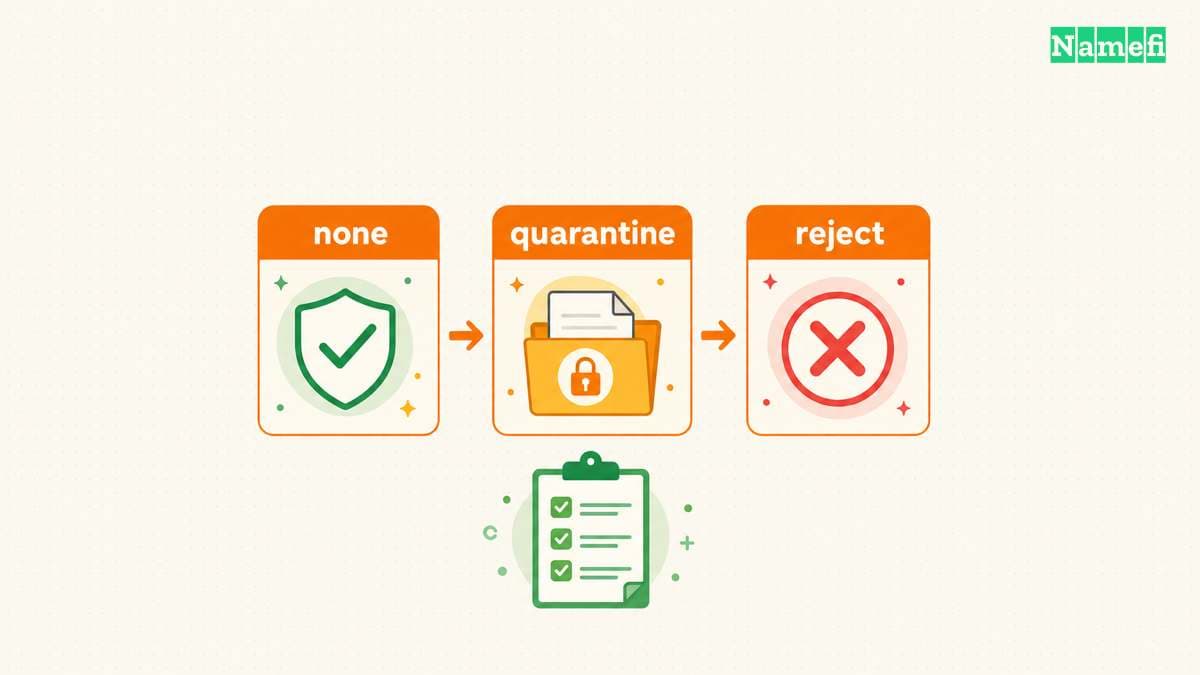
Google recommends configuring SPF and DKIM before DMARC, starting with p=none, and reviewing reports before enforcement. Google describes the deployment sequence. Treat the sequence as an operational plan, not permission to weaken an existing policy.
In the authoritative DNS zone, a new deployment can use these illustrative fields:
| Field | Illustrative value | Meaning |
|---|---|---|
| Type | TXT | The record carries a text policy |
| Name | _dmarc | A relative name under example.com |
| Value | v=DMARC1; p=none; rua=mailto:dmarc@example.com | Monitor and request aggregate reports |
Confirm whether the DNS editor expects a relative name or the complete _dmarc.example.com name. Replace the example mailbox with a monitored mailbox under your control. Google publishes a record setup guide.
p=none requests monitoring without DMARC enforcement. p=quarantine requests suspicious treatment for failures. p=reject requests rejection. Receivers retain their own handling decisions. RFC 9989 specifies the policy values.
Do not assume pct limits enforcement. RFC 9989, published in May 2026, replaces RFC 7489 and removes pct. Google's rollout page still shows a percentage example. The current standard introduces t for testing, but deployment support needs provider verification. Avoid relying on a percentage example as a safety control. Appendix A.6 explains the change.
Received messages and reports reveal different failures
- Query TXT records for
_dmarc.example.comwith a DNS lookup tool. - Confirm the published value matches the intended policy.
- Send test messages through every legitimate sending service.
- Inspect received headers for SPF, DKIM, and DMARC results.
- Compare authenticated domains with the visible From domain.
- Review reports before choosing a stronger policy.
Google recommends checking message headers and reports when legitimate messages fail. Strict alignment can increase failures. A message can reach spam even with p=none, because receivers apply other checks. Google documents those troubleshooting paths.
Aggregate reports help identify sending sources and authentication results. If the report mailbox uses another domain, that domain must authorize report delivery in DNS. Google explains external reporting authorization. Restrict report access to the people responsible for mail operations. Review a reporting service's access and retention before routing reports to the service.
A successful test covers the tested sender and message. Continue monitoring as services change. For broader delivery context, read the email sender reputation history.
These sources support the configuration steps
The standard defines alignment and policy
IETF — RFC 9989, Sections 4.4, 4.7, 4.10, and Appendix A.6. Fetched 2026-10-22.
Google describes a staged rollout
Google Workspace — Recommended DMARC rollout. Fetched 2026-10-22.
Google explains record publication
Google Workspace — Set up DMARC, record creation and policy options. Fetched 2026-10-22.
Google separates authentication from delivery
Google Workspace — Troubleshoot DMARC issues. Fetched 2026-10-22.
Google explains external reporting
Google Workspace — About DMARC reports. Fetched 2026-10-22.
About the author(s)
Namefi is a collective of engineers, designers, and operators who obsess over building tools that make managing your onchain domain names effortless.