Buy Domains with AI Agents
Step-by-step guides to searching, registering, paying for, and managing domains from Claude, Codex, Cursor, and other AI agents through the Namefi MCP server, API, and CLI.
- Pick your agent
- Connect Namefi
- Search & register
- Pay
- Set DNS
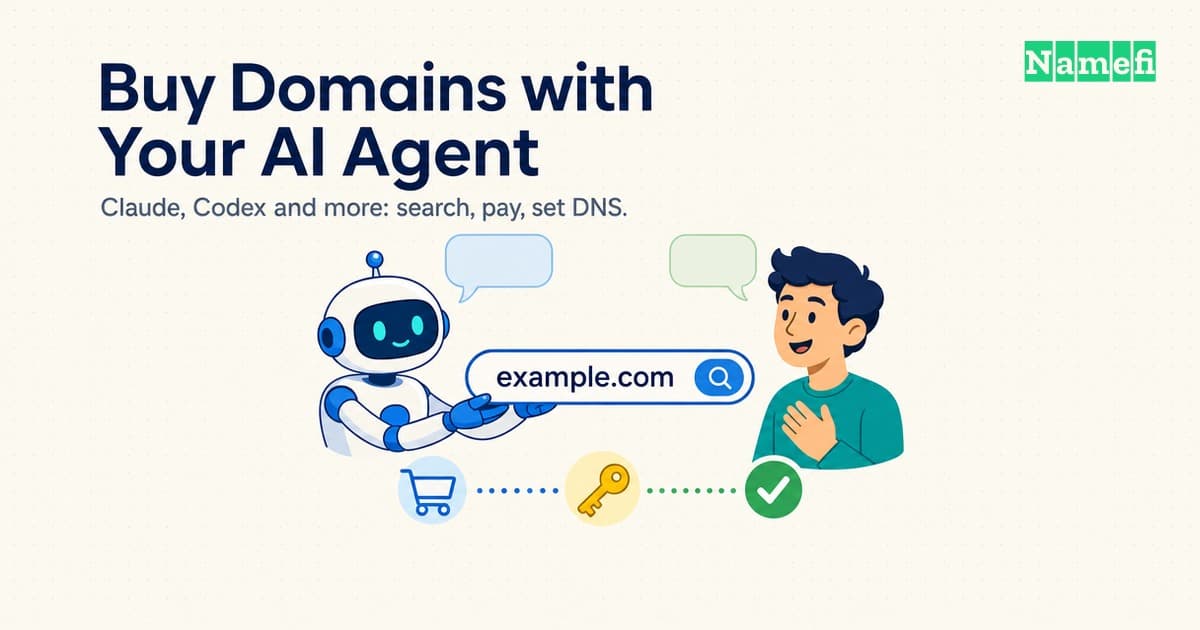
How to Buy Domains with Your AI Agent (Claude, Codex and More)
Which way to connect an AI agent to a domain registrar (MCP, REST, CLI or WebMCP), how to pay, what to approve yourself, and where to go for Claude, Codex, Cursor and more.
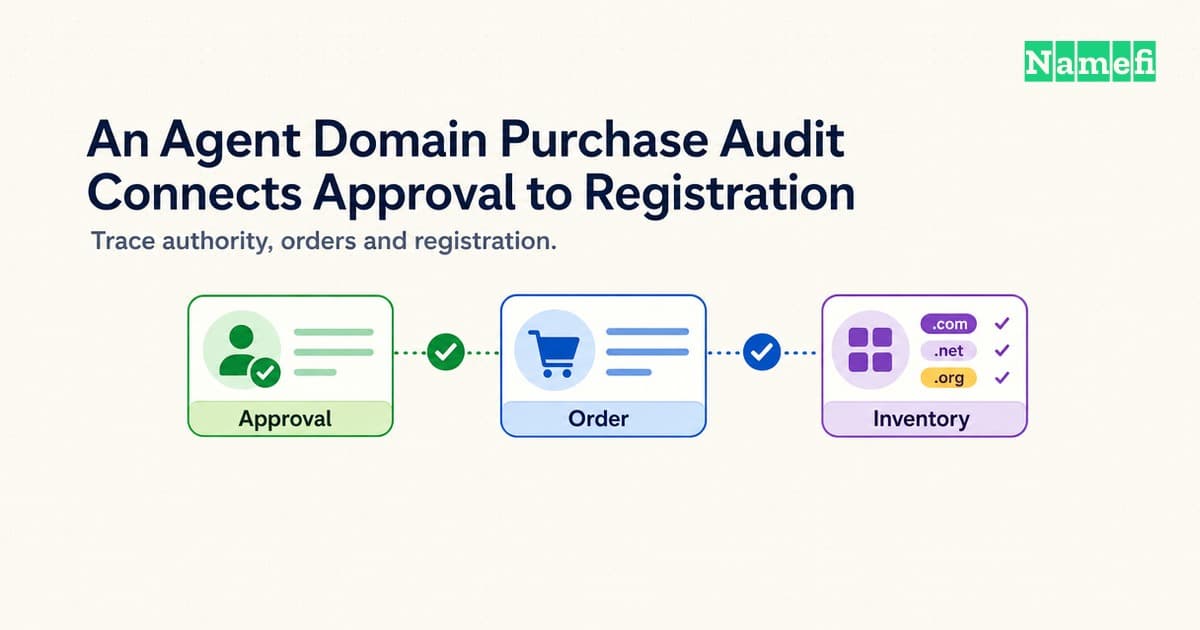
An Agent Domain Purchase Audit Connects Approval to Registration
Audit AI agent domain purchases by reconciling permission, provider orders, charges, account ownership, and DNS changes.
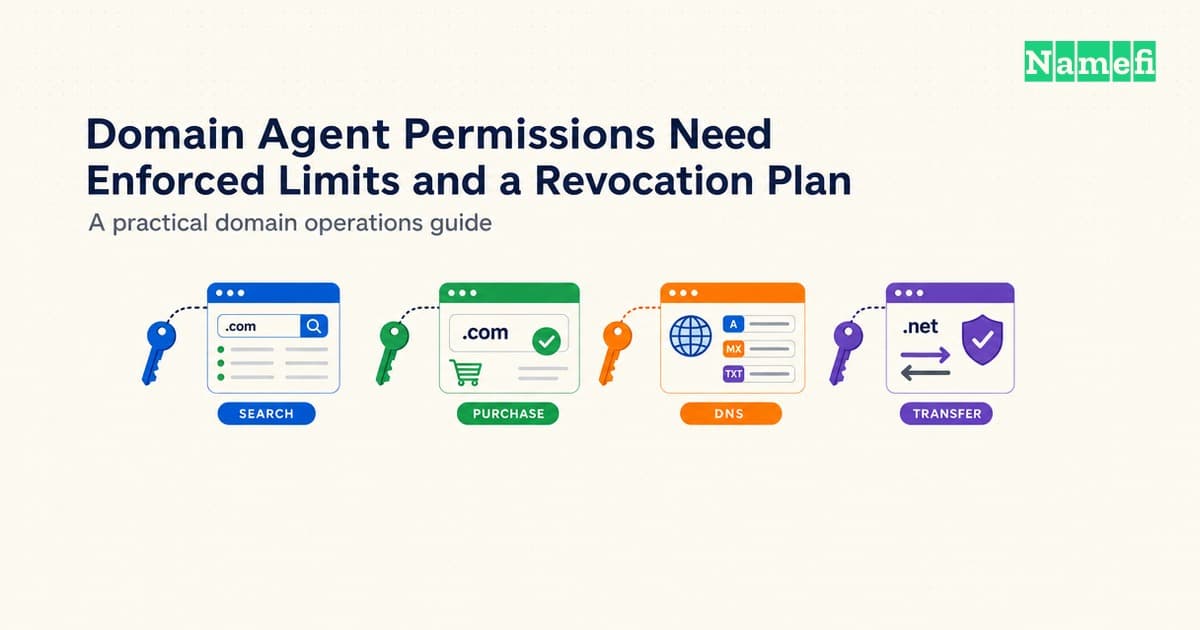
Domain Agent Permissions Need Enforced Limits and a Revocation Plan
Delegate domain tasks with verified account permissions, domain boundaries, purchase controls, approval records, and a tested revocation path.
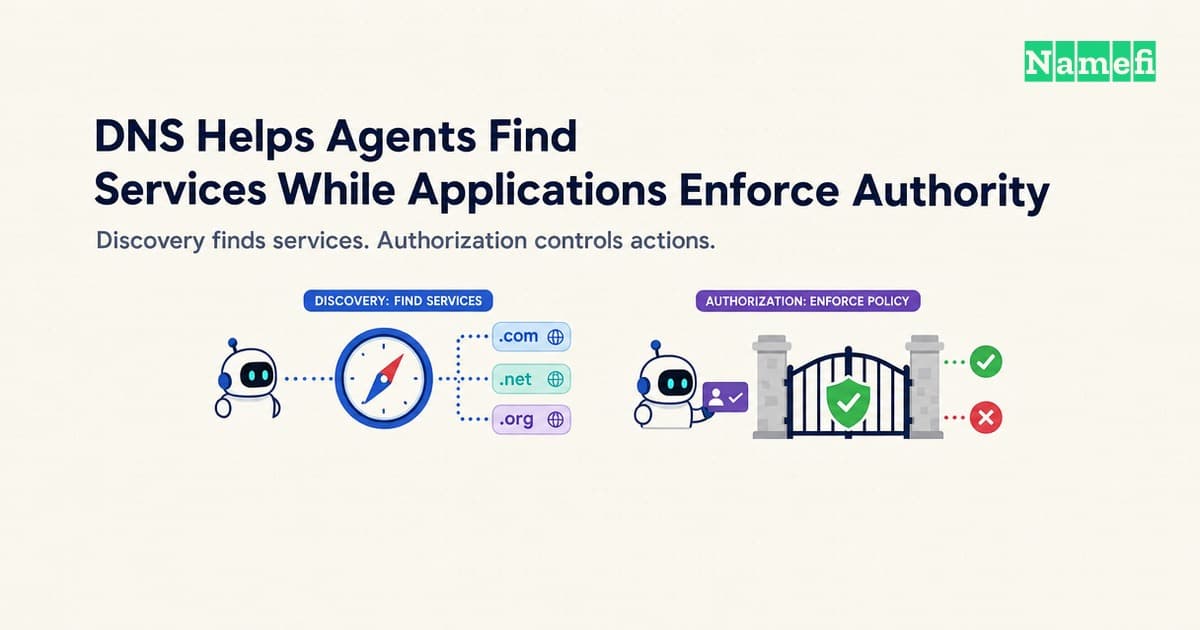
DNS Helps Agents Find Services While Applications Enforce Authority
Separate AI agent discovery, domain verification, authentication, and action permissions without inventing a universal TXT authorization standard.
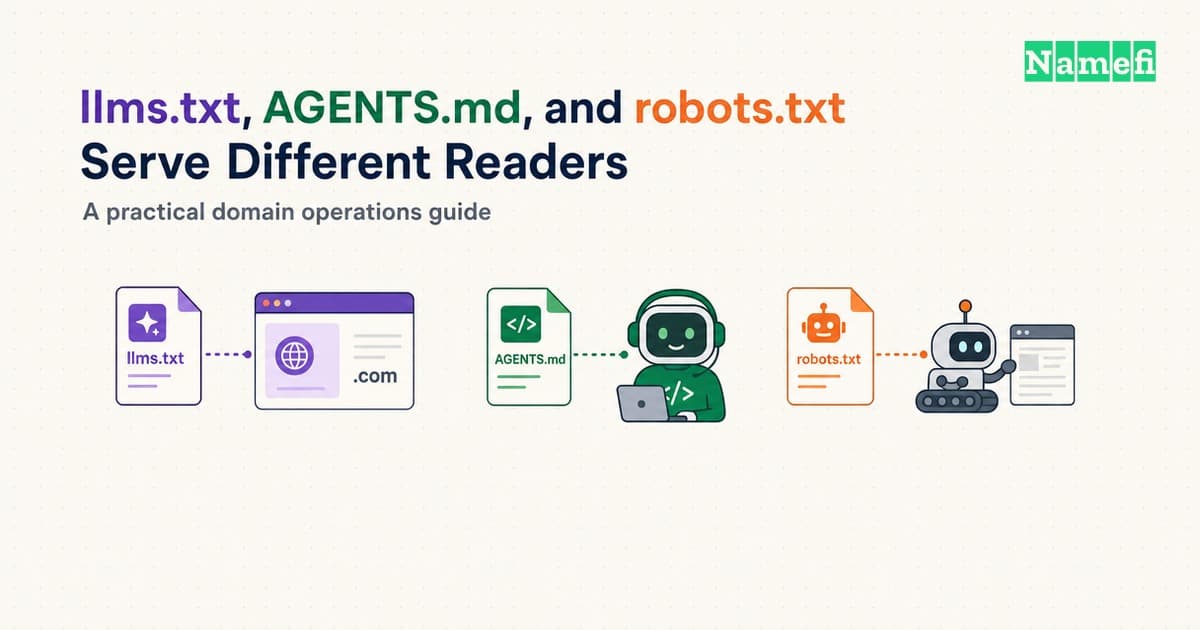
llms.txt, AGENTS.md, and robots.txt Serve Different Readers
Compare llms.txt, AGENTS.md, and robots.txt by purpose, scope, discovery, and enforcement, then test each file without confusing access controls.
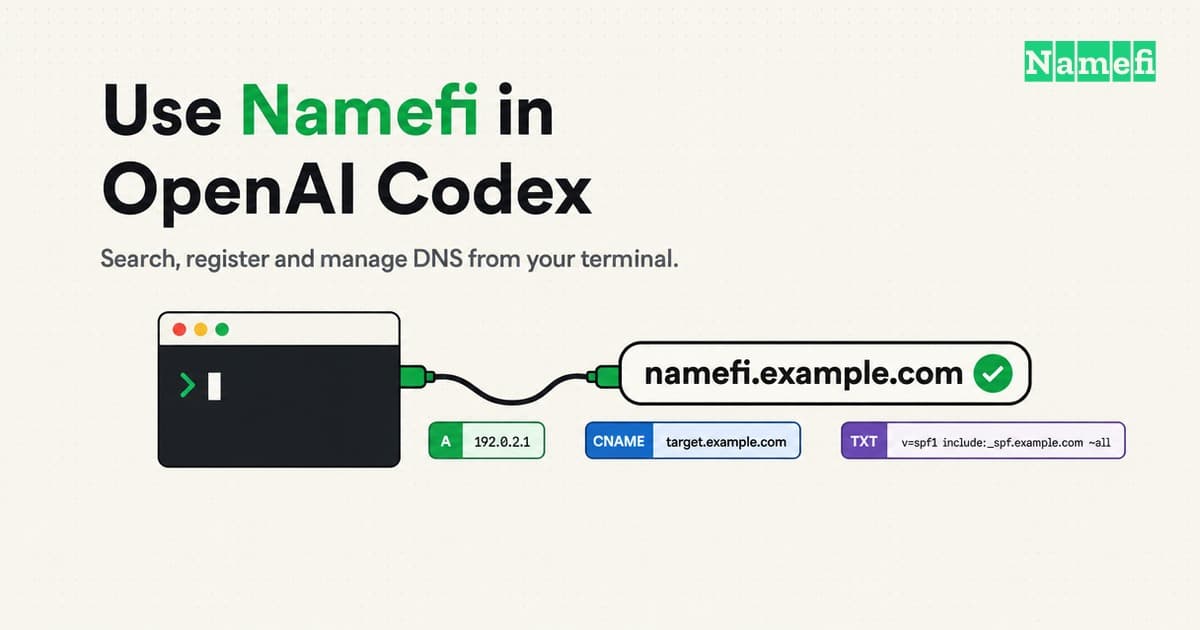
How to Use Namefi in OpenAI Codex: Search, Register and Manage DNS
Connect OpenAI Codex (CLI, IDE extension, desktop app) to Namefi over MCP, then search, register and manage DNS for a domain. Exact config and fixes.
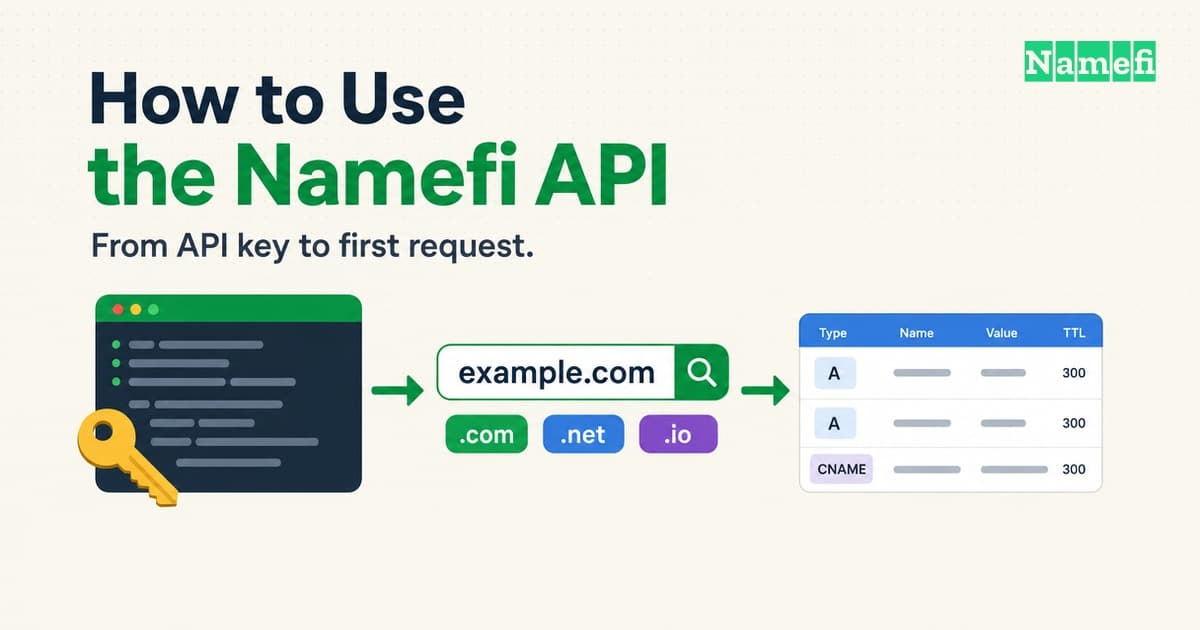
How to Use the Namefi API: Keys, Requests, DNS and Payment
Get a Namefi API key, authenticate with x-api-key, search availability, register a domain, manage DNS records, and handle errors and payment.

Bringing WebMCP to Namefi: let your agent work with your domains
How Namefi brings agents onto its website with WebMCP, shared MCP contracts, domain search, cart tools, and DNS plans you can review.