
Buy Domains with AI Agents
Step-by-step guides to searching, registering, paying for, and managing domains from Claude, Codex, Cursor, and other AI agents through the Namefi MCP server, API, and CLI.
- Pick your agent
- Connect Namefi
- Search & register
- Pay
- Set DNS
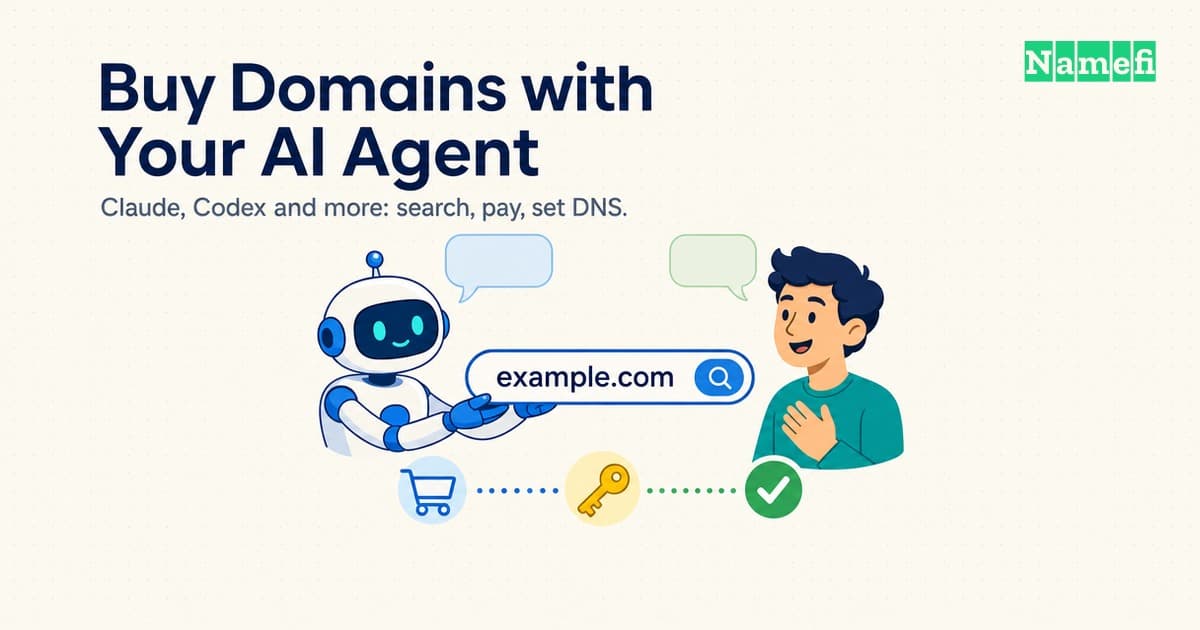
How to Buy Domains with Your AI Agent (Claude, Codex and More)
Which way to connect an AI agent to a domain registrar (MCP, REST, CLI or WebMCP), how to pay, what to approve yourself, and where to go for Claude, Codex, Cursor and more.
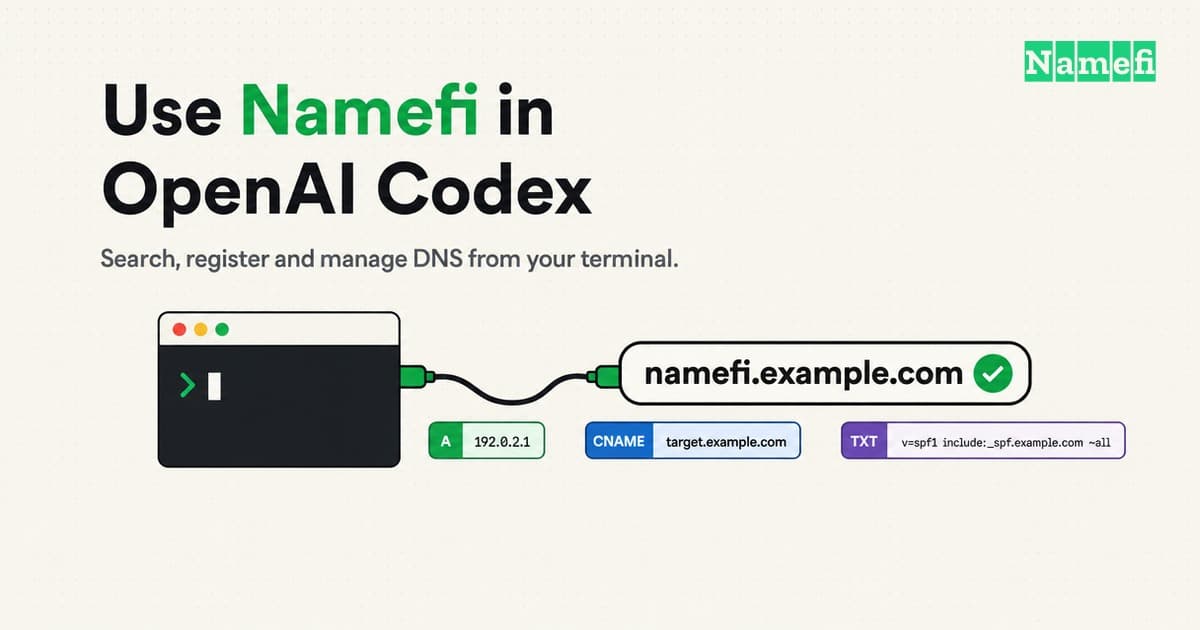
How to Use Namefi in OpenAI Codex: Search, Register and Manage DNS
Connect OpenAI Codex (CLI, IDE extension, desktop app) to Namefi over MCP, then search, register and manage DNS for a domain. Exact config and fixes.
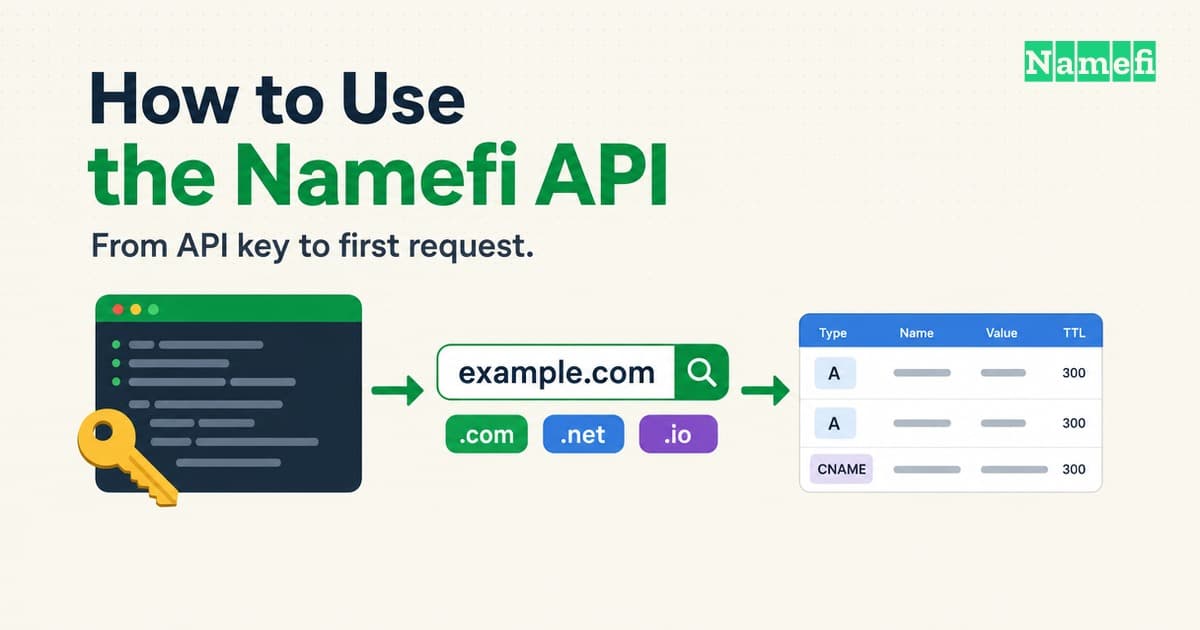
How to Use the Namefi API: Keys, Requests, DNS and Payment
Get a Namefi API key, authenticate with x-api-key, search availability, register a domain, manage DNS records, and handle errors and payment.

Bringing WebMCP to Namefi: let your agent work with your domains
How Namefi brings agents onto its website with WebMCP, shared MCP contracts, domain search, cart tools, and DNS plans you can review.