What Is an MX Record? How Your Domain Tells Email Where to Go
Understand MX record priority, mail server targets, absent MX and null MX, and the checks that distinguish DNS routing from mailbox problems.

- domains
- guide

An MX record tells sending mail servers where to deliver email for a domain. The record contains a preference number and a mail server hostname. Lower preference numbers take priority over higher numbers. The SMTP standard defines that selection process.
For an address such as person@example.com, the sending system looks up mail routing for example.com. The MX record routes mail toward a receiving service. The MX record does not create person as a mailbox or determine every rule the receiving service applies.
Examples use reserved example domains.
The MX value contains a preference and a hostname
Consider this hypothetical DNS configuration. The example describes syntax rather than a real email provider.
| Owner name | Type | Preference | Mail server hostname |
|---|---|---|---|
example.com | MX | 10 | mx1.example.net |
example.com | MX | 20 | mx2.example.net |
The first record has the lower preference number. Sending systems use the preference order when choosing among available mail exchangers. Equal-preference destinations can share delivery attempts under the SMTP selection rules. RFC 5321 describes preference and equal-preference selection.
The MX destination is a hostname, rather than an IP address, email address, or web URL. The mail server hostname needs address records that identify a reachable SMTP destination. The standard excludes a CNAME response as the MX target's address lookup result. The same section defines these target requirements.
If your DNS editor separates priority from value, enter each part in its field. Do not paste the number into the hostname field unless the editor explicitly expects the full record content.
The email provider supplies the records you should publish
Open the setup instructions for the email service and account you actually use. Copy the complete required MX set, including every hostname and preference. Do not substitute a familiar provider's values because a tutorial uses those values.
As practical advice, check whether the DNS editor expects @, an empty name, or the full domain for the apex. Verify the saved record owner. A correct mail server at the wrong owner name does not route mail for the intended address domain.
Create the receiving domain and required mailbox in the email provider's administration interface. Publishing MX records alone cannot configure the provider's account. Keep the DNS and mailbox setup tasks in the same implementation record.
Do not add an extra provider merely as a backup without a designed mail-routing arrangement. A secondary MX target needs to know how to handle the domain's mail. A hostname listed in DNS does not create that relationship.
If the provider requires verification records or sender authentication records, complete those separate instructions too. Use the email setup guide for the wider account workflow.
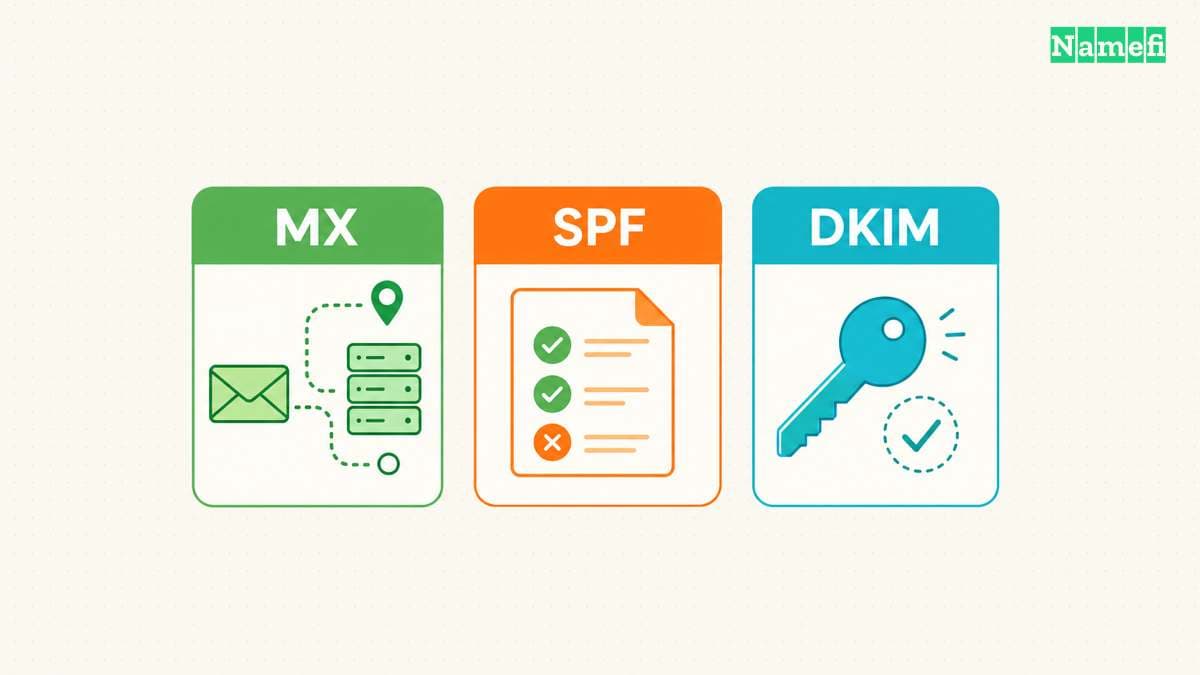
An absent MX answer differs from an explicit null MX
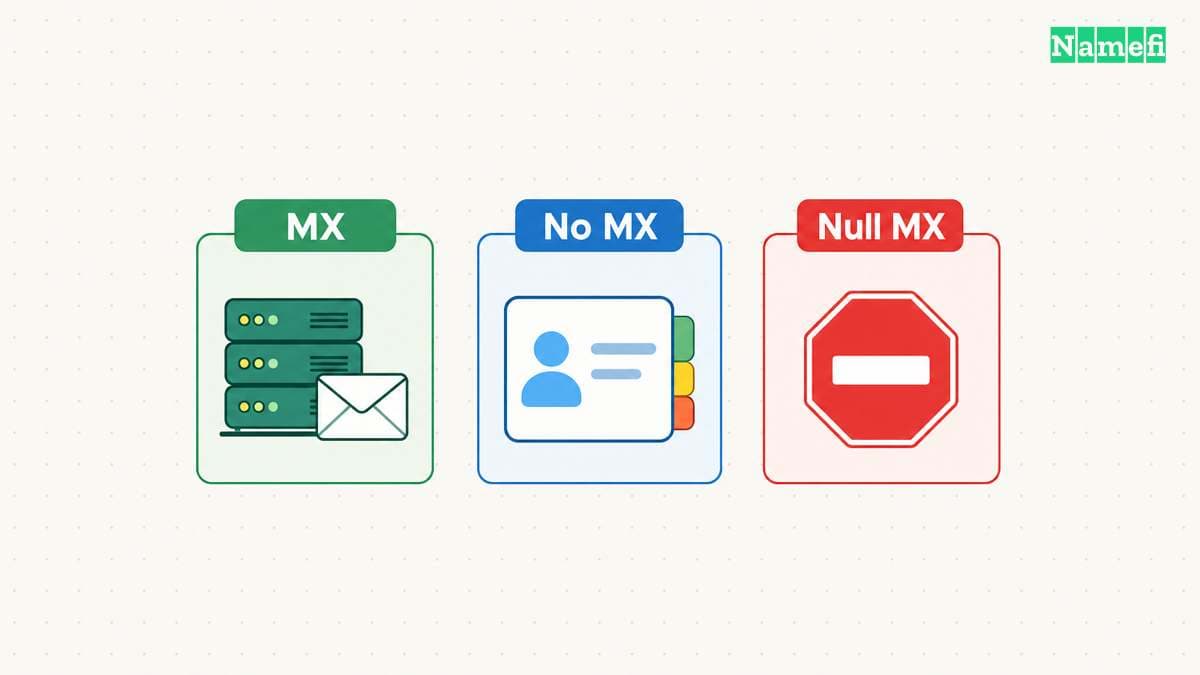
No MX record does not automatically announce that a domain accepts no email. SMTP defines an implicit MX fallback when the MX lookup returns an empty list. The sender can treat the domain's own address as the destination under the standard's rules. RFC 5321 describes the fallback.
A null MX record explicitly announces that the domain accepts no mail. RFC 7505 defines a single MX record with preference zero and . as the exchange value. A domain publishing null MX must not also publish another MX record. The null MX standard defines the complete signal.
These states need different interpretation:
| Observed result | Meaning to investigate |
|---|---|
| Ordinary MX answers | Use the listed mail exchangers according to SMTP rules |
| Successful lookup with no MX records | Check the implicit MX behavior and domain address data |
| Null MX | The domain explicitly announces no mail service |
| Timeout or server failure | The lookup did not establish the intended mail configuration |
Do not remove MX records to express a deliberate no-mail policy. Use the supported null MX mechanism when that policy fits the domain and review the related email configuration. Conversely, do not leave null MX in place for a domain that should receive mail.
A lookup verifies publication rather than mailbox delivery
The Google Admin Toolbox Dig tool provides a browser DNS lookup. Enter the domain and select MX. Google documents the basic lookup workflow. This article does not execute a query or report the state of your domain.
Read the full answer. Check the owner name, preferences, and target hostnames against the email provider's instructions. If you use a command-line tool, the general dig example.com MX form asks for the MX record set.
When a recent change appears inconsistent, compare authoritative data with the resolver returning the old record. Cached DNS can delay visibility for some clients. The TTL specification explains cache reuse, and the propagation guide gives a diagnostic sequence.
After the DNS answer matches, send a message from an outside account to the intended mailbox. Confirm receipt and inspect any bounce message. A published MX answer establishes a routing instruction, rather than successful acceptance by a particular mailbox.
Select Mail exchange (MX) in Namefi's DNS lookup and query the recipient domain. Compare the complete answer with the mail provider's instructions. The result distinguishes null MX from an absent MX answer, but it does not establish that a recipient mailbox exists or accepts mail.
Email failures need checks beyond the MX record
If the answer points to an old provider, compare the active zone with the intended migration plan. If the answer points to the right provider, check domain verification, mailbox existence, provider routing, and the exact delivery error.
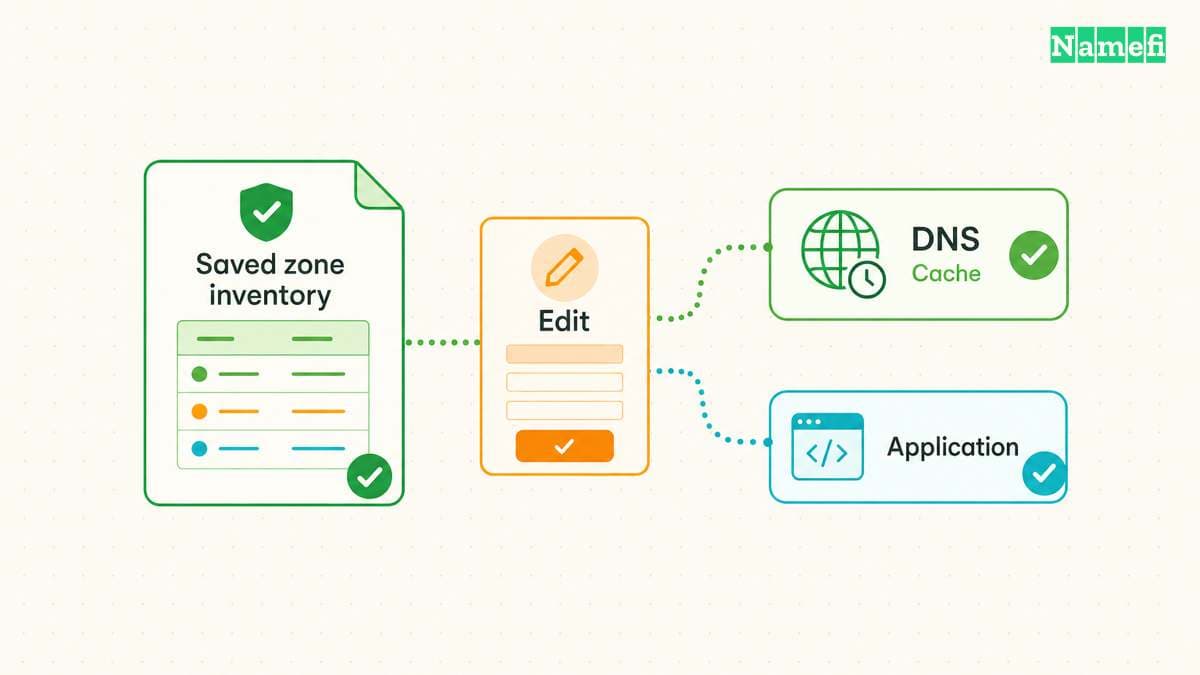
If mail stopped after a nameserver change, compare the replacement zone with the old zone inventory. Restore the required mail records at the active DNS provider. Editing an inactive DNS zone will not repair the public answer.
Keep receiving routes separate from sending authentication. MX directs inbound delivery. SPF, DKIM, and DMARC have different jobs. The DNS record types guide helps locate those separate settings.
The next action is to compare the complete public MX answer with the email provider's current instructions. Correct a demonstrated mismatch, verify the receiving account, and run an outside delivery test. Save the result with the exact hostname and time so that further troubleshooting starts from evidence.
Sources and further reading
RFC 5321 defines mail exchanger selection
RFC 5321 defines mail exchanger selection. Checked 2026-10-30.
RFC 7505 defines an explicit no-mail record
RFC 7505 defines an explicit no-mail record. Checked 2026-10-30.
Google provides a browser DNS tool
Google provides a browser DNS tool. Checked 2026-10-30.
RFC 1034 defines cache timing
RFC 1034 defines cache timing. Checked 2026-10-30.
RFC 2606 reserves example domains
RFC 2606 reserves example domains. Checked 2026-10-30.
About the author(s)
Fenwei Bian is a software developer in her thirties who spends her working hours in pull requests and her weekends with her hands in soil or sawdust. Years of open source on GitHub taught her that names are interfaces: a good one is clear, honest about what it does, and kind to whoever has to use it next.
She gardens because it rewards patience and punishes wishful thinking, and she does woodwork because a joint either fits or it doesn't. Both habits show up in how she writes about naming — measure twice, check the source, and don't sand over a rough spot and hope no one notices.
For Namefi she writes about how domain markets actually move, the practical trade-offs of tokenizing and flipping names, and picking a domain you'll still be glad you own in twenty years.