You Can Renew Your Domain Name Before It Expires
Renew your domain name, verify the new expiry date, check auto-renew and payment settings, and contact your registrar quickly after expiration.

- domains
- domain-renewal
- guide
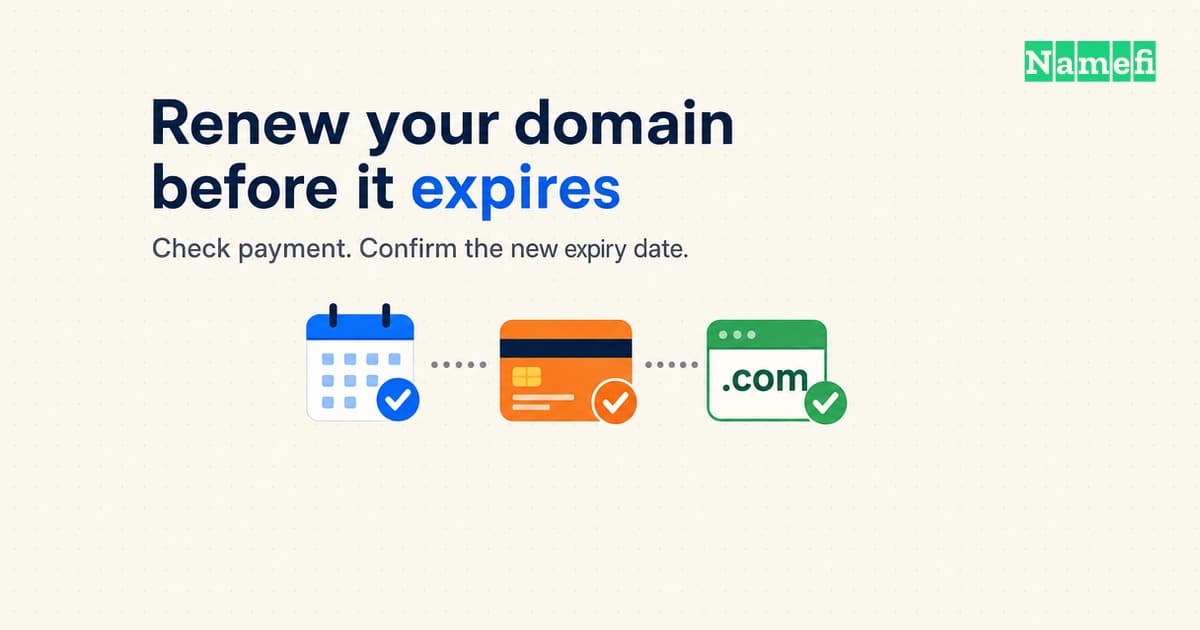
To renew a domain name, sign in to the provider that manages the registration, select the domain, and complete the renewal payment. Then confirm that the provider has extended the registration. Keep the receipt and the new expiry date together.
ICANN explains that domain renewal preserves the registration needed for services such as websites and email. A live website alone does not confirm a completed renewal. Make the registrar account your starting point.
This guide helps an owner keep a working domain. For price comparisons, read the domain holding cost guide. For investor budgeting, read renewal costs and sell-through rate.
You can complete a renewal with a short account check
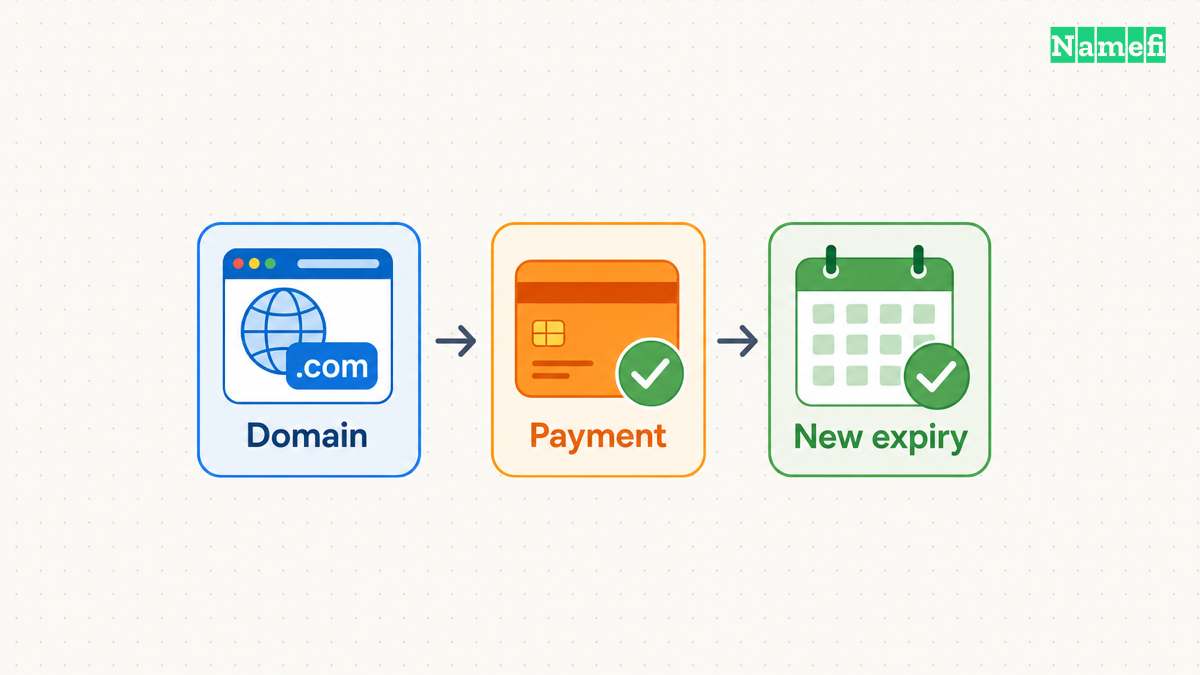
Use the following checklist before the provider's renewal deadline. Interface labels differ, so use the provider's current instructions.
- Sign in through the provider's known website or saved bookmark.
- Open the domain registration details.
- Confirm the full domain spelling and current expiry date.
- Check the renewal price and available registration term.
- Select the renewal action and complete payment.
- Wait for the provider's completion notice.
- Confirm the new expiry date in the domain account.
- Save the receipt and update the renewal calendar.
If an agency manages the domain, ask the agency to confirm the registrar, account owner, and renewal result. Record a named person who can access the account. A request sent to an agency does not establish that the agency completed the renewal.
For a concrete example, Cloudflare's manual renewal instructions use Manage domains → Manage → Registration → Renew/Extend Domain. Cloudflare shows Renewal Pending after payment validation and Active after completion. Cloudflare adds renewal years to the current expiry date. Those details describe Cloudflare, so check the equivalent behavior with another provider.
If the receipt arrives but the expiry date does not change, check for a pending operation. Contact support with the domain, order reference, payment time, and screenshot. Ask support to confirm completion and the new expiry date. Avoid submitting repeated payments while support investigates an unclear order.
You should check auto-renew before the billing attempt
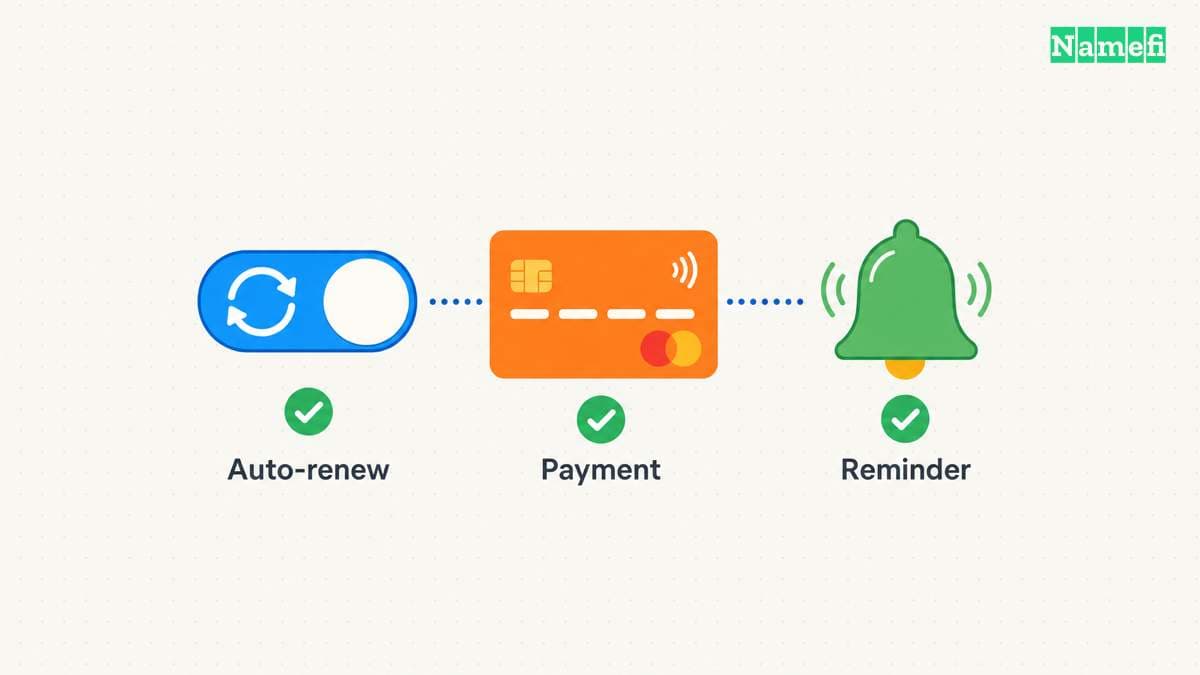
Enable auto-renew for a domain that must remain registered. Then check three separate items: the domain setting, the payment method, and the notification address.
- Confirm that auto-renew applies to the exact domain.
- Check the saved payment method and billing details.
- Check the email address that receives failure notices.
- Read the provider's first attempt date and retry procedure.
- Assign a person to verify the completed renewal.
Cloudflare warns that automatic renewals can fail because of billing failures or registry downtime. Cloudflare starts attempts approximately 30 days before expiration. Amazon Route 53 documents a different schedule: generally 35 days before expiration, with separate timing for .com.ar and .com.br.
The expiry date therefore does not necessarily equal the payment date. Check the schedule before changing billing details or deciding whether to keep the domain.
If expiration is close, follow the provider's urgent renewal instructions. Amazon recommends manually extending the registration when expiration approaches because renewal processing can take up to a day. Do not assume that switching on auto-renew immediately completes a renewal.
Your reminders should lead to a recorded renewal result
Set an independent calendar reminder before the provider's first billing attempt. Set a second reminder to verify the completed renewal. Choose dates that leave time for account recovery, payment corrections, and support.
Keep a small renewal record:
| Field | Record to keep |
|---|---|
| Domain | Full spelling, including the extension |
| Provider | Registrar or reseller account used for renewal |
| Responsible person | Person who can complete payment and contact support |
| Deadline | Provider's deadline for this extension |
| Billing | Auto-renew setting and expected attempt date |
| Evidence | Receipt, completion notice, and new expiry date |
For covered generic domains, ICANN's Expired Registration Recovery Policy requires reminders approximately one month and one week before expiration. A further notice falls within five days after expiration if the registration remains unrenewed and undeleted. Those notices provide additional prompts. Keep the independent calendar check.
Use a reachable contact address. Consider a separate notification address that does not depend on the domain due for renewal. Review account access when an employee or agency leaves. The registrar account security guide covers account protection in more detail.
You should contact the registrar immediately after a lapse
Open the domain account as soon as an expiry warning appears or the domain stops working. Ask the provider for the domain's current status, available recovery operation, total charge, and exact deadline. Complete an available renewal promptly.
The ICANN recovery policy permits registrars to delete expired registrations under applicable rules. Do not assume every domain has a fixed post-expiration renewal window.
For most gTLD registries, the policy requires a 30-day Redemption Grace Period after deletion. Sponsored gTLD registries have an exception, and deletions during an applicable add-grace period have different treatment. Recovery during redemption goes through the deleting registrar. The registry disables DNS and prohibits ordinary transfers during redemption.
Ask whether the account offers ordinary renewal or requires restoration. ICANN requires disclosure of renewal, post-expiration renewal, and restoration fees. Read the provider's current fee schedule before authorizing payment.
For a country-code domain, check the extension's registry rules and the provider's deadline separately. The gTLD policy does not establish one global timetable for country-code domains. Amazon's TLD-specific renewal guidance illustrates why extension-specific checks matter.
After recovery, verify the new expiry date, website, and email. ICANN's renewal FAQ explains the registrar's duty to restore operation as soon as commercially reasonable. Keep support involved if services remain unavailable. ICANN's renewal complaint form provides an escalation route for covered compliance problems.
You can finish the task by confirming three records
A completed renewal should leave three records: a successful order, an extended registration, and an updated reminder. Auto-renew remains useful, but a person should verify the result.
Before closing the task, confirm the new expiry date and the next billing attempt. Then check that another authorized person can find the renewal record.
These primary sources explain the renewal requirements
Sources accessed on October 21, 2026. Provider procedures and extension rules can change.
- ICANN: Renewing Domain Names.
- ICANN: Expired Registration Recovery Policy, updated February 21, 2024.
- ICANN: Domain Name Renewals and Expiration FAQ.
- Cloudflare: Renew domains.
- Amazon Web Services: Renewing registration for a domain.
About the author(s)
Namefi is a collective of engineers, designers, and operators who obsess over building tools that make managing your onchain domain names effortless.