
Set Up Your AI Agent
Connect your AI agent to Namefi in order — get an API key, then set up Claude, Codex, Cursor or Windsurf, and register your first domain.
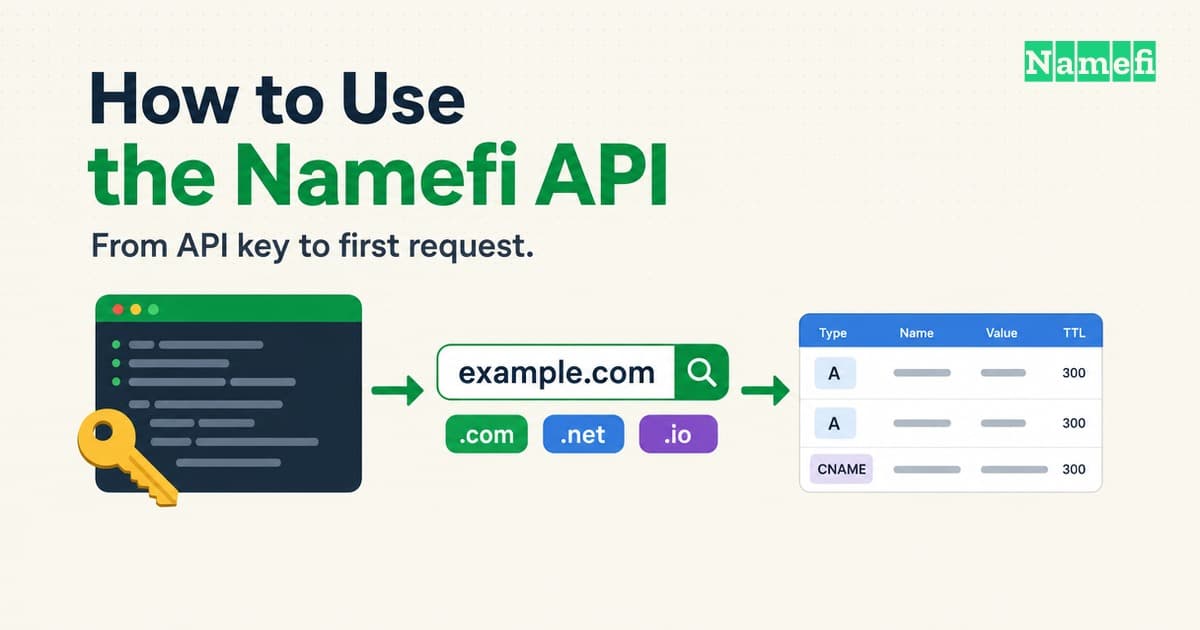
How to Use the Namefi API: Keys, Requests, DNS and Payment
Get a Namefi API key, authenticate with x-api-key, search availability, register a domain, manage DNS records, and handle errors and payment.
#1
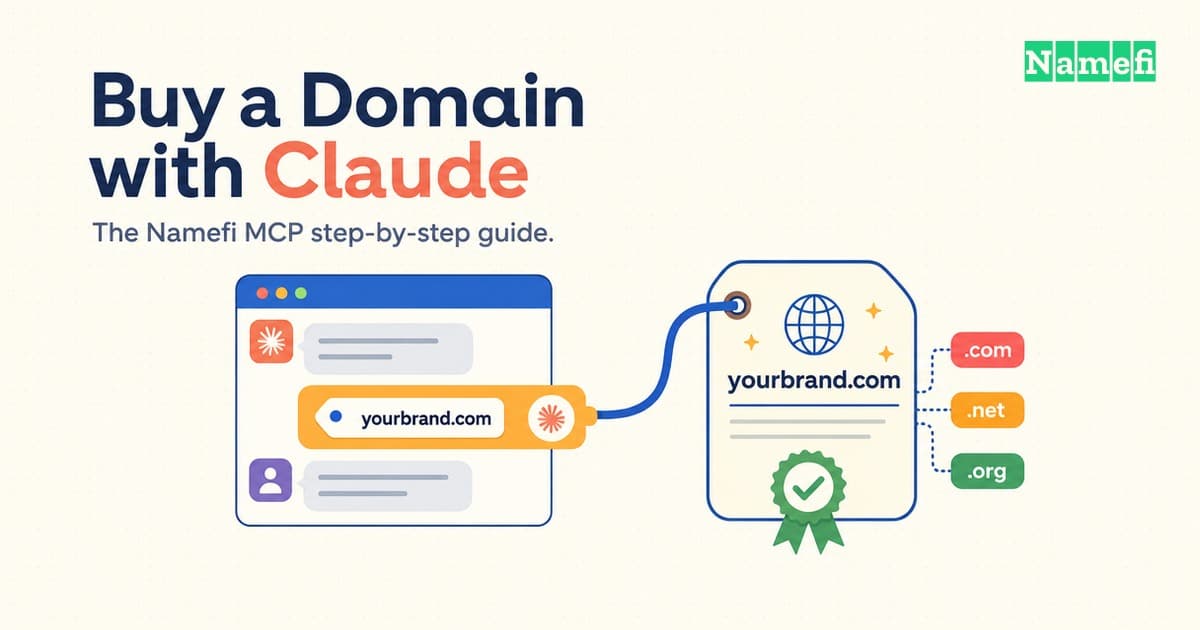
Buy a Domain with Claude: Namefi MCP Step-by-Step Guide
Connect Claude to the Namefi MCP server and register a real domain from one conversation. Exact config, an annotated transcript, and troubleshooting.
#2
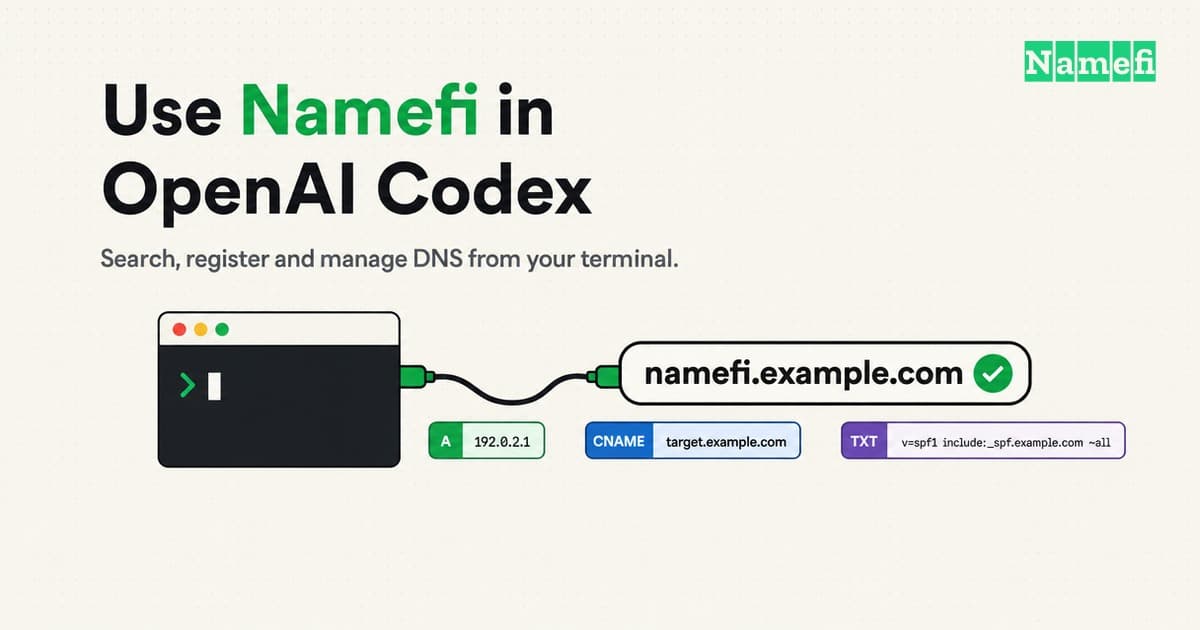
How to Use Namefi in OpenAI Codex: Search, Register and Manage DNS
Connect OpenAI Codex (CLI, IDE extension, desktop app) to Namefi over MCP, then search, register and manage DNS for a domain. Exact config and fixes.
#3
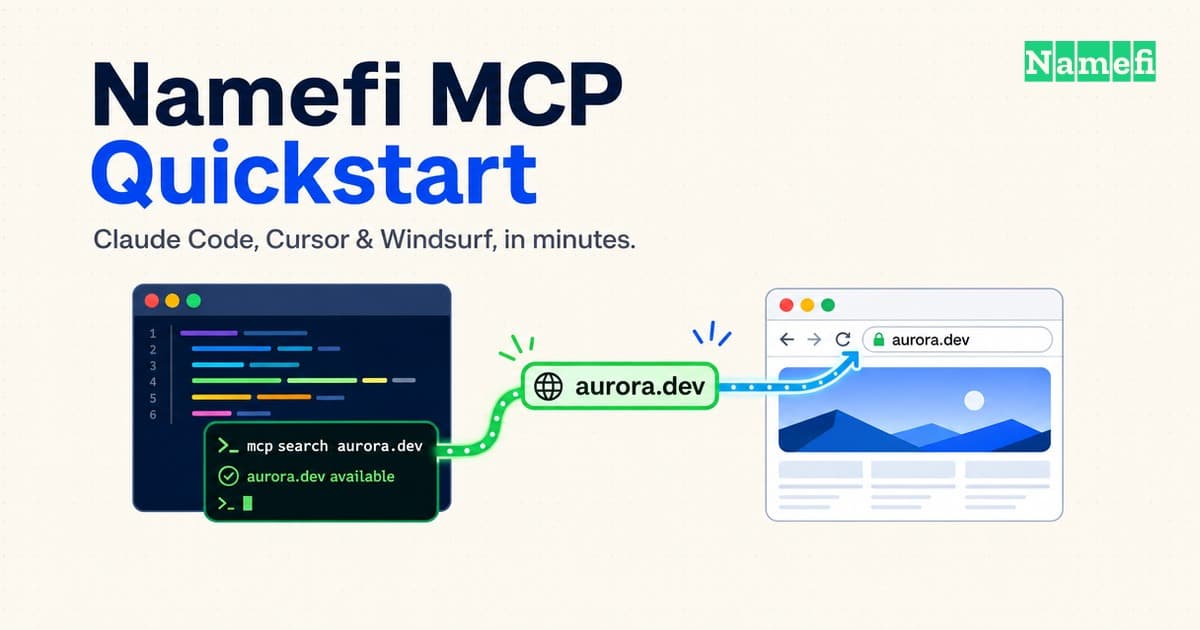
Namefi MCP Quickstart: Claude Code, Cursor & Windsurf
Per-editor OAuth and API-key MCP setup for Claude Code, Cursor, and Windsurf, then a five-step quickstart from a new app to a live custom domain.
#4
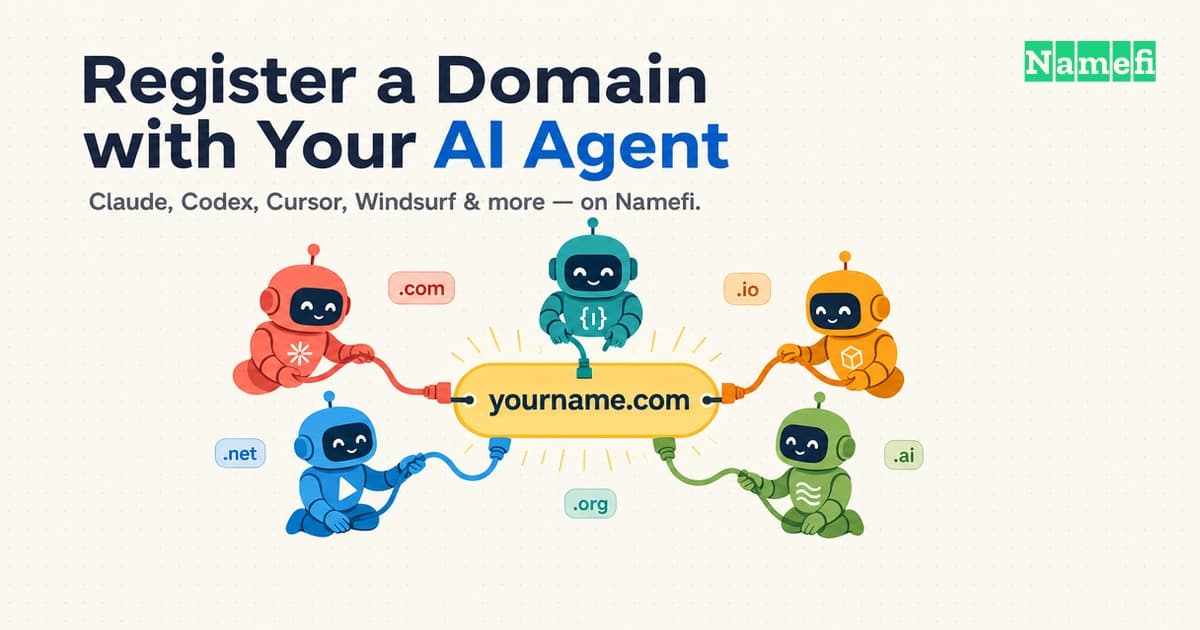
How to Register a Domain with Your AI Agent on Namefi
The canonical guide to registering a domain on Namefi with any AI agent — Claude, Codex, Cursor, and more — via MCP, REST, or wallet checkout.
#5