Domain Names With Free Email: Which Offers Include a Real Mailbox?
Compare domain email offers by mailbox, forwarding, trial terms, and renewal conditions before buying a domain.

- domains
- guide
A domain advertised with “free email” may include forwarding, a temporary mailbox trial, or a mailbox with eligibility limits. Read the email product terms before buying the domain. Porkbun, for example, distinguishes free forwarding from a time-limited trial of its sending-and-receiving mailbox. Its product page shows the difference.
For an ongoing free custom-domain mailbox, check whether Zoho's free plan is available in your signup location. Zoho limits the plan to selected data centers and excludes IMAP, POP, and ActiveSync. Check the current eligibility and features.
The right choice depends on whether you need a separate inbox, replies from your domain, or only an address that receives messages. This guide evaluates offers attached to a domain purchase. The business email options guide covers the broader service choice.
Identify the email product before comparing offers
A useful comparison begins with the actual product, rather than the word “free.” Ask the seller to identify which row describes the offer:
| Offer | What to verify |
|---|---|
| Mailbox | A separate inbox plus supported sending and receiving |
| Forwarding | Delivery to an existing destination inbox |
| Alias | An additional address attached to an existing mailbox |
| Trial | The trial end date and the paid continuation terms |
| Bundle benefit | The plan that must remain active to retain the benefit |
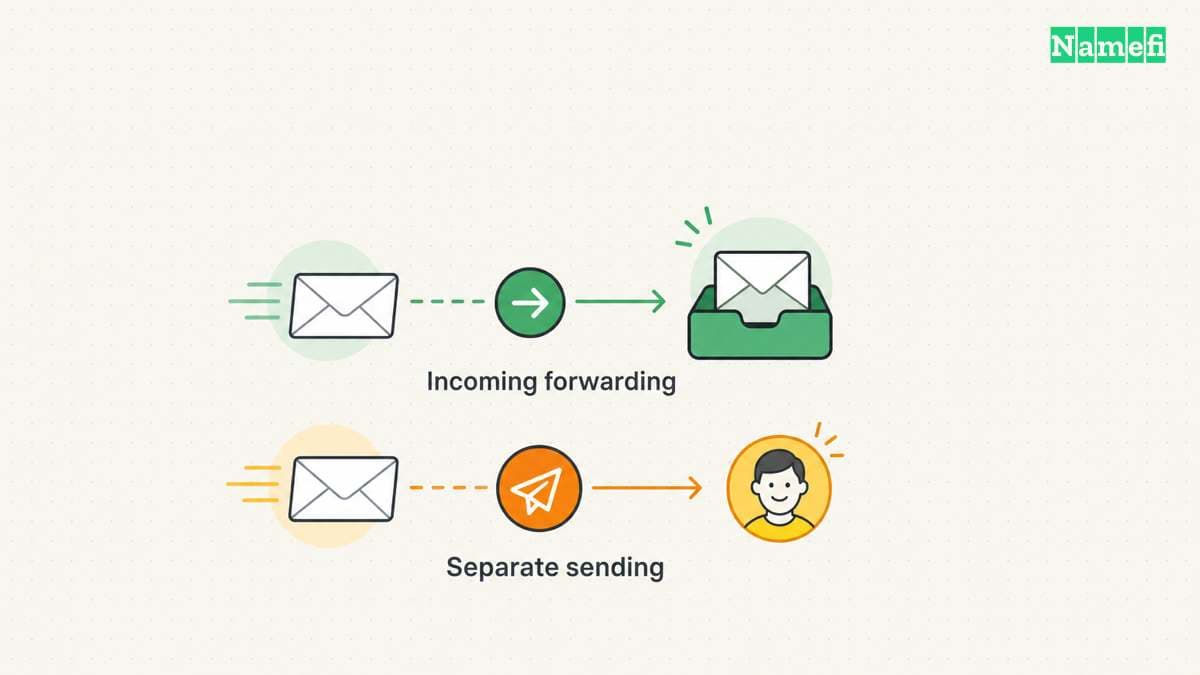
Porkbun describes its free service as forwarding mail to an existing inbox. Porkbun separately describes its mailbox as an inbox for sending and receiving mail. Read the two product descriptions together.
Suppose your illustrative address is hello@example.com. A forwarding service might deliver incoming messages to your existing inbox. That arrangement alone does not answer how you send a reply from hello@example.com. Ask the provider for the exact outgoing workflow.
The address above uses an example domain maintained for documentation. Do not attempt to register that domain or configure the illustrative address. IANA explains the reservation.
Compare concrete offers by the job you need
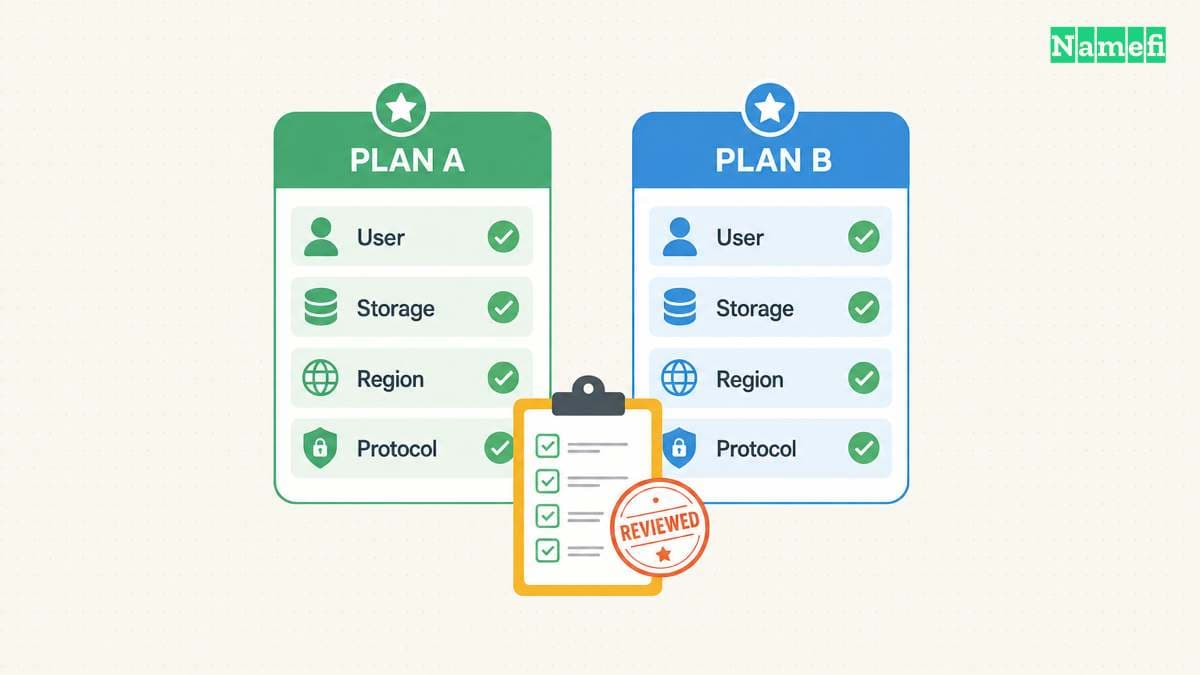
Use official product pages as starting points. Confirm the exact offer during signup, because eligibility and product terms can change.
| Route | Suitable question | Important boundary |
|---|---|---|
| Porkbun free forwarding | Can incoming domain mail reach an existing inbox? | Forwarding differs from the separate mailbox product |
| Porkbun mailbox trial | Can the mailbox support my sending and receiving workflow? | The free trial does not establish ongoing free service |
| Zoho free plan | Can an eligible small team use a custom-domain mailbox? | Data-center eligibility and excluded mail protocols matter |
| Cloudflare Email Service | Do I need incoming routing or application email? | Routing and outbound transactional sending have different plan conditions |
The provider statements behind this table come from Porkbun, Zoho, and Cloudflare.
Zoho's published free plan supports one domain and up to five users, with 5 GB per user. Check signup eligibility before buying a domain specifically for that plan. Also check whether your preferred mail application requires an excluded protocol. Read the free-plan note.
Cloudflare now documents outbound transactional Email Sending alongside incoming Email Routing. Arbitrary-recipient sending requires Workers Paid, while routing supports Free and Paid. Its current documentation states those conditions. Do not evaluate the current product using an old blanket claim that Cloudflare cannot send email.
For everyday person-to-person business mail, ask for a demonstrated mailbox workflow. Application sending and an inbox for employees solve different needs. A sending API should not substitute for a mailbox evaluation.
Calculate the cost after the free period
Write down the domain renewal charge and the email continuation charge separately. Use the exact quote, billing period, and currency shown to your account. Leave an unknown field marked unknown until the provider answers.
For a trial, record the start event, end date, cancellation procedure, and result of cancellation. Ask whether the trial starts at purchase, mailbox creation, or activation. Do not infer the answer from the domain registration date.
For an included benefit, ask which paid subscription keeps the benefit active. Confirm what happens to email if you downgrade hosting or transfer the domain. Treat the answer as part of the offer, not an after-purchase detail.
Avoid comparing one provider's first-year promotion with another provider's recurring price. Compare the same period and the same mailbox count. Add required extra users and storage only when those costs apply.
The free domain offers guide explains a related buying boundary: an introductory domain promotion does not establish ongoing free registration.
Verify account control and migration before relying on the address
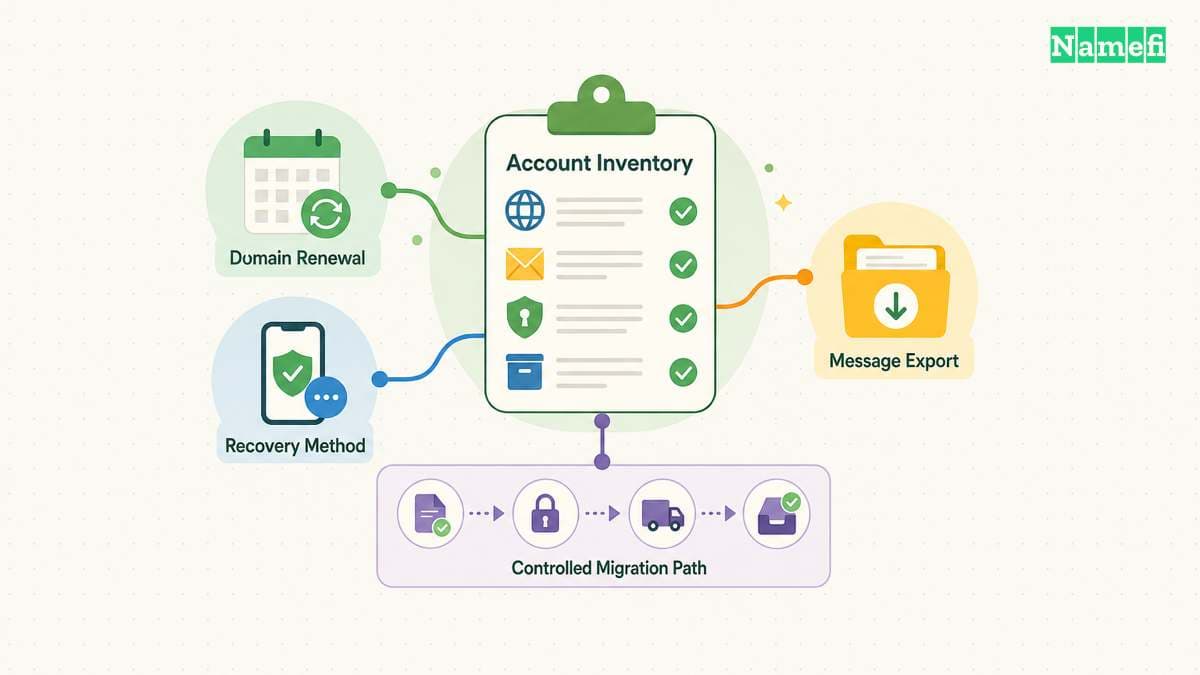
As a purchasing recommendation, keep the registration account under the business's control. Identify who can change DNS, renew the domain, recover access, and move the mail service.
Ask how the provider exports existing messages. Confirm how an employee leaves, how an alias changes destination, and how administrators recover the account. Evaluate those tasks before placing the address on invoices or customer accounts.
For forwarding, test the destination verification and the actual reply path. For a mailbox, test webmail, your intended client, incoming delivery, and outgoing identity separately. Keep a second reachable contact address for setup problems.
If the domain already receives mail, prepare the destination service before replacing delivery settings. Preserve the previous configuration and decide how you will retain existing messages. The custom-domain email setup guide covers the implementation sequence.
Choose the offer that survives an ordinary working day
Run a short evaluation with the exact service you intend to keep. Receive a message from an unrelated account. Send a reply with the intended custom address. Check the visible sender and any delivery failure notice.
Then confirm the commercial conditions: domain renewal, email renewal, eligibility, user limits, and exit process. Save the offer terms with the account record.
If receiving at an existing inbox meets the requirement, forwarding can be a reasonable choice. If the team needs separate inboxes and routine replies, evaluate a mailbox plan. The most useful “free” offer is the offer whose limits fit the work and whose continuation terms you understand.
Sources and further reading
Porkbun distinguishes forwarding from its mailbox trial
porkbun official source — fetched 2026-10-30 UTC.
Zoho lists free mailbox eligibility
zoho official source — fetched 2026-10-30 UTC.
Cloudflare documents routing and outbound email
cloudmail official source — fetched 2026-10-30 UTC.
IANA reserves example domains for documentation
examples official source — fetched 2026-10-30 UTC.
About the author(s)
Fenwei Bian is a software developer in her thirties who spends her working hours in pull requests and her weekends with her hands in soil or sawdust. Years of open source on GitHub taught her that names are interfaces: a good one is clear, honest about what it does, and kind to whoever has to use it next.
She gardens because it rewards patience and punishes wishful thinking, and she does woodwork because a joint either fits or it doesn't. Both habits show up in how she writes about naming — measure twice, check the source, and don't sand over a rough spot and hope no one notices.
For Namefi she writes about how domain markets actually move, the practical trade-offs of tokenizing and flipping names, and picking a domain you'll still be glad you own in twenty years.