Free Business Email Options Separate Mailboxes from Forwarding
Compare free business email with or without a domain. Check Zoho eligibility, forwarding limits, paid renewals, and sending before choosing.

- domains
- guide
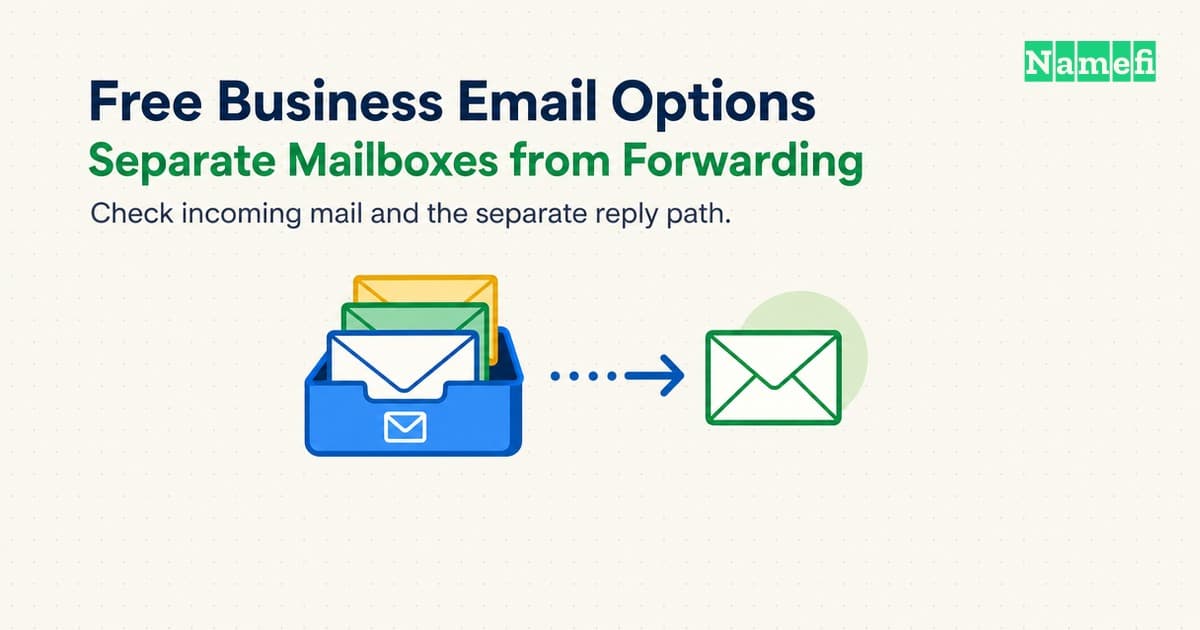
You can use a provider address without buying a domain. An address such as hello@example.com needs a domain you control. Free hosting, free forwarding, and a free trial provide different services.
Choose the address first. Then decide whether you need incoming delivery, replies from your domain, or separate accounts for several people. Check the actual signup offer before moving live mail.
A free email service does not cover domain renewal or the work of maintaining accounts. A first-year domain promotion also has separate conditions. Our free-domain offer guide explains those costs.
A provider address lets you start without a domain
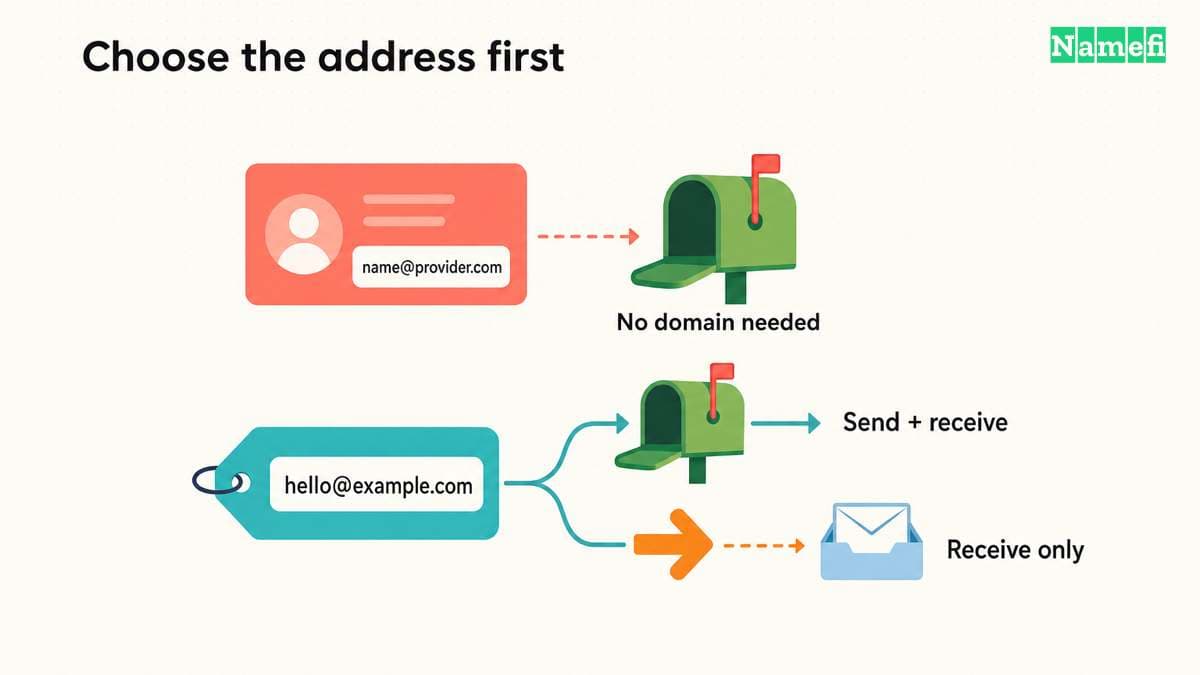
Google documents a Gmail account signup with a work-or-business option. Selecting that option does not create an address under your own domain. Google presents professional addresses through Google Workspace as a separate offering.
Proton provides another clear distinction. Its free-plan comparison lists one user, one email address, up to 1 GB of mail storage, and 150 messages daily. The free plan does not include a custom domain. Proton's domain setup guide requires both a domain and a paid plan.
A provider address can suit a solo business that needs correspondence immediately. Choose an available address that customers can read and spell. Keep account recovery under business control.
A provider address also creates a migration cost: customers save that address. Registering your own domain later does not automatically move correspondence or update customers' address books. Decide whether that later change suits the business before printing permanent materials.
A mailbox and a forwarding address solve different problems
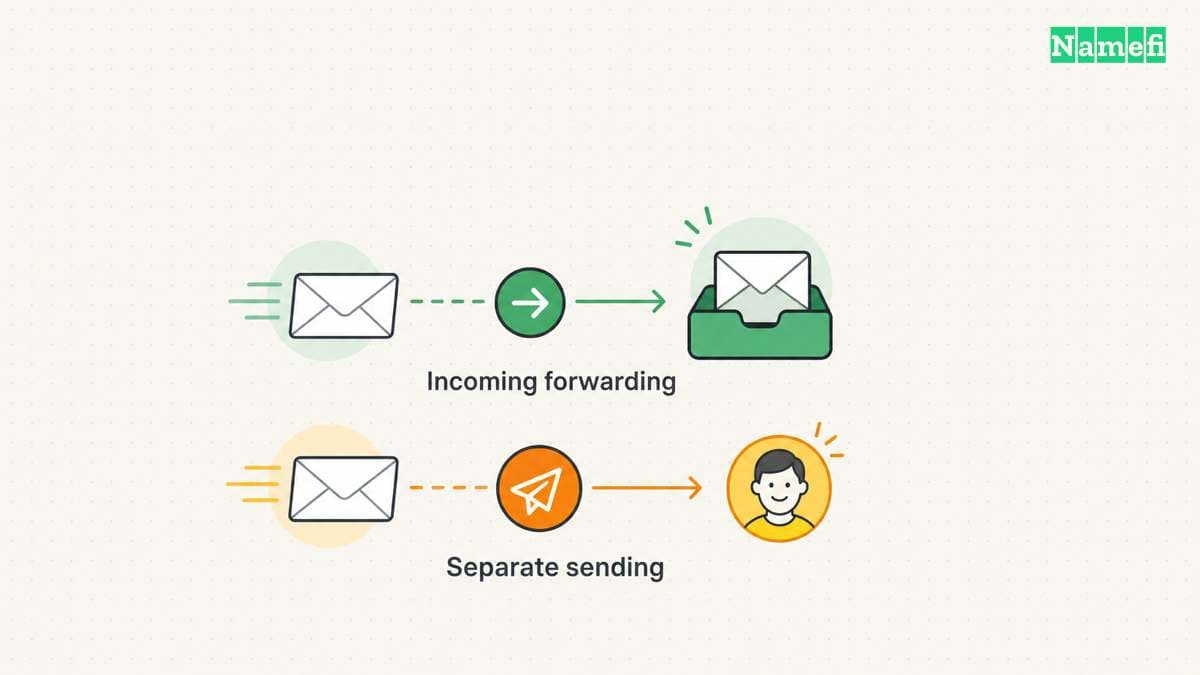
A hosted mailbox stores messages and provides a way to read and manage those messages. A forwarding service routes incoming messages toward another destination. A forwarding address does not automatically provide a complete outbound mailbox workflow.
Write your required tasks before comparing providers. A solo operator might need one public contact address and occasional replies. A team might need separate user accounts, shared addresses, mobile access, and an administrator who can recover access.
Do not confuse an alias with another employee account. An alias can direct another address toward an existing destination, while a separate account has its own access and administration requirements. Check the provider's actual model before counting addresses as users.
The following categories provide a useful first filter:
| Option | What the option can provide | What you must verify |
|---|---|---|
| Free custom-domain mailbox | Storage and mailbox access under stated limits | Region, users, storage, clients, sending, and export |
| Free forwarding | Incoming delivery to an existing address | Destination verification and separate reply path |
| Product bundle | Email included with another purchase | Renewal cost and cancellation effects |
| Trial | Temporary access to a paid feature set | Trial end, downgrade behavior, and data export |
| Consumer email address | An address under the provider's domain | Whether a custom-domain identity is actually included |
A consumer account can work as a forwarding destination. The account does not automatically turn into a mailbox under your own domain. Check the visible From address that recipients see when you reply.
A trial also differs from an ongoing free plan. Do not migrate business-critical mail into a trial without checking the end state. Write down whether the account becomes paid, loses features, or requires another action.
For a domain bundle, inspect the purchase you already make. An included mailbox may provide good value, but “included” does not mean independent of the paid product. Record what happens if you transfer the domain or cancel the hosting plan.
Use our custom-domain email setup guide when you already know which service model you need. The comparison here helps you select that model before you edit DNS records.
A useful requirement statement might read: “One person needs incoming mail and authenticated replies from one domain.” A different statement might require five independent inboxes. Those statements can lead to different choices even when both readers search for free business email.
Current free plans need a dated check of their actual limits
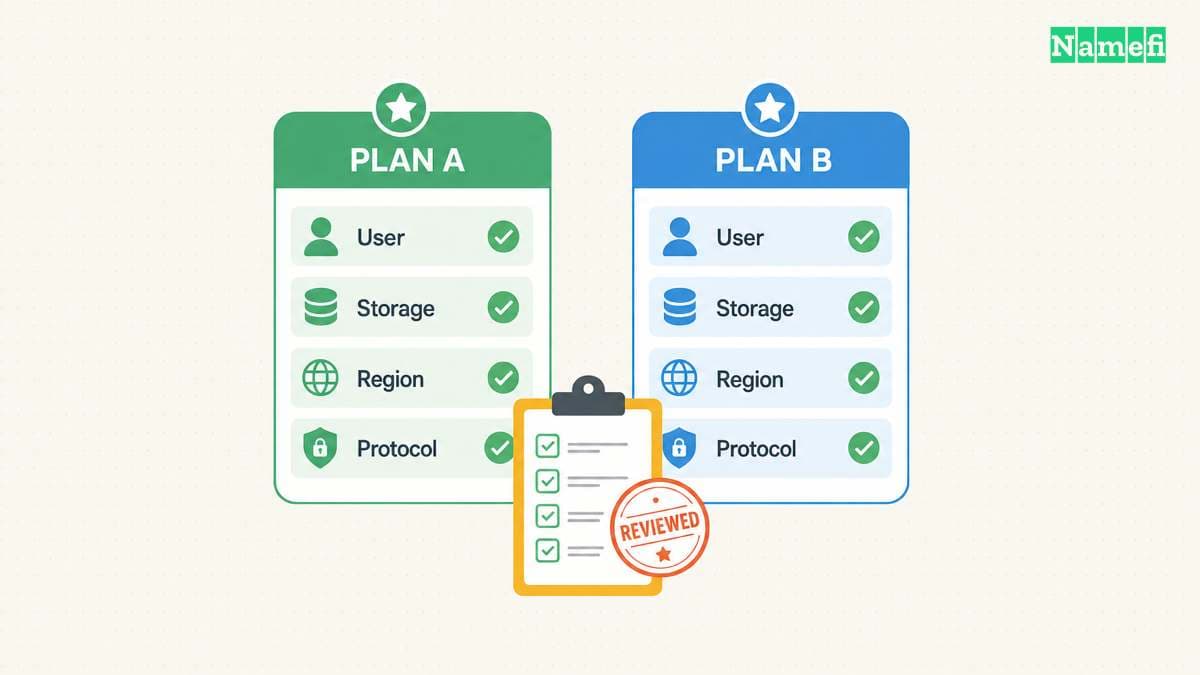
The following examples describe offers checked on October 21, 2026. The examples compare service types rather than rank providers.
| Offer | Custom domain | Receiving and sending | Free-plan condition |
|---|---|---|---|
| Proton Free | No | Provider-domain mailbox | One user, up to 1 GB, 150 messages daily |
| Zoho Mail Free | One domain | Hosted business mailbox | Up to five users, 5 GB each, selected data centers |
| Cloudflare Email Routing | Yes | Forwarding to a verified destination | Cloudflare DNS required, separate outgoing service for ordinary replies |
| Namecheap Private Email trial | Yes | Trial mailbox | First month free, subsequent paid renewal |
The Proton comparison and Zoho pricing page supply the mailbox limits. Zoho excludes IMAP, POP, and ActiveSync from its free offer. Do not assume an external desktop client's access will work.
Zoho's subscription documentation describes web-only free access and regional restrictions. Zoho does not establish a universal country entitlement. Confirm the free plan in the actual signup flow.
The same documentation distinguishes the 15-day premium trial. Eligible regions switch to the free plan after the trial. In regions without a free plan, mail operations stop unless the customer upgrades. Zoho then allows a 30-day upgrade window before scheduling account data for deletion. Contact support for backup assistance within that window.
Cloudflare's Email Service separates routing from transactional sending. Its pricing documentation allows routing on Workers Free and Workers Paid. Sending to arbitrary recipients requires Workers Paid. Free sending to verified destinations does not provide ordinary replies to any customer.
Cloudflare lists unlimited inbound emails, but that statement does not remove routing limits. Cloudflare permits 200 routing rules per domain and 200 verified destination addresses per account. Incoming messages above 25 MiB face rejection. A routing rule is not an employee mailbox or storage allocation.
Cloudflare also requires Cloudflare DNS and destination verification. Include that DNS requirement in the decision, especially when another operator manages the current zone.
Namecheap illustrates the difference between a free trial and continuing free service. Its Private Email offer currently advertises a free first month. The Launch plan includes one 5 GB mailbox and displays a $14.88 annual renewal in US dollars. Recheck the selected plan, currency, taxes, and renewal terms at checkout. The first month does not establish a permanent free plan.
The practical comparison is about service shape:
- Consider an eligible free mailbox when the account limits fit your users and access needs.
- Consider forwarding when you mainly need incoming delivery to an existing mailbox.
- Consider a paid mailbox when required clients, administration, or storage exceed the free offer.
- Treat an application sending API separately from a person's daily inbox.
Check the provider's acceptable-use rules and support options. A service suited to ordinary correspondence may have different rules for transactional messages or marketing campaigns. A free plan should not become a workaround for a different sending product.
Keep a dated note with the plan name, region, limits, and required features. Recheck the note before signup and before a significant migration. A comparison article can describe the offer observed today, while the provider can change the offer later.
Receiving and sending need separate DNS and authentication checks
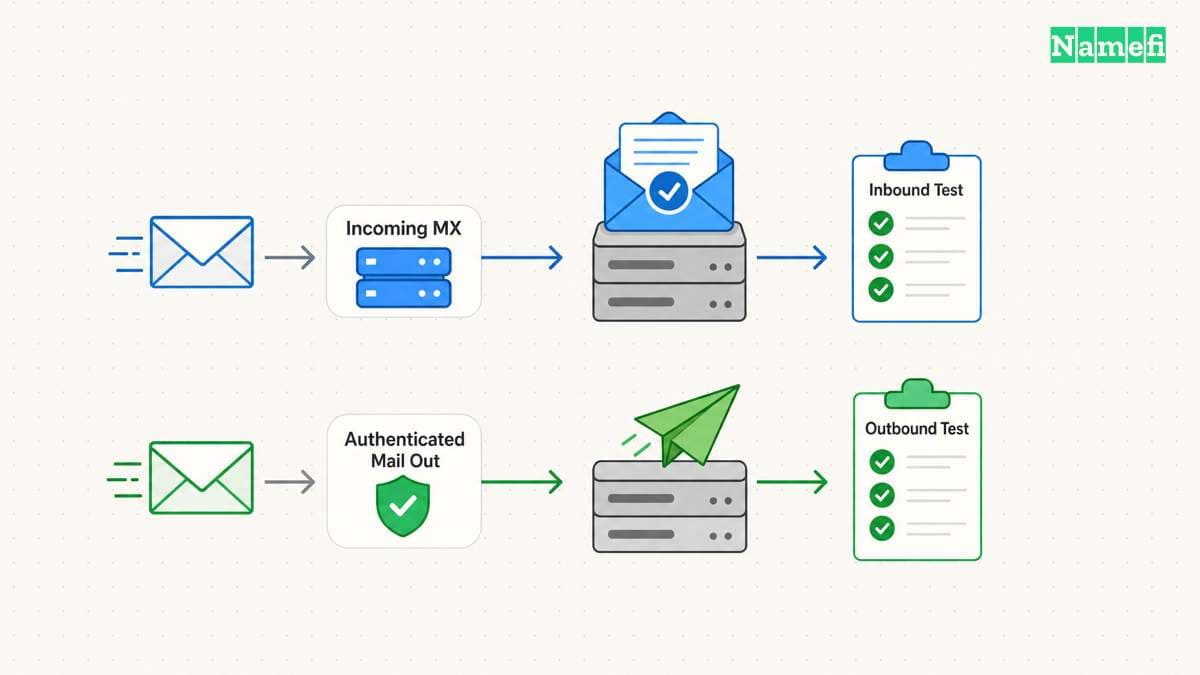
Incoming delivery starts with the provider's domain configuration. MX records direct incoming mail toward the receiving service. The provider may also require verification and authentication records.
Cloudflare's routing setup guide documents the domain records and destination verification for its routing service. Use the provider's actual instructions for the selected account. Do not copy record values from an unrelated domain or an old screenshot.
Before changing MX records, inventory the existing mail service. Identify every active user, alias, application sender, and destination. An unexplained replacement can interrupt mail for people who do not appear in your personal inbox.
Keep the previous records and a rollback plan. Review our DNS record guide if record types are unfamiliar. Do not delete website records merely because you are changing the mail service.
Sending requires a separate check. Confirm the service authorized to send as your domain and the authentication records that service needs. A forwarding destination and an outbound sending provider can be different operators.
Google's sender guidelines distinguish authentication requirements for ordinary and bulk senders to personal Gmail accounts. Google recommends SPF, DKIM, and DMARC configuration. Authentication helps receiving systems evaluate messages, but authentication does not guarantee inbox placement.
Use our TXT, SPF, and DKIM guide to understand the record roles. Build the records from your actual authorized services. A copied record can omit an application that still sends legitimate mail.
Test the complete workflow before publishing the new address:
- Send an external message to the custom address.
- Confirm arrival at the intended mailbox.
- Reply from the custom-domain identity.
- Confirm the visible From and reply address.
- Inspect the received authentication results.
- Test a second external destination.
- Check a representative attachment and conversation thread.
- Record any bounce or spam-folder result.
Use a separate external account for an incoming forwarding test. Some same-account tests can give misleading results through provider behavior or conversation grouping. Preserve the actual message and delivery observation rather than assuming the forwarding rule works.
A successful incoming test does not prove outgoing replies work. A successful reply does not prove every application sender works. Check website forms, invoices, support tools, and other business systems that use the domain.
If a test fails, keep the bounce text and headers when available. Identify whether the problem concerns routing, authorization, authentication, or mailbox limits. Avoid changing all DNS records at once in response to a single failed message.
A usable free setup includes recovery and an exit plan
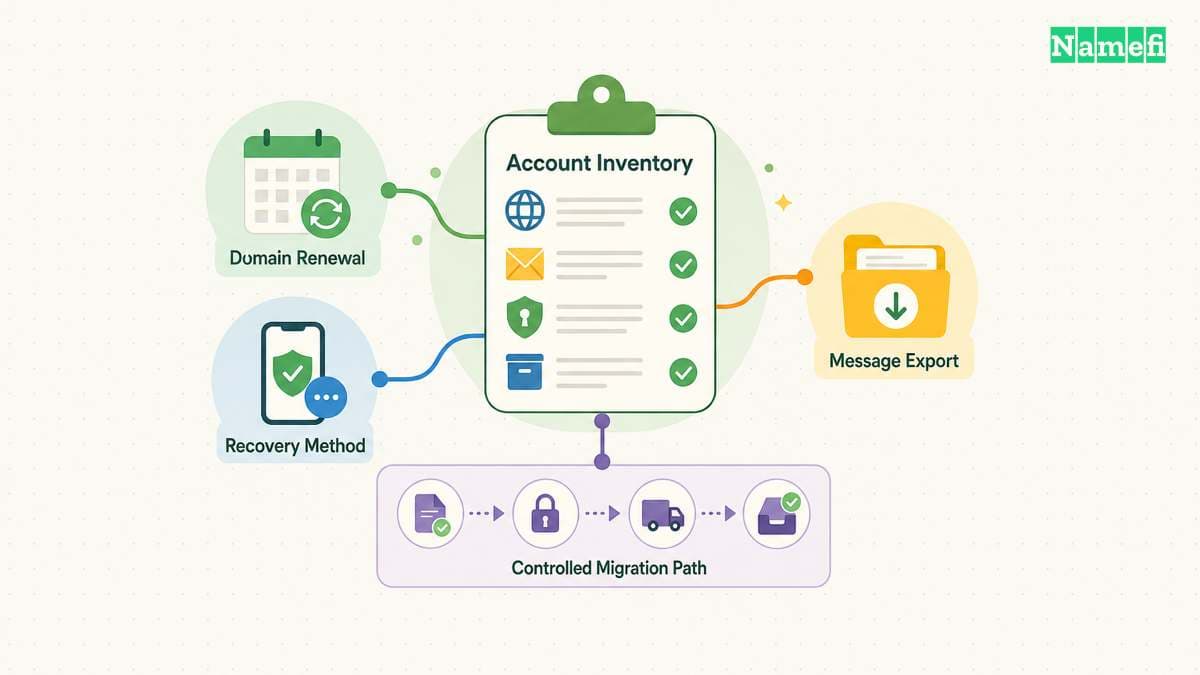
The lowest subscription price does not remove administrative work. Someone must control the domain, maintain account recovery, review capacity, and handle a future provider change.
Secure the registrar account and the mail administration account. Use supported multifactor authentication and recovery methods. Keep at least one recovery route that does not depend entirely on the mail service you might lose.
Document which person owns each account. A business address should remain recoverable when an employee or contractor leaves. Shared access through one person's private credentials creates an avoidable operational dependency.
Check storage and user limits before launch. An account that reaches a free limit may require a paid upgrade or a cleanup process. Decide who can authorize the upgrade before the service becomes essential.
Keep a small operating record:
| Record | Purpose |
|---|---|
| Domain account and renewal owner | Preserve control of the address namespace |
| Mail plan and eligibility | Explain the current service limits |
| Users, aliases, and forwarding routes | Keep the delivery model understandable |
| Authorized sending services | Maintain authentication records accurately |
| Recovery method | Restore access during an outage or staff change |
| Export and migration method | Preserve messages when the provider changes |
Test the export route that the actual plan permits. Do not assume IMAP-based migration will work when the free plan excludes IMAP. Read the provider's current backup and migration instructions before depending on a particular method.
For a forwarding setup, maintain the destination mailbox as carefully as the routing rule. A full destination mailbox, suspended account, or lost login can defeat an otherwise correct domain configuration. Monitor real correspondence rather than relying only on a green setup indicator.
If the business outgrows the free plan, compare the full cost of a supported upgrade with the work of migrating. Consider user administration, client compatibility, recovery, and message retention. A predictable paid plan can be more useful than a fragile arrangement of free components.
Plan a migration before changing records. Preserve existing messages, configure the destination, test the domain identity, and choose a controlled cutover. Keep the old service available for the overlap that your actual migration requires.
A free custom-domain setup can suit a small, clearly defined need. Choose a mailbox or forwarding deliberately, verify the current limits, and test both incoming and outgoing mail. Preserve a recovery route and a practical way to leave.
These sources support the article
Sources checked on October 21, 2026. Offers depend on the provider's current plan and account eligibility. The article does not promise delivery or a permanent free entitlement.
- Zoho Mail pricing. The page lists the free plan's domain, user, storage, protocol, and data-center limits.
- Zoho Mail subscription documentation. The documentation distinguishes free-plan availability, trials, and paid features.
- Cloudflare Email Service. The current service distinguishes incoming routing and outbound transactional sending.
- Cloudflare Email Service pricing. The page separates free routing and paid arbitrary-recipient sending.
- Cloudflare: Route emails. The guide covers domain records and verified destinations.
- Proton Mail plans. The comparison lists free-plan storage, users, messages, and custom-domain exclusions.
- Proton custom-domain setup. The prerequisites require a paid plan and a separately controlled domain.
- Google: Create a Gmail account. The guide distinguishes account signup and professional Workspace addresses.
- Cloudflare Email Service limits. The table lists routing rules, destinations, and message size.
- Namecheap Private Email. The offer shows the first-month trial and later renewal.
- Google: Email sender guidelines. The guidance describes authentication requirements and delivery considerations for personal Gmail recipients.
About the author(s)
Namefi is a collective of engineers, designers, and operators who obsess over building tools that make managing your onchain domain names effortless.