Domain Name Search: Is the Name You Want Still Available?
Check domain availability through an official registrar search, distinguish registered names from new registrations, and review the exact offer.

- domains
- guide
Search the exact domain through a registrar's official domain search, then inspect the offer for that precise spelling and extension. Cloudflare's domain search provides one official route. Cloudflare documents search, registration, and transfer as separate tasks.
A useful search result should tell you what you can do next. You might see a new-registration offer, a registered domain, or an alternative name. Read the transaction type before treating a displayed name as available to register.
This guide helps you move from an idea to a verified purchase candidate. The domain registration guide covers the next steps after choosing an offer.
Search the complete domain instead of only a business phrase
Write the exact name and extension before opening the search interface. A business phrase can produce many suggestions. An exact-domain query lets you examine the address you actually intend to use.
For example, example.com and example.net are different domains. These reserved example names illustrate spelling checks and provide no live availability result. Do not infer that an illustration is a purchase recommendation.
Check every character in the search result. Pay attention to missing letters, repeated letters, hyphens, and a substituted extension. Read the final domain aloud if customers will need to hear and type the address.
As editorial advice, save a small shortlist with the purpose of each name. Keep the preferred name separate from alternatives suggested by the registrar. A suggestion should become a candidate only after you deliberately approve the new spelling.
If the name uses non-Latin characters, inspect the registrar's representation and ask the registrar to resolve any ambiguity. Do not purchase a name that you cannot confidently distinguish from the intended address.
Search the complete candidate in Namefi's domain search, including the intended extension. Read the current result and transaction terms before adding a name to the cart. Keep a new-registration offer separate from a transfer request or an aftermarket sale.
Interpret the transaction type before comparing the displayed amount
A search interface can present more than one path to a domain. Keep the paths separate in your notes.
| Result or offer | What to establish | Next action |
|---|---|---|
| New registration | Exact domain, eligibility, registration term, and complete charge | Review the registrar's checkout |
| Registered name | Current registration information and any legitimate seller route | Research before contacting a seller |
| Transfer | Whether you already control the domain and can meet transfer requirements | Use a transfer procedure |
| Alternative suggestion | Whether the new spelling suits your project | Evaluate the suggestion as a separate candidate |
| Unsupported extension | Whether the registrar supports the extension | Check the registry's registrar information |
The table is a decision aid. Labels differ between providers, so read the actual offer and help text.
Do not start a transfer purchase when your goal is a new registration. Do not assume a registered name is abandoned because the website appears empty. Those observations answer different questions.
Use registration data to investigate a registered domain
If the name already has a registration, use ICANN Lookup as a starting point for supported domain registration data. RDAP gives access to current registration information. ICANN explains RDAP's purpose and standardized responses.
Use the returned information to identify the sponsoring registrar and relevant registration status when the data provides those fields. Do not assume that public registration data always identifies a reachable individual holder.
A registration lookup serves a different purpose from a checkout offer. The lookup describes registration data. The registrar's purchasing workflow determines the offer currently available through that provider.
As practical advice, investigate through official provider routes. Avoid paying an unfamiliar party solely because an unsolicited message claims to control the domain. Resolve the seller's authority and delivery process before negotiating payment.
For a registered name, consider an alternative if the purchase process or budget does not fit the project. A domain search does not obligate you to pursue the original choice.
Compare the full registration and renewal commitment
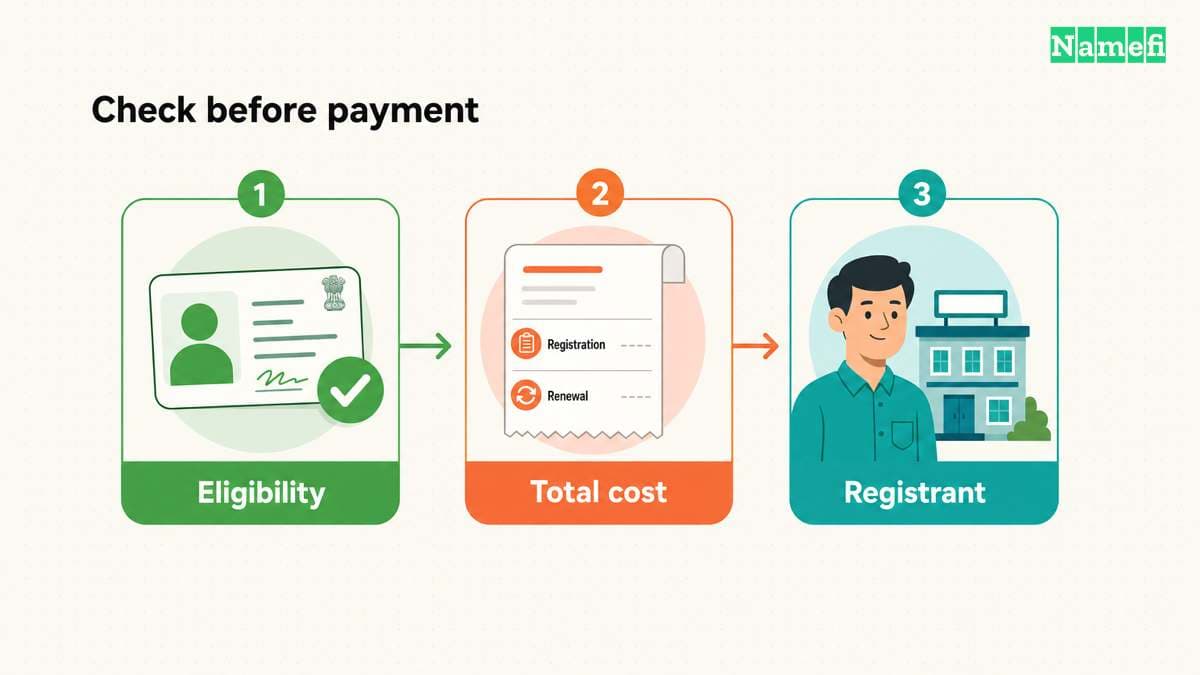
Before adding a candidate to the cart, record the price currency and registration period. Then identify the renewal terms and any optional services. Keep an introductory charge separate from the ongoing registration cost.
ICANN explains that the agreement between the registrant and registrar governs fees, transfers, and renewals. The registration-process guide describes those responsibilities.
As purchasing advice, ask for clarification when an offer omits a renewal amount or includes an unclear service. Compare the same term and service scope across providers. Do not compare a promotional first-period price with another provider's recurring price as if the offers matched.
Check whether the extension has eligibility requirements before paying. Use the specific registry and registrar terms rather than generalizing from another extension. A provider's support for one country-code extension does not establish another extension's rules.
For the .ai extension, the .ai reference guide explains the distinction between technical classification, branding, and purchase checks.
A search result should become a deliberate cart item
Open the cart and compare the domain against your written shortlist. Review the spelling again after any suggestion or extension change. Confirm the term, currency, renewal behavior, and optional products.
Decide which person or organization should hold the registration rights. ICANN calls that person or entity the registrant. The registration process requires identifying and contact information. ICANN documents the registrant's role.
Choose a recovery address that the responsible operator can access. Use the registrar's account-security features and keep administrative ownership clear. The registrar account security guide provides a separate operating checklist.
Avoid placing an urgent purchase in an account controlled only by a temporary contractor. As editorial advice, settle account responsibility before the purchase creates a dependency.
Verify the completed registration before announcing the address
After checkout, review the registrar's confirmation and the domain entry in the account. Record the registration term, renewal configuration, and administrator. Resolve any pending registrar request through the official account.
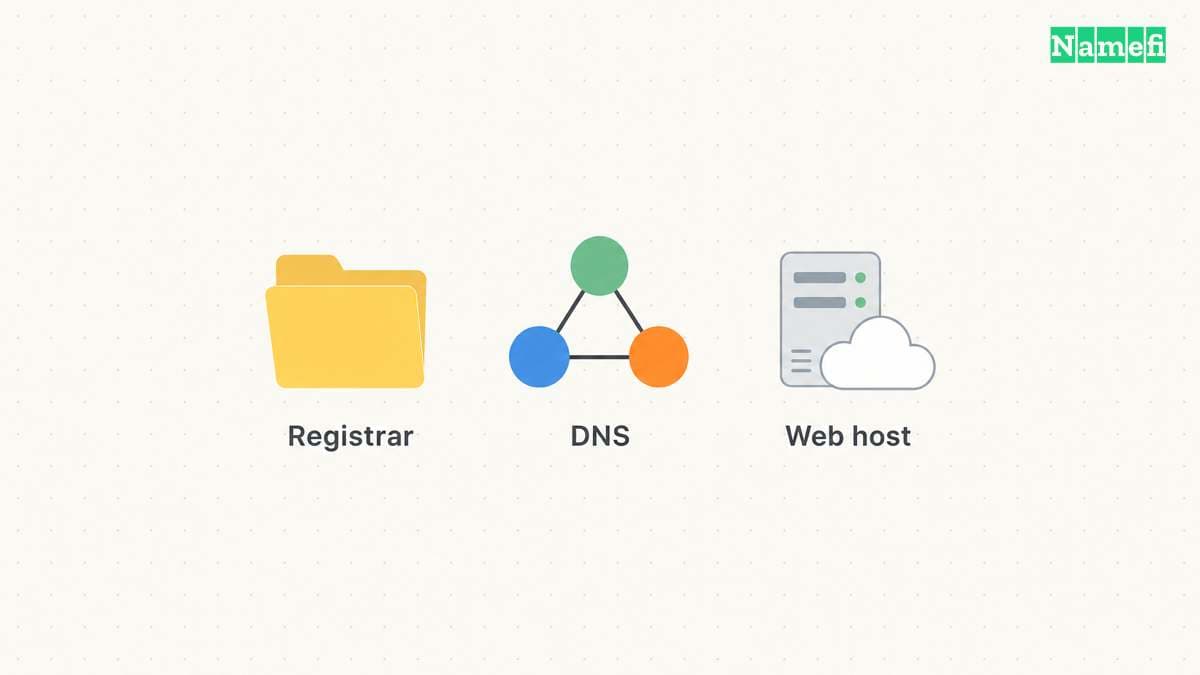
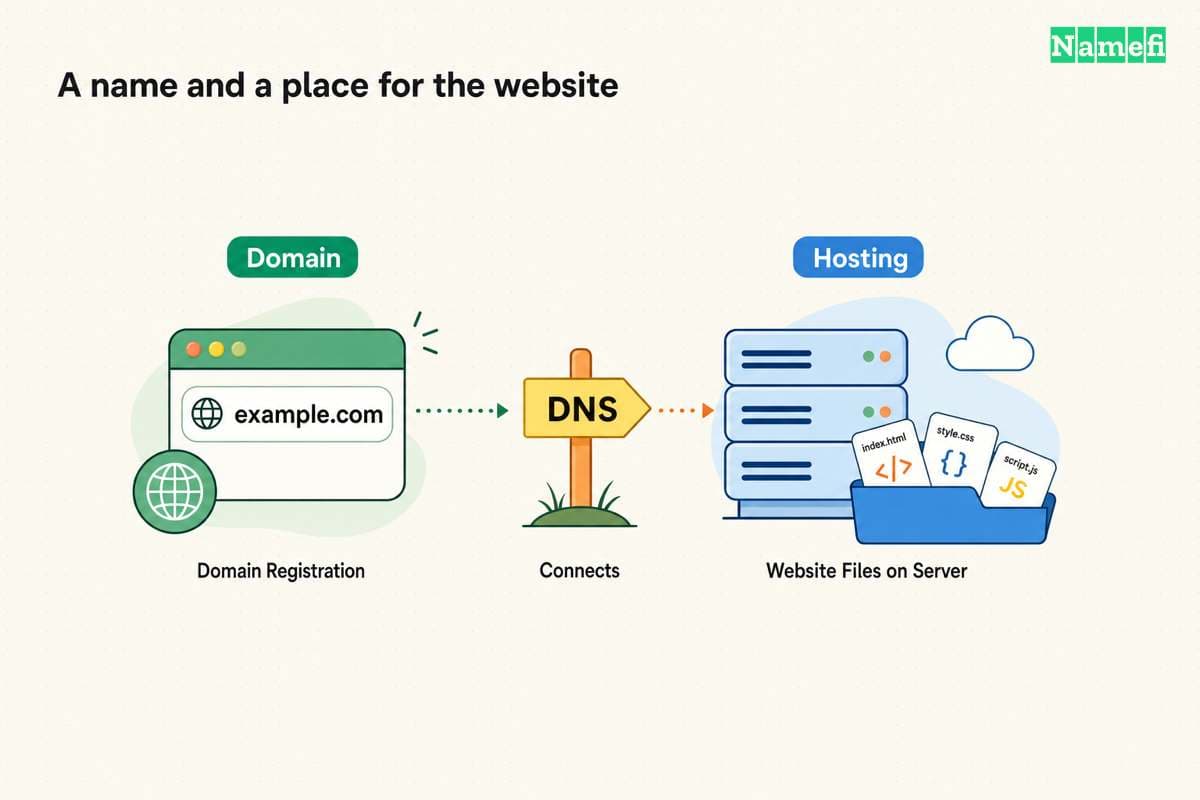
Payment confirmation and a working website answer different questions. Plan the hosting, DNS, and email steps separately. The domain versus hosting explanation helps map those responsibilities.
If the purchase fails or the result changes, return to the shortlist. Recheck the exact offer before trying again. Do not assume that a previous screen reserves the name while you consider alternatives.
A successful domain search ends with a clear candidate and a clear transaction. Search the exact address, identify the offer, read the ongoing terms, and verify the registrar's completed registration record.
Sources and further reading
Cloudflare provides a domain search route
Cloudflare provides a domain search route. Checked 2026-10-30.
ICANN explains registration responsibilities
ICANN explains registration responsibilities. Checked 2026-10-30.
ICANN explains registration data lookup
ICANN explains registration data lookup. Checked 2026-10-30.
RFC 2606 reserves example domains
RFC 2606 reserves example domains. Checked 2026-10-30.
About the author(s)
Fenwei Bian is a software developer in her thirties who spends her working hours in pull requests and her weekends with her hands in soil or sawdust. Years of open source on GitHub taught her that names are interfaces: a good one is clear, honest about what it does, and kind to whoever has to use it next.
She gardens because it rewards patience and punishes wishful thinking, and she does woodwork because a joint either fits or it doesn't. Both habits show up in how she writes about naming — measure twice, check the source, and don't sand over a rough spot and hope no one notices.
For Namefi she writes about how domain markets actually move, the practical trade-offs of tokenizing and flipping names, and picking a domain you'll still be glad you own in twenty years.